UTM-00339 | Rev 19
Page 36 of 253
DetNet South Africa Copyright © 2021
The harness wire terminals are used to connect to detonator / surface harness wires.
The Pogo pins are used to connect a single detonator, while testing and tagging holes.
• STATUS LED – A Blue circular LED ( ) which indicates the status of the CE4 Tagger.
• CHARGE LED – A White DetNet Swirl shaped LED ( ) which indicates that the CE4 Tagger is
charging.
• ERROR LED – A Red triangular LED ( ) which indicates when an error is present.
The LCD screen displays 128x128 pixels. If the device is used in environments where the temperature drops
below -15°C, heating of the LCD will be necessary, and the internal heater pad will automatically switch on to heat
the display.
The SoftKeys will activate functions that appear at the bottom of the LCD screen, above
the corresponding SoftKey, as an option in a menu.
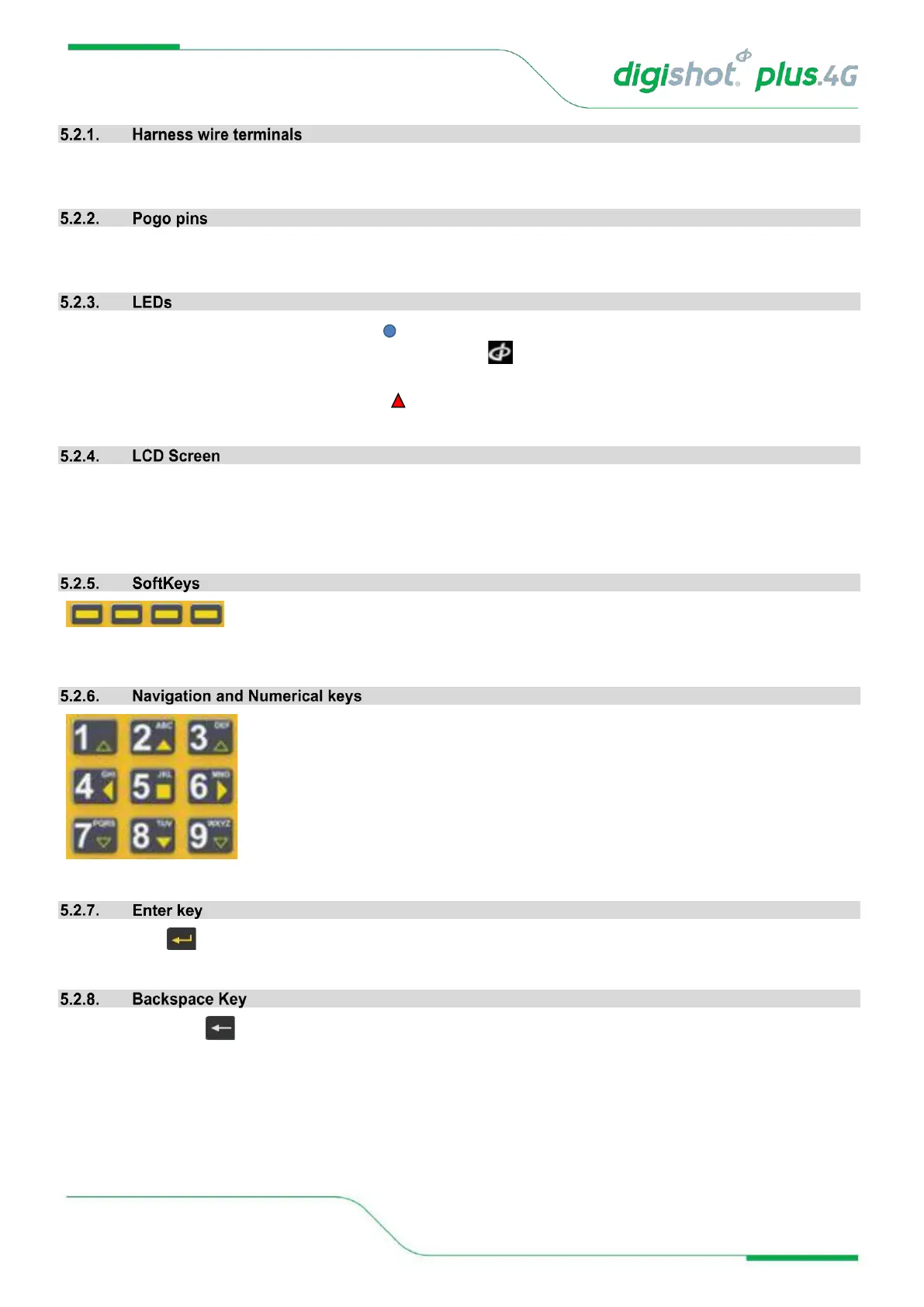
The Yellow arrows ( →) on the keypad are the Navigation keys.
The Up and Down Navigation Keys are also used to increase and decrease values in
certain screens.
The Numerical keys are used to enter numerical values and to select a function from the
list of commands or menus.
The top bar displayed on each screen will indicate the keyboard mapping mode
designed for that screen.
The Enter key is used to accept an on-screen activity/option.
The Backspace key is used to delete the character to the left of the cursor.



 To Next Page