The information contained here are property of DIGITAX Automotive Electronics Italy, and extremely confi dential. Any disclosure, copying, distribution to third
party is strictly prohibited.
32
Time and Date setting
How to set the taximeter’s time and date
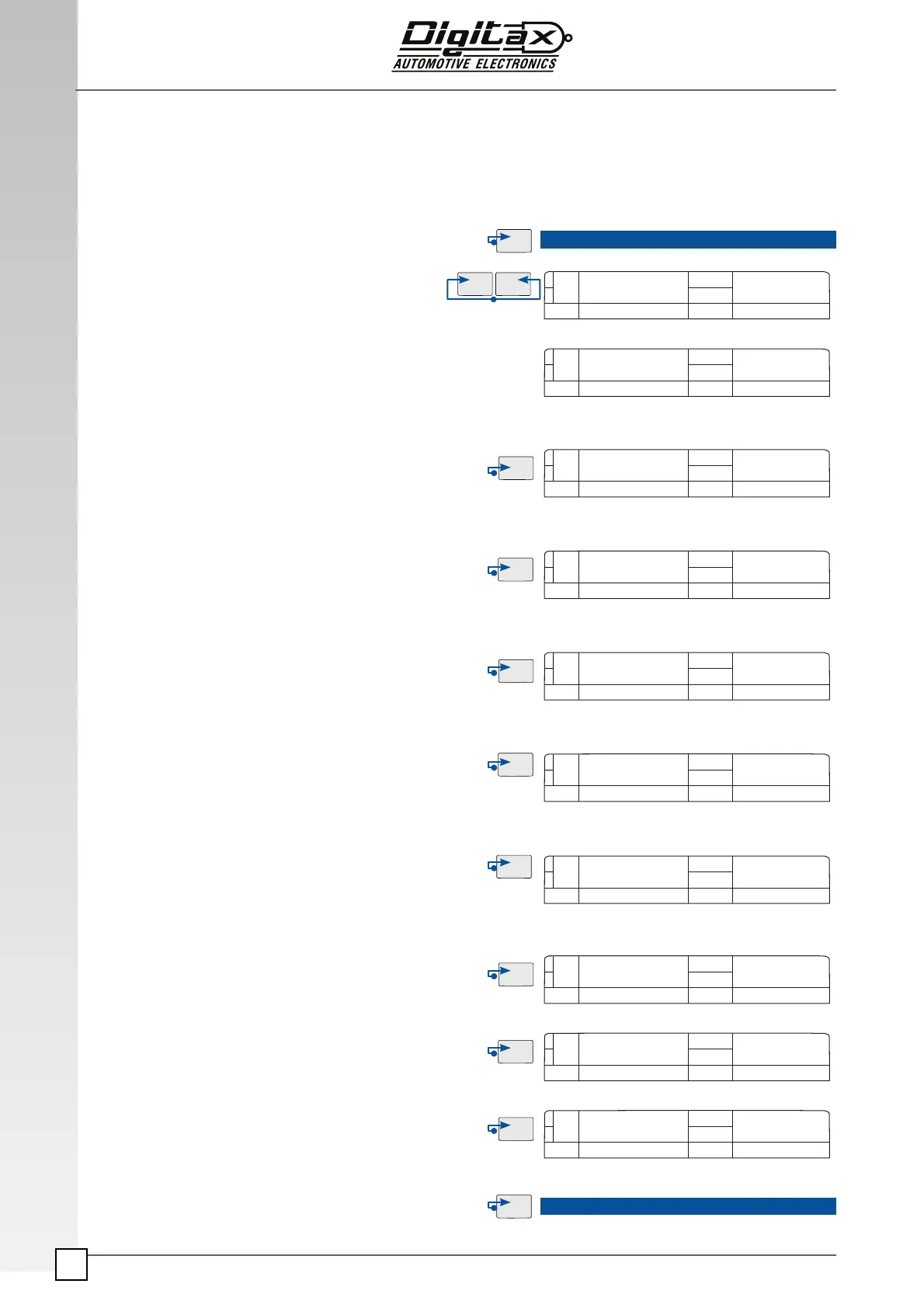
Select “For Hire” position by OP button.
Insert the Service Programming Key
Press K1 and K3 at the same time.
The main display will show “TIME”
for a few seconds.
The main display shows in the left digits the day number and in
right digits the month in ddmm format.
The secondary display shows in the left the hour number and in
right digits the minutes numbers in its format
To set the
Day number press K1 button.
(only increasing way)
To set the
Month number press K2 button.
(only increasing way)
To set the
Hour press K3 button.
(only increasing way)
To set the Minutes press K4 button.
(only increasing way)
Press
OP button to enter in the Year programming.
To decrease the
Year number press K1 button.
To increase the Year number press K2 button.
Press
K3 button to set the taximeter manufacturing year.
Press
OP button to end the programming procedure and go
back to For Hire position and take out the Service Program-
ming Key
15 05 16-40
2010
2012
FOR HIRE
FOR HIRE
TIME
Clock
14 04 16-40
Clock
Day | Month Hour | Min
2011
2011
15 05 16-40
15 04 16-40
15 05 16-40
Clock
Clock
Clock
Clock
Clock
Clock
Clock
Clock
Day | Month Hour | Min
Day | Month Hour | Min
Day | Month Hour | Min
Day | Month Hour | Min
Year
Year
Year
Year



 To Next Page