The information contained here are property of DIGITAX Automotive Electronics Italy, and extremely confi dential. Any disclosure, copying, distribution to third
party is strictly prohibited.
68
AITP Control Panel Application and AITP Features
This application is made as a ”control panel” to interface the AITP processor. It allows to view
and edit current setup, or to monitor all activities that are under control of the AITP.
Is useful both as a system application and as a sample application for developers, because it
completely uses the system library interface modules provided by Digitax to simplify the ap-
plication development.
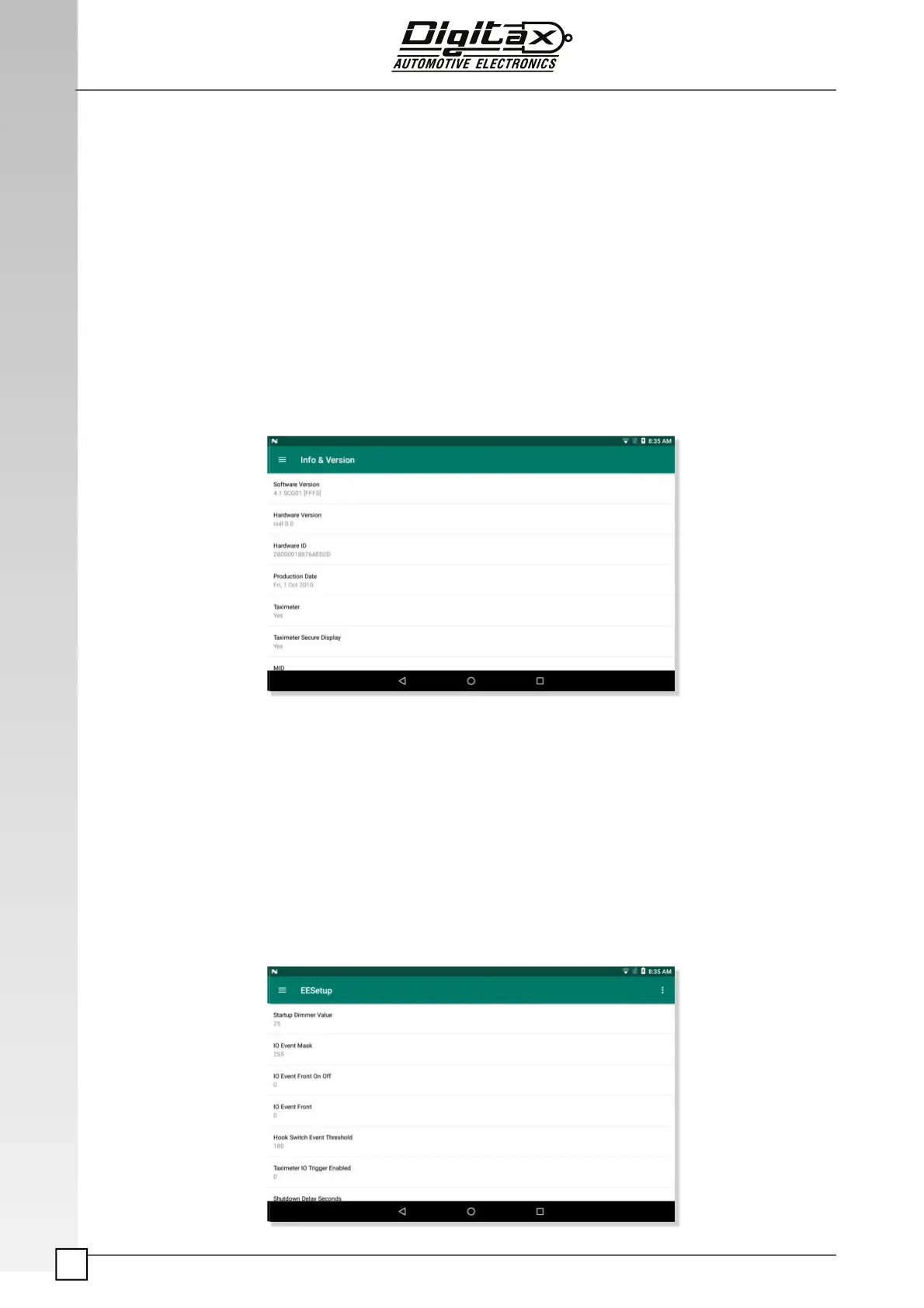
Version Info and Hardware ID
This panel simply shows the hardware and software version of the AITP. It also shows the
Hardware ID of the device, that is a guaranteed unique ID of the device board. It can be read
from the AITP using the AITP libraries.
EESetup – AITP con! guration
The AITP confi guration is saved internally in the microprocessor, but can be exported to a
setup fi le. This fi le is called “EESetup.ait”.
From this panel you can export and save AITP confi guration to the EESetup fi le, or do the
reverse, loading an external EESetup fi le into the AITP microprocessor.
You can use the AITP Control Panel application to view and edit the confi guration that is in-
side the AITP, and when the confi guration is completed you can export it to the EESetup fi le.
After that, to copy and activate the exported confi guration to another X-One Android device, is
necessary simply to copy the setup fi le in the “\Hard Disk\SysApps\BOX” folder of the target
X-One Android device, and restart it.



 To Next Page