25
Time Stretching a Phrase
You can speed up or slow down the tempo of a stored loop or single phrase without
changing its pitch. There are two ways to time stretch a phrase: set the exact tempo
using the Tempo option in the Setup menu, or tap in the tempo using the <TEMPO>
button.
To time stretch a phrase:
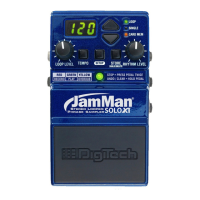
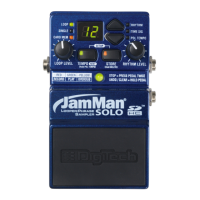
1. Select the desired memory location
using the <UP/DOWN> buttons.
2. Initiate playback by pressing the
<PEDAL SWITCH>.
3. Tap in a new tempo using the
<TEMPO> button or press the
<SETUP> button twice until tPo is
shown in the display.
4. If you pressed the <SETUP> button
twice in the last step, press the <UP>
button to increase tempo or the
<DOWN> button to decrease tempo.
When done, press the <PEDAL
SWITCH>
to exit the Setup menu.
5. If you decide you want to revert back
to the original tempo, press and hold
the <TEMPO> button until the LOOP
LED flashes and the tempo returns to
normal.
6. *If you’ve decided to store the tempo
change, press the <STORE> button
twice or copy the loop to an empty
memory location (see “Operation >
Copying a Loop
”).
*WARNING! Changing the tempo of a phrase then overwriting it in memory cannot be undone!




 To Next Page