DAG2000 Series FXS Voice Gateway User Manual
11
Dinstar Technologies Co., Ltd.
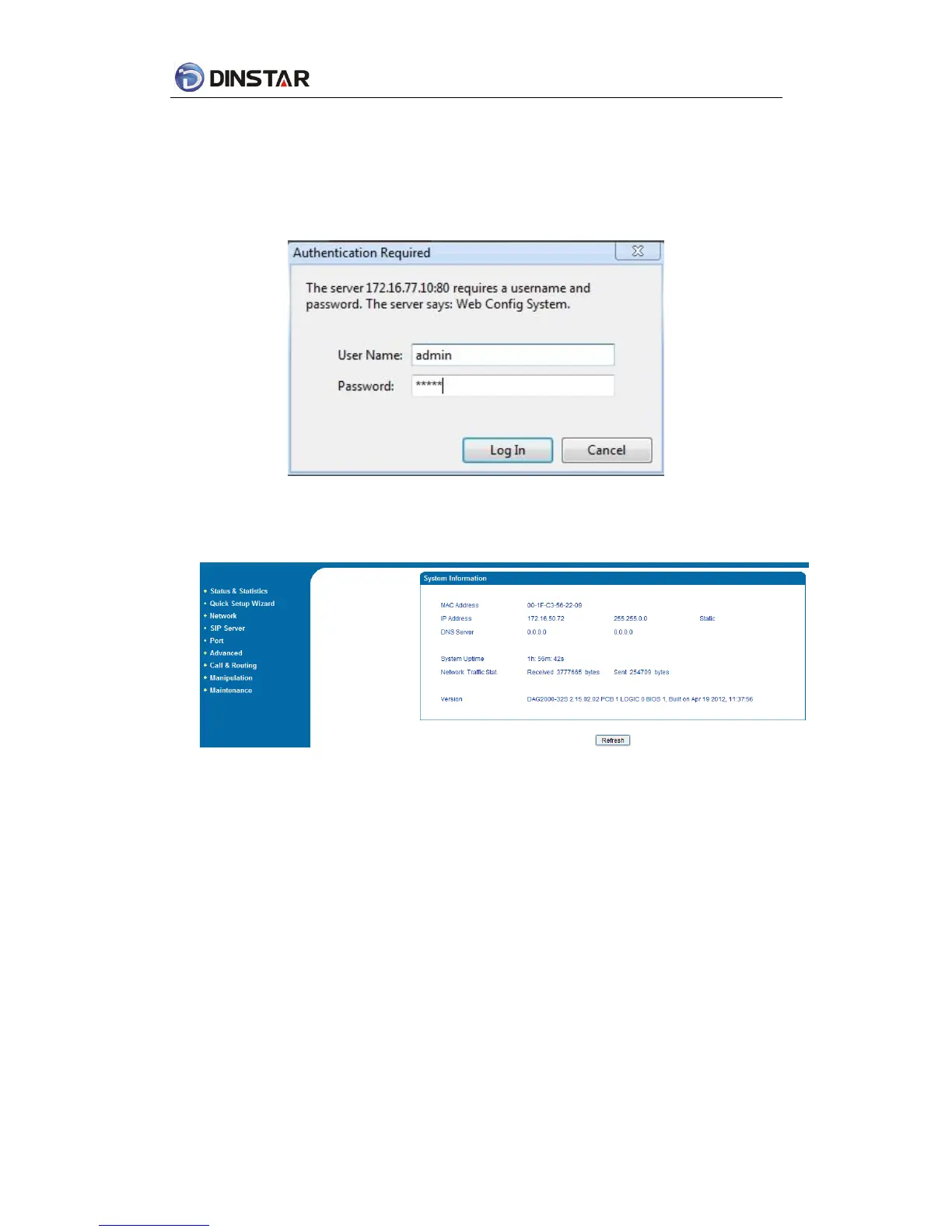
4.1.2 Login WEB
Open web browser, then input IP address of device, Press“Enter”, it pop up logging on
identity authentication interface.
Figure 4.1-1 DAG FXS Login Interface
Default username and password: admin/admin, click “OK” to entry into web interface.
Figure 4.1-2 DAG Configure Interface
4.2 Navigation Tree
DAG series voice gateway web configuration interface mainly includes navigation tree and
the right configuration interface. Choose navigation tree in order to entry into the configuration
interface.














 To Next Page