DAG2000 Series FXS Voice Gateway User Manual
49
Dinstar Technologies Co., Ltd.
4.11.3 Firmware Upload
The process of firmware upload:
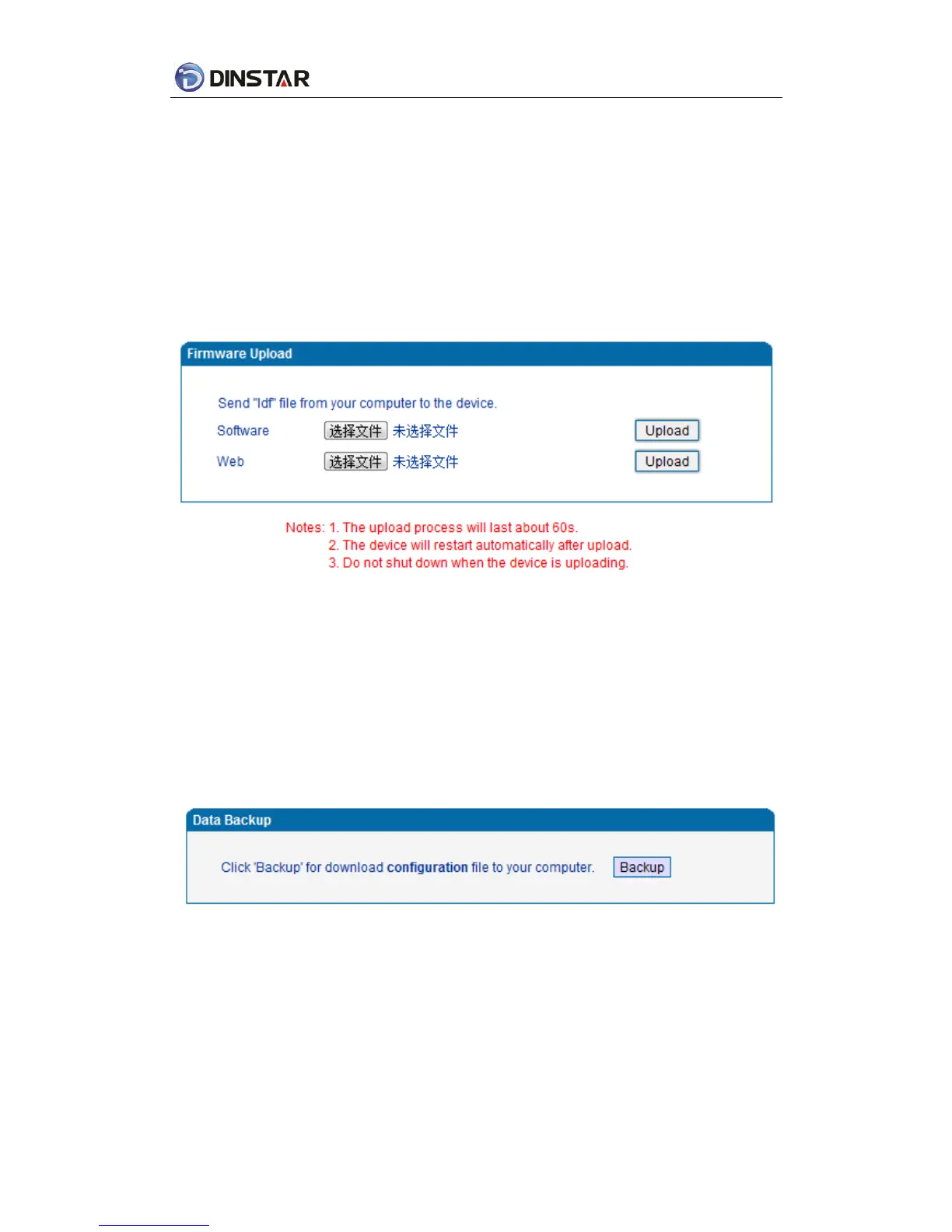
1)Click “Firmware Upload”
2) Browse files and choose the loading program (Name the file extension. ldf)
3) Click “Upload”, the upload process will last about 60s and device can automatically restart
after uploading.(The firmware update process don't shut off the power)
Figure 4.11-3 Firmware upload Configuration
4.11.4 Data Backup
The process data backup:
1) Click “Data Backup”
2) Click “Backup” to backup data to PC.
Figure 4.11-4 Data Backup Interface














 To Next Page