1802-065-D-10-14
18
2.3.4 Master Code Switch
The master code switch MUST be kept in the OFF position for normal operation. Turn the master code
switch ON when programming the system’s master code. See section 3.1.1 to program the system’s master
code. If the master code switch is turned ON and a new master code is NOT entered, the system will sound
a long tone after approximately 30 seconds. This tone will continue every 30 seconds until a new master
code is entered, or until the switch is turned off. After the switch is turned off, the LCD display will remain lit
for approximately 30 seconds, and then will turn off.
Note: Master code switch is turned ON when adjusting the LCD display, see section 2.3.3 for more
information.
ON
OFF
MASTER
CODE
2.3.6 Hands Free – Hand Set Jumper
For Hands Free (HF) operation, the jumper is set in the right position from the factory.
For a system with a Hand Set (HS), the jumper is set in the left position from the factory.
An optional handset kit (P/N 1807-012) is available for the surface mount 1802 ONLY.
DO NOT place jumpers on both the HS and HF pins at the same time.
HF
HS
HF
HS
2.3.5 Ring Pin Jumper
The ring pin jumper is labeled RING on the control board. This jumper MUST be installed to allow the
system to ALWAYS answer the calls placed to it. If remote programming or remote relay operation is to be
used, the jumper MUST be installed on the pins. Removing the jumper will cause the system to NEVER
answer calls placed to it.
RING
RING
Always Answer Calls
Never Answer Calls
7
8
9
4
5
6
1
2
3
0
OPER
WXYZ
TUV
PQRS
MNO
JKL
GHI
DEF
ABC
SP
CALL
Z
A
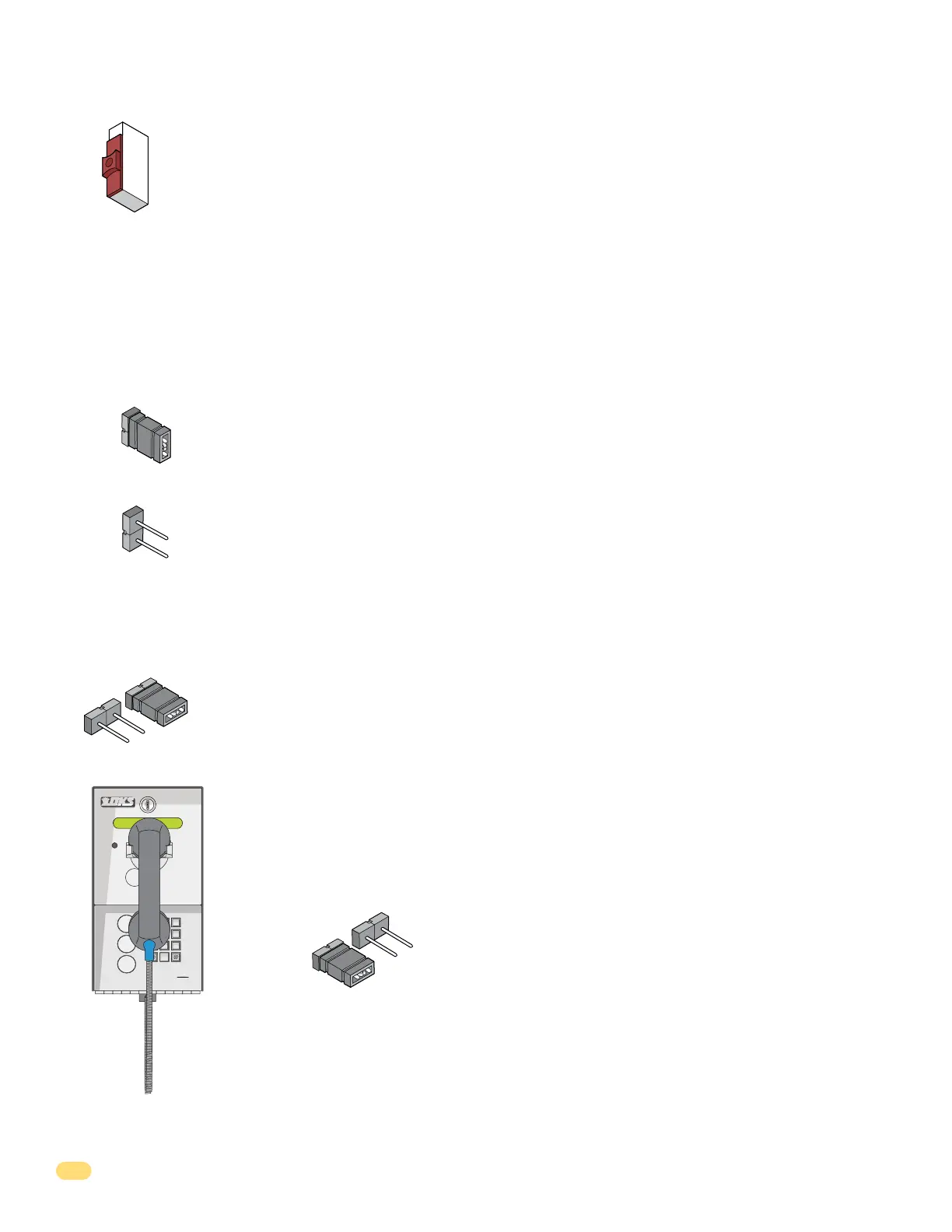
1802 with the optional handset jumper position.



 To Next Page