1802-065-D-10-14
1
SPECIFICATIONS
Features
• 1802EPD has a built-in electronic directory using a 16-character LCD display.
• 1802EPD has A and Z scroll buttons and a big CALL button to simplify use.
• 1802 can provide service for up to 1000 residents. 1802EPD provides service for up to 100 residents.
• 1802 and 1802EPD are programmed from the front keypad. Both can be programmed remotely using a touch-tone
telephone.
• System keypad will emit DTMF tones after a call is answered allowing the system to be used with auto-attendants,
answering machines, etc.
• Directory codes can be set from 1 to 4 digits in length and can be randomly assigned.
• 15 programmable area codes allow the system to be used in areas requiring 10 and 11-digit dialing.
• Two internal relays allow the system to control a main entry point plus an additional entry point.
• Built in time clock provides hold open time zones, entry code time zones and “Flash” entry codes.
• 5-digit entry codes available for special needs.
• 2 programmable switch inputs can be set to activate a relay or to dial a preprogrammed phone number.
1802 and 1802EPD Telephone Entry Systems, Circuit Board 1862-010 REV L or Higher.
DoorKing, Inc. reserves the right to make changes in the products described in this manual without notice and without obligation of DoorKing, Inc. to notify any persons
of any such revisions or changes. Additionally, DoorKing, Inc. makes no representations or warranties with respect to this manual. This manual is copyrighted, all rights
reserved. No portion of this manual may be copied, reproduced, translated, or reduced to any electronic medium without prior written consent from DoorKing, Inc.
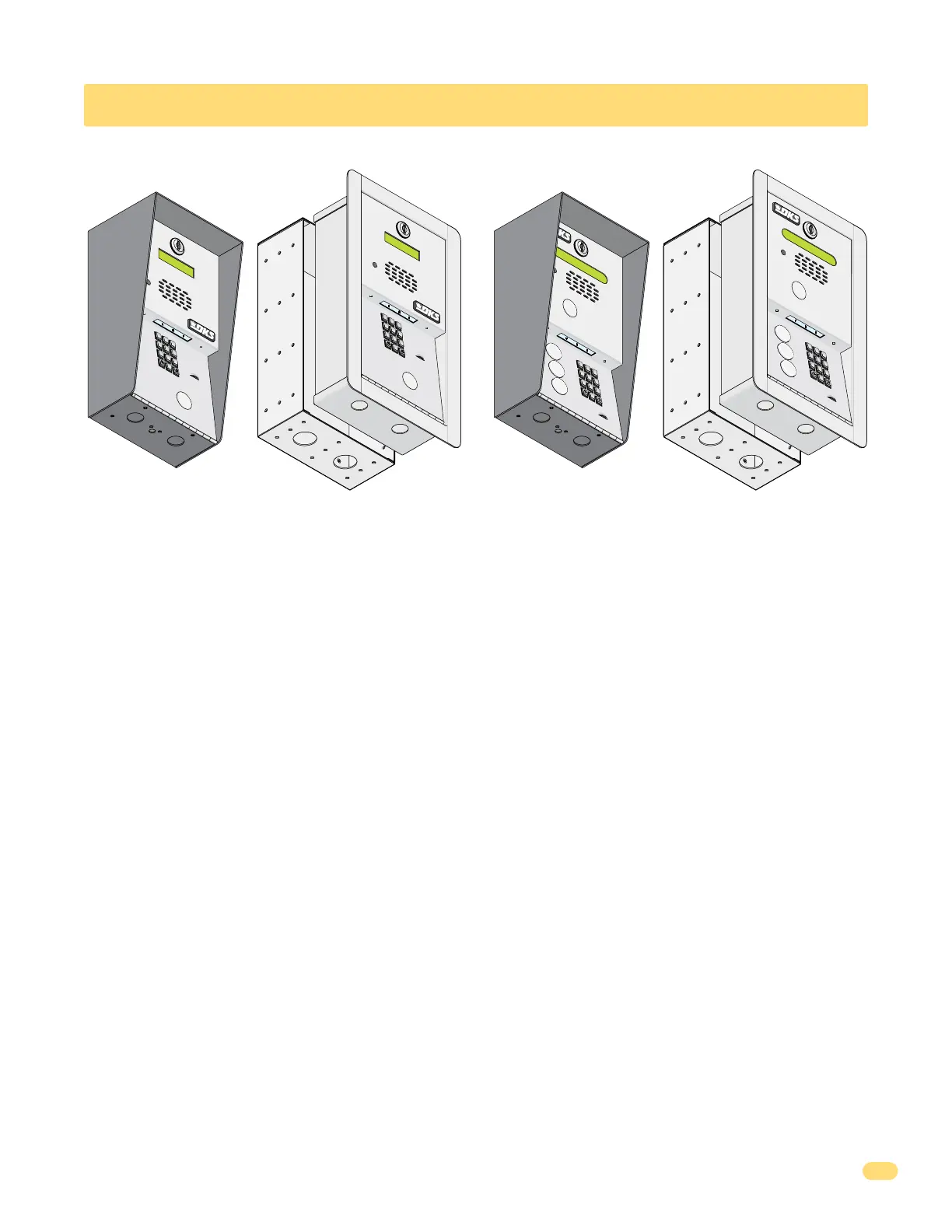
1802
Surface Mount
1802
Flush Mount
18
02EPD
Surface Mount
18
02EPD
Flush Mount
7
8
9
4
5
6
1
2
3
0
OPER
AT
ING
INSTRUCTIONS
Locate
Co
d
e Number on
Directo
ry
.
Press Code Number.
If Line is Bu
s
y,
Press An
y
Butt
on to
Hang Up
.
Try Again.
E
nt
e
r on
To
n
e.
1.
2.
3.
7
8
9
4
5
6
1
2
3
0
OPERATING
INSTRUCTION
S
Loca
t
e Code Number on
D
irectory.
Press Code Number
.
If Li
ne is Busy, Press Any
Button to
Hang Up
.
Tr
y Again
.
E
n
t
e
r
o
n Tone
.
1.
2.
3.
7
8
9
4
5
6
1
2
3
0
O
P
ER
WX
YZ
T
U
V
P
QR
S
M
N
O
J
K
L
G
H
I
DE
F
A
B
C
S
P
A
Z
CALL
7
8
9
4
5
6
1
2
3
0
O
P
ER
WX
YZ
T
UV
P
QRS
M
N
O
J
K
L
G
HI
DE
F
A
B
C
S
P
A
Z
CALL



 To Next Page