1802-065-D-10-14
22
These steps will program the tone open numbers for Relays 1 and 2. You will need to enter a four-digit number (see chart
below) to set the relay functions. If a function is not desired, enter # in place of a number.
Fill out log table in back of this manual for desired tone open numbers.
Factory setting is: Relay 1 = 9876, Relay 2 = 5432.
3.1.6 Tone Open Numbers
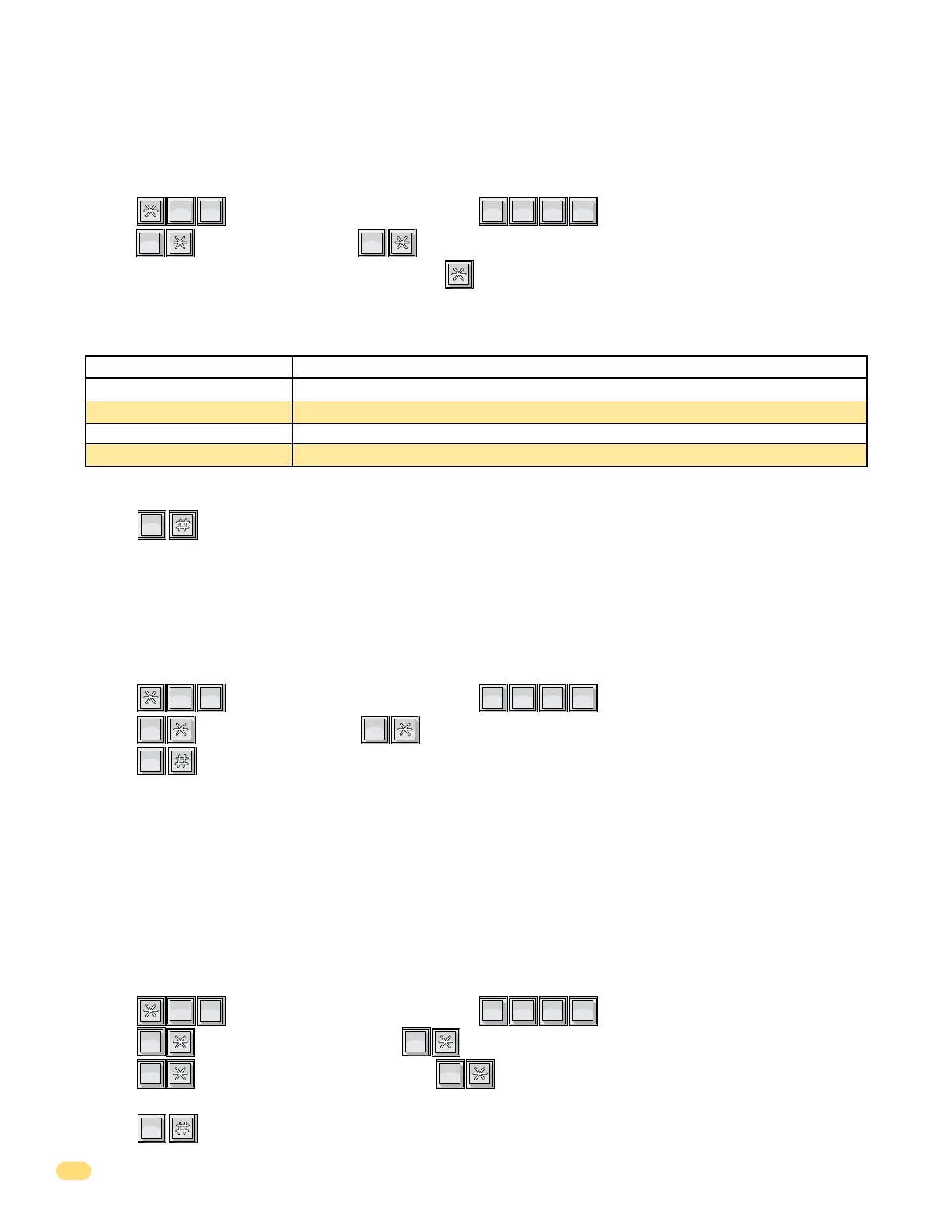
1. Press and enter your four-digit MASTER CODE (beep).
2. Press (beep) to set Relay 1, OR (beep) to set Relay 2.
3. Enter the four-digit tone open number code, then press (beep).
(Example: If you want a relay to have a momentary activation function ONLY, and you want that relay to momentary activate
when the number 9 is pressed, enter 9 # # #. If a function is not desired, enter # in place of a number. DO NOT duplicate
4-digit tone open numbers, Example: DO NOT set any of Relay 1’s 4-digit tone open numbers to the same number - 9879.)
4. Repeat steps 2 and 3 to set other relay tone open numbers.
5. Press together to end this programming sequence (beeeeeep).
?
?
?
?
5
JKL
0
OPER
1
SP
2
ABC
0
OPER
1st Digit
2nd Digit
3rd Digit
4th Digit
Relay 1- 9
Relay 1- 8
Relay 1- 7
Relay 1- 6
Relay 2- 5
Relay 2- 4
Relay 2- 3
Relay 2- 2
Momentary activation. Relay will activate for the programmed strike time (3.1.3).
Relay hold. Relay will activate and remain activated until commanded to release.
Relay release. Deactivates the relay hold command.
Relay hold 1-hour. Relay will activate for 1-hour and then will automatically deactivate itself.
4-Digit Tone Open Number Code Function
Note: Residents will only be able to activate the Momentary activation when using the entry system.
This programming sequence will set the telephone entry system to dial out in either a touch-tone or rotary format. Generally,
this will be set for touch-tone.
Factory setting = 0 (touch-tone)
3.1.7 Touch-Tone / Rotary-Dial
1. Press and enter your four-digit MASTER CODE (beep).
2. Press (beep) for touch-tone, OR (beep) for rotary
3. Press together to end this programming sequence (beeeeeep).
?
?
?
?
7
PQRS
0
OPER
0
OPER
1
SP
0
OPER
This programming sequence will set how the TWO switch inputs on the telephone entry system control board will operate.
Switch input 1 is labeled PSW (postal switch) and is found on terminal 4 of the main terminal strip. Switch input 2 is a two
terminal auxiliary input located on the upper left hand corner of the control board. These switch inputs can be programmed to
activate their respective relays (switch 1 - relay 1, switch 2 - relay 2). They can also be programmed so that switch 1 dials out
the phone number programmed in directory code 0, 00, 000, or 0000, and switch 2 dials out the phone number programmed in
directory code 1, 01, 001, or 0001. Each switch is programmed independently.
Factory setting = Switch input 1 = 0 (relay 1 activates), Switch input 2 = 0 (relay 2 activates).
3.1.8 Programming Switch Input 1 and Switch Input 2
1. Press and enter your four-digit MASTER CODE (beep).
2. Press (beep) to set Switch Input 1, OR (beep) to set Switch Input 2.
3. Press (beep) to set to activate the relay, OR (beep) to set the switch input to dial-out a
preprogrammed phone number.
4. Press together to end this programming sequence (beeeeeep).
?
?
?
?
3
DEF
2
ABC
0
OPER
0
OPER
1
SP
2
ABC
1
SP



 To Next Page