1802-065-D-10-14
33
3.4 Entry Code Programming
This programming sequence programs four-digit entry codes into the system memory. The number of four-digit entry codes
that can be programmed is the same as the telephone number memory capacity, plus 12. We suggest that all entry codes that
are programmed into the system be listed with the names of residents that they have been assigned to (see log tables in back of
this manual).
Note: Temporary four-digit entry codes can be programmed into system that will only be active for 24 hours. See section 3.5.5
for more information about “Flash entry Codes” if this feature is desired (Time clock must be programed, section 3.5.1).
3.4.1 Programming Four-Digit Entry Code
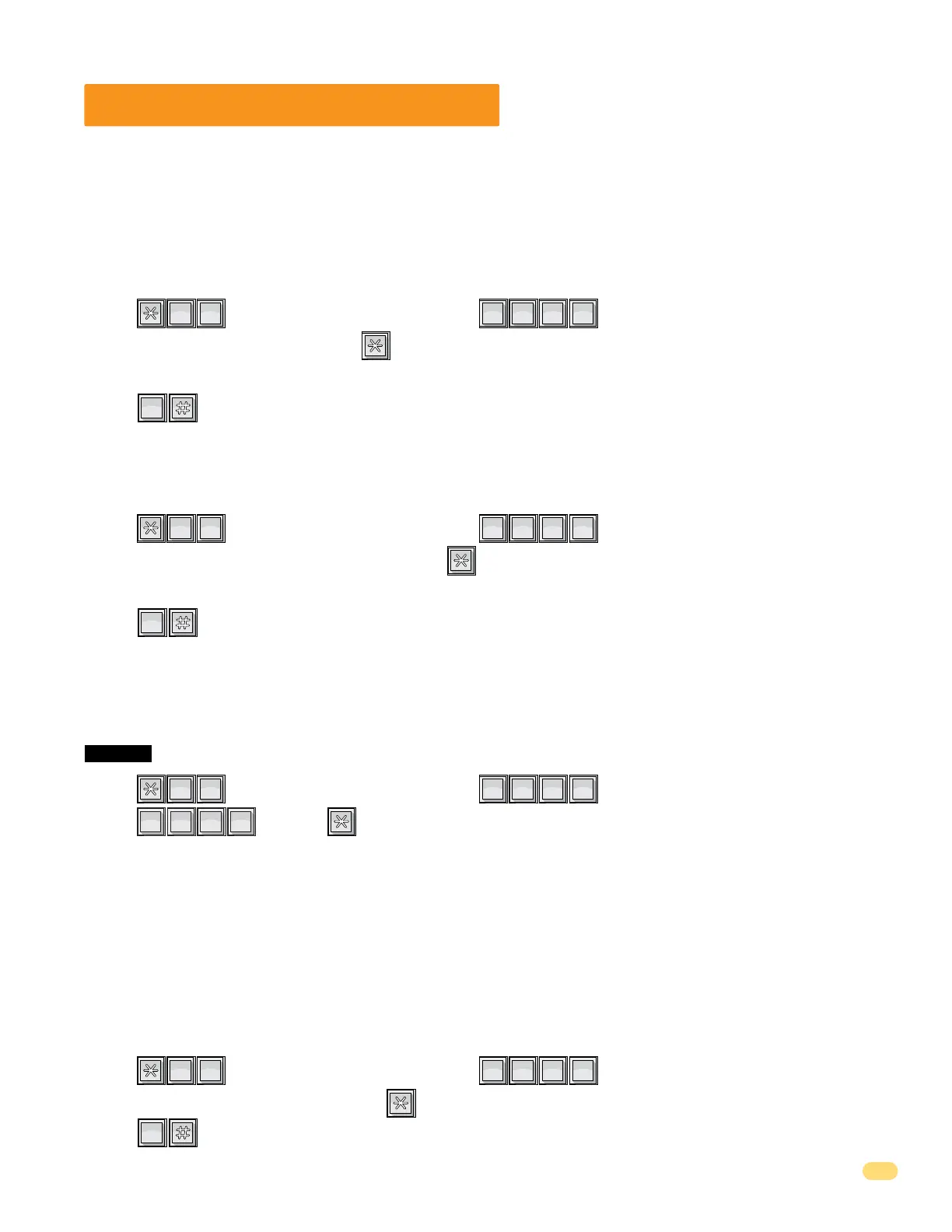
1. Press and enter your four-digit MASTER CODE (beep).
2. Enter the four-digit entry code, then press (beep).
3. Repeat step 2 to enter additional entry codes.
4. Press together to end this programming sequence (beeeeeep).
?
?
?
?
2
ABC
0
OPER
0
OPER
The four-digit entry codes can be made to activate either relay 1 or relay 2 by programming a four- digit divide number.
Four-digit entry codes equal to or less than the divide number will activate relay 1. Four-digit entry codes greater than the
divide number will activate relay 2.
TIP: you can make ALL four-digit entry codes (except 0000) activate Relay 2 by programming divide number 0000, or make
ALL four-digit entry codes activate Relay 1 by programming divide number 9999.
Factory default divide number is 9999 - Activates Relay 1.
3.4.4 Four-Digit Entry Code Divide Number to Activate Relays
1. Press and enter your four-digit MASTER CODE (beep).
2. Enter the four-digit divide number, then press (beep).
3. Press together to end this programming sequence (beeeeeep).
?
?
?
?
2
ABC
1
SP
0
OPER
3.4.2 Delete Individual Four-Digit Entry Code
1. Press and enter your four-digit MASTER CODE (beep).
2. Enter the four-digit entry code to be deleted, then press (beep).
3. Repeat step 2 to delete additional entry codes.
4. Press together to end this programming sequence (beeeeeep).
?
?
?
?
4
GHI
1
SP
0
OPER
3.4.3 Delete ALL Four-Digit Entry Codes
1. Press and enter your four-digit MASTER CODE (beep).
2. Press then press (beep).
This programming sequence will automatically end itself by a long (beeeeeep).
?
?
?
?
0
OPER
0
OPER
This programming step deletes ALL four-digit entry codes that have been programmed into the system.
CAUTION: This programming CANNOT be UNDONE!
9
WXYZ
9
WXYZ
9
WXYZ
9
WXYZ



 To Next Page