1802-065-D-10-14
31
Before beginning manual programming of this telephone entry system from the keypad, it is strongly recommended that the
resident log sheets in the back of this manual be competed in their entirety. This will make programming easier and can be used
as a reference when entering phone numbers, names and entry codes.
When you are entering names into the electronic directory, remember to press
*
after each desired letter, number, or space is
displayed on the LCD. When the entire name is displayed on the directory, press
*
again to enter the entire name into the
directory. If you make a mistake, simply press # to clear the display and start over. Names cannot be more than 11 characters
in length - spaces count as a character. Names are referenced to a phone number by entering the directory code that the
residents phone number has been programmed to.
Press the 5 key one time to display J, then press the
*
key to enter the letter.
Press the 6 key three times to display O, then press the
*
key to enter the letter.
Press the 6 key twice to display N, then press the
*
key to enter the letter.
Press the 3 key two times to display E, then press the
*
key to enter the letter.
Press the 7 key four times to display S, then press the
*
key to enter the letter.
Press the 1 key one time for a space, then press the
*
key to enter the space.
Press the 2 key one time to display A, then press the
*
key to enter the letter.
Press the 7 key one time to display P, then press the
*
key to enter the letter.
Press the 8 key one time to display T, then press the
*
key to enter the letter.
Press the 1 key one time for a space, then press the
*
key to enter the space.
Press the 1 key twice to display 1, then press the
*
key to enter the number.
Press the
*
key to enter the entire name in the system.
J
O
N
E
S
A
P
T
1
1
2
3
4
5
6
7
8
9
10
11
Example of programming 11 characters: JONES APT 1
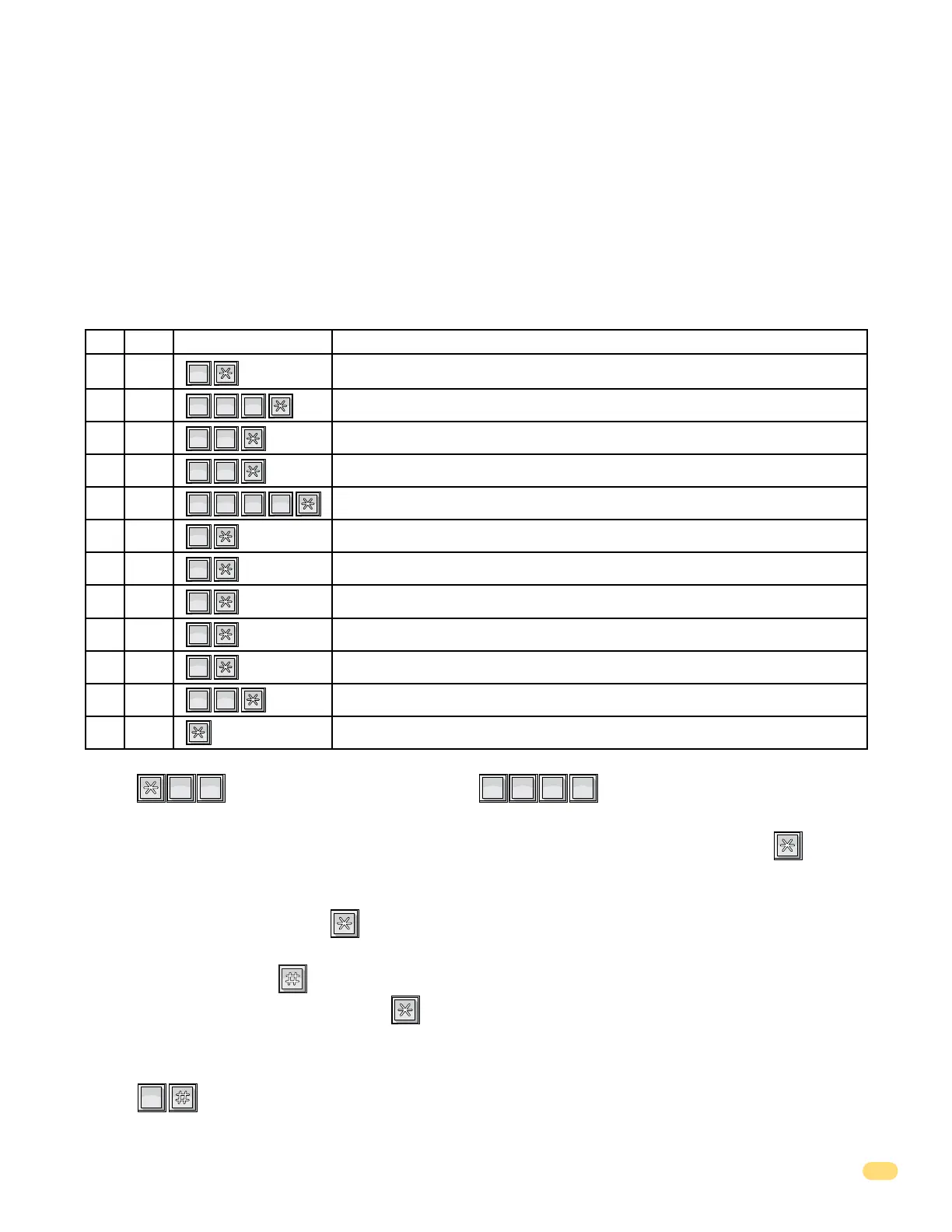
Keypad SequenceDigit Programming Description
1
SP
1
SP
1
SP
1
SP
2
ABC
3
DEF
3
DEF
5
JKL
6
MNO
6
MNO
6
MNO
6
MNO
6
MNO
7
PQRS
7
PQRS
7
PQRS
7
PQRS
7
PQRS
8
TUV
3.3.6 Programming Names
1. Press and enter your four-digit MASTER CODE (beep).
The LCD display will read: DIR CODE.
2. Enter the directory code of the resident (1, 2, 3 or 4 digits, depending on programming in 3.2.1), then press (beep).
The LCD display will read: 11 CHAR NAME.
3. Begin entering the residents name one character at a time. (refer to 3.3.1 for reference). When the desired character (letter,
number or space) is displayed, press (beep) to enter that character.
4. Repeat step 3 to enter additional characters until the desired name is displayed on the LCD display (11 characters max.).
If you make a mistake, press to clear the display and start over.
5. After the last character has been entered, press (beep) again to enter the complete name.
The LCD display will be blank.
6. Repeat steps 2, 3, 4, and 5 to enter additional names.
7. Press together to end this programming step.
The LCD display will read: SORTING.
System alphabetizes the names. This may take a few minutes. Sorting is complete when a long (beeeeeep) is heard.
?
?
?
?
6
MNO
6
MNO
0
OPER



 To Next Page