1802-065-D-10-14
23
If the telephone entry system is connected to a PBX telephone system rather than a dedicated C.O. line, you may need to set
the unit to dial a line access code prior to dialing the resident phone number. Typically, the line access code is “9”, but check
with the PBX system administrator to be sure.
3.1.10 PBX Line Access Code Programming
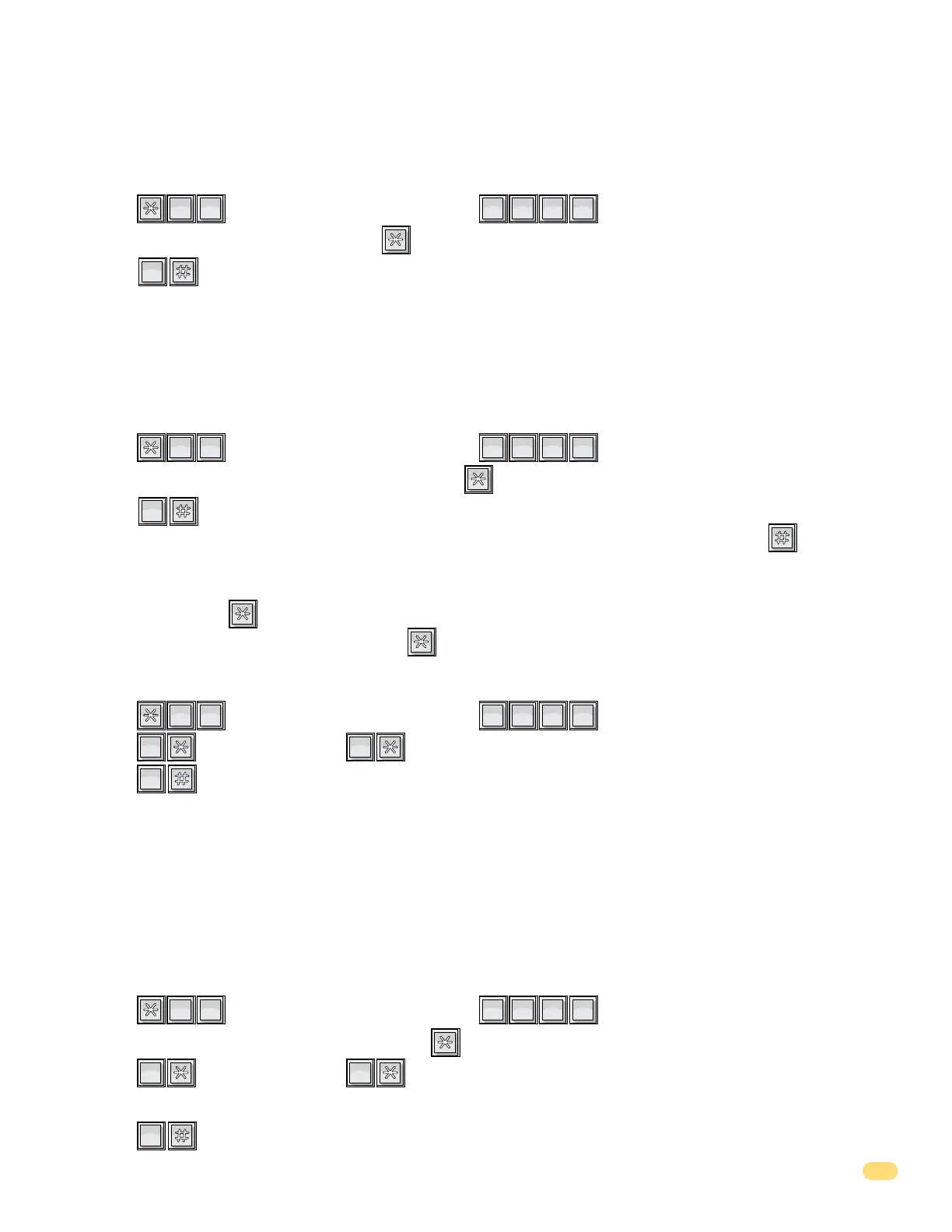
1. Press and enter your four-digit MASTER CODE (beep).
2. Enter the single-digit line access code number, then press (beep).
3. Press together to end this programming sequence (beeeeeep).
Note: To change a line access number, enter the correct number in step 2. To delete a line access number, enter in step 2.
?
?
?
?
1
SP
2
ABC
0
OPER
This programming sequence sets the number of rings to allow before the telephone entry system answers a call placed to it.
This programming sequence does not affect the number of times that a resident’s telephone will ring when a call is placed from
the entry system to the resident.
Factory setting = 02 (two rings).
3.1.9 Number of Rings Before Telephone Entry System will Answer
1. Press and enter your four-digit MASTER CODE (beep).
2. Enter a two-digit number of rings, then press (beep).
3. Press together to end this programming sequence (beeeeeep).
?
?
?
?
8
TUV
1
SP
0
OPER
This programming sequence sets the function of the key on the keypad during conversation. This key can be set to
hang-up the entry system when pressed during conversation, or it can be programmed to touch-tone out during conversation.
Factory setting = 0 (hang-up).
3.1.11 Star Key Function
1. Press and enter your four-digit MASTER CODE (beep).
2. Press (beep) for hang-up, OR (beep) for touch-tone.
3. Press together to end this programming sequence (beeeeeep).
?
?
?
?
7
PQRS
2
ABC
0
OPER
0
OPER
1
SP
This programming sequence sets the function of the 0 through 9 and the
*
,
# keys on the keypad during conversation. The
keys can be set to hang-up the entry system when they are pressed during conversation, or they can be programmed to DTMF
tone out during conversation. The later may be desirable if the entry system is used with an auto-attendant type telephone
system where the caller is prompted to enter numbers from a touch-tone telephone.
TIP: If DTMF tones are required, program the # or
*
key to hang-up the system.
Factory setting = 0 for all numbers (hang-up).
3.1.12 Keypad Function (DTMF Tone Programming)
1. Press and enter your four-digit MASTER CODE (beep).
2. Enter the single-digit desired key number, then press (beep).
3. Press (beep) for hang-up, OR (beep) for touch-tone.
4. Repeat steps 2 and 3 to program other keys.
3. Press together to end this programming sequence (beeeeeep).
?
?
?
?
6
MNO
2
ABC
0
OPER
0
OPER
1
SP



 To Next Page