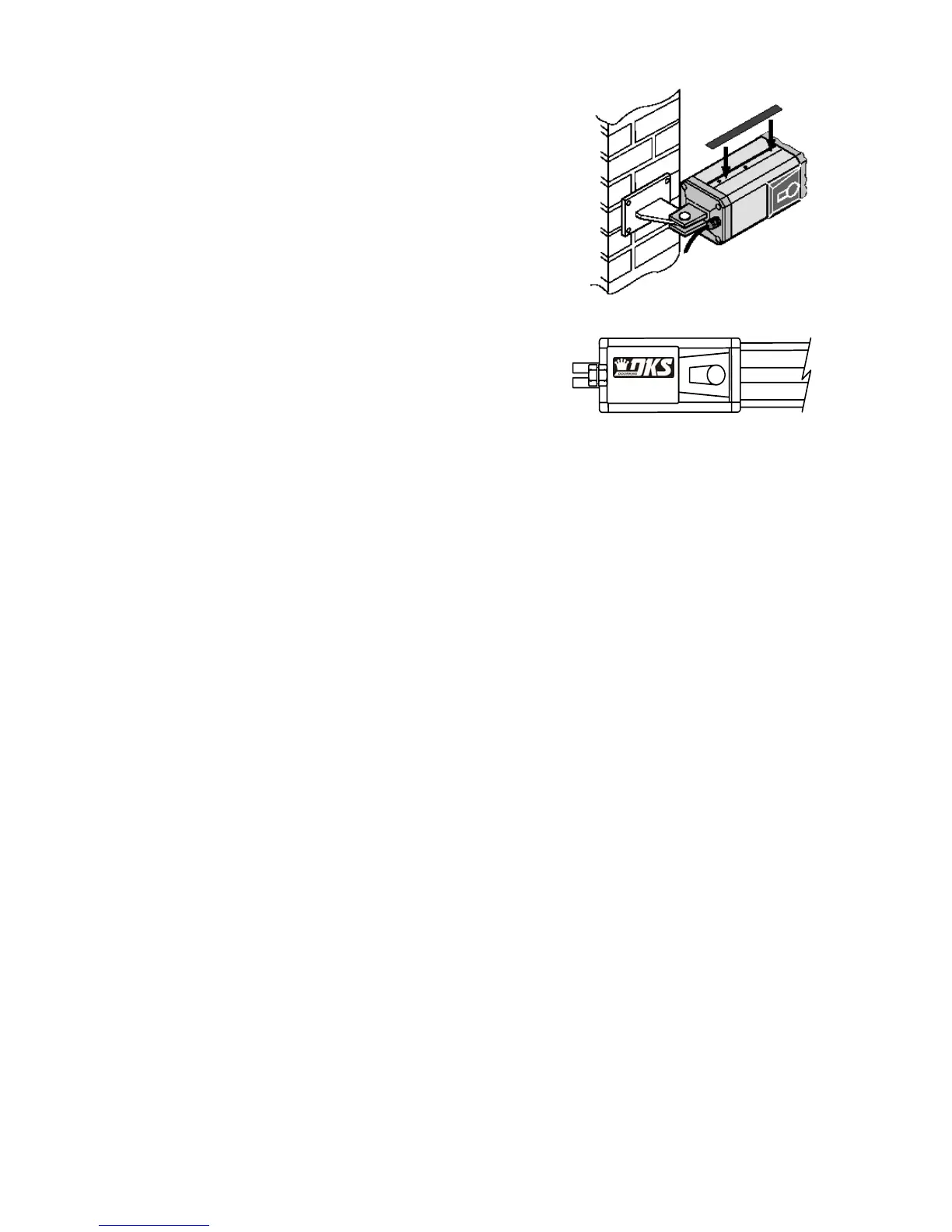
Figure 10
9. Attach the metal tag to the slot in the top
section of the motor in order to blank off the
holes present. Do not block the holes on the
bottom of the motor (fig. 10).
10. Rotate the small electrical housing cover on
the actuator so that the DKS logo is right side
up (fig. 11).
11. Permanently install the two supplied warning
signs in locations so that the signs are visible
by persons on both sides of the gate. Use
appropriate hardware such as wood or sheet
metal screws (not supplied) to install the
warning signs.
Figure 11
Page 15



 To Next Page