3.2 Switch Settings
The two DIP-switches located on the circuit board are used to program the actuators to operate in
various modes and to turn on or off various operating features. Whenever a switch setting is
changed, batteries and solar panels must be disconnected and power must be turned OFF.
After the switch settings are changed, turn power back on and then re-connect the batteries
and solar panels for the new setting to take affect. Check and review ALL switch settings prior to
applying power to the control panel.
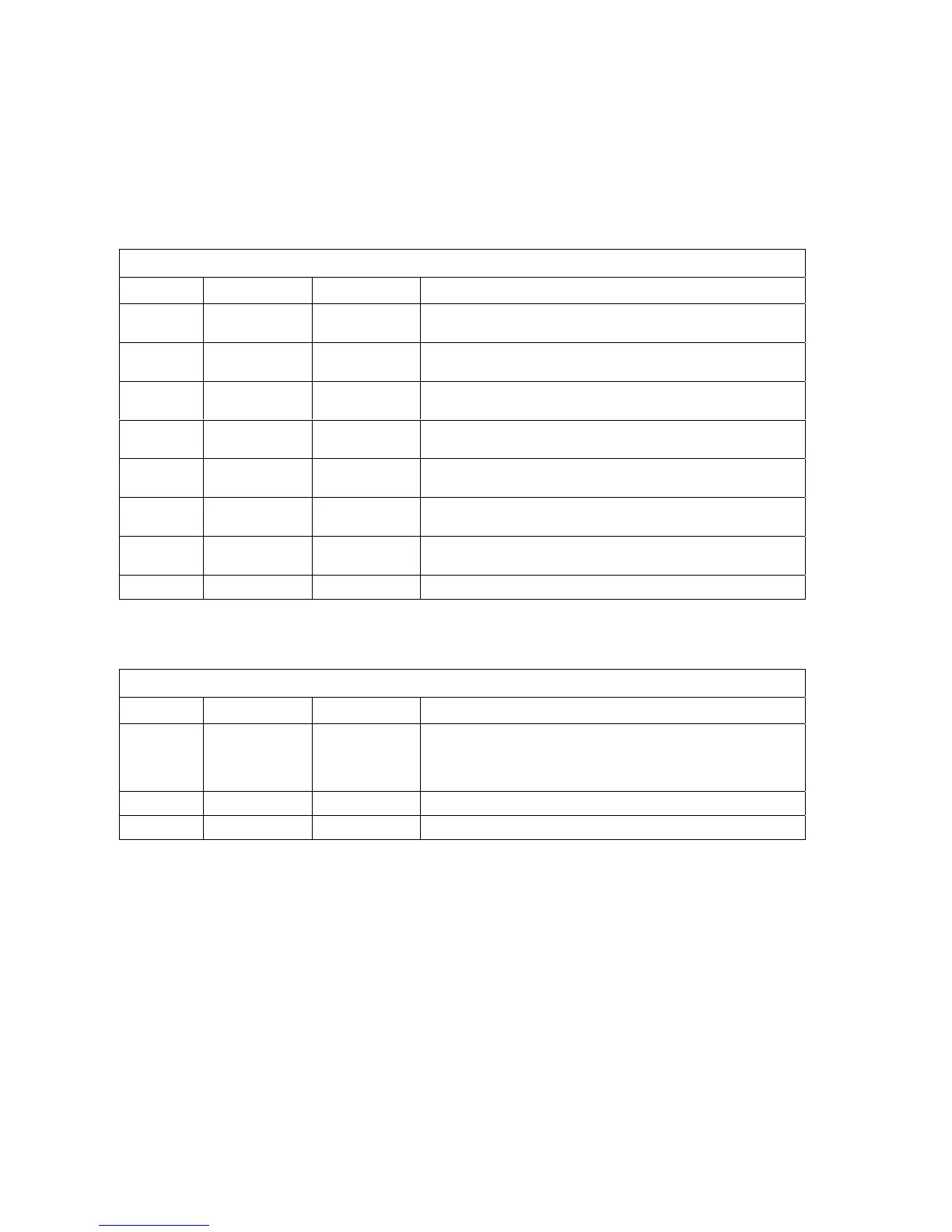
SW 1 (TOP SWITCH)
SWITCH FUNCTION SETTING DESCRIPTION
1 Direction
Master
Set this switch so that the MASTER actuator runs OPEN after
initial power up and activation.
2 Direction
Slave
Set this switch so that the SLAVE actuator runs OPEN after initial
power up and activation.
3 Exit Loop
Logic Output
OFF
ON (normal)
Output of loop detector in EXIT port is switched to terminal 4.
Output of loop detector in EXIT port feeds directly to processor.
4 Auto-Close
Timer
OFF
ON
Auto-close timer is OFF. Manual input required to close gate.
Auto-close timer is ON. Adjustable from 1-23 seconds.
5 Reverse
Shadow
OFF (normal)
ON
Terminal 8 is STANDARD reverse input.
Terminal 8 is SHADOW reverse input.
6 Overlap OFF
ON
Master and slave actuators start at same time.
Master actuator starts 1-2 seconds prior to slave actuator.
7 Single
Dual
OFF
ON
Switch is OFF for a single actuator.
Switch is ON for two actuators (master / slave).
8 Not Used OFF Leave in OFF position.
SW 2 (BOTTOM SWITCH)
SWITCH FUNCTION SETTING DESCRIPTION
1 and 2 Relay
Operation
1-OFF 2-OFF
1-OFF 2-ON
1-ON 2-OFF
1-ON 2-ON
Relay activated only when gate is FULL OPEN.
Relay activated whenever gate is NOT CLOSED.
Relay activated when gate is OPENING and OPEN.
Relay activated when gate is OPENING and CLOSING.
3 Not Used OFF Leave in OFF position.
4 Not Used OFF Leave in OFF position.
Page 28



 To Next Page