18 734 Installation and Programming Guide | Digital Monitoring Products, Inc.
Program Start Display
When you connect the keypad to the 734 module, the
version number and release date display. Press CMD to enter
the Programming Menu.
Initialization Option
These options can set the 734 module programming memory
back to factory defaults. Press any select key or area to enter
the Initialization Menu.
Initialize Confirm Option
After selecting YES to clear the Access Options, the 734
displays SURE? YES NO for confirmation to clear the
memory. This is a safeguard against accidentally erasing the
programming. No memory is cleared from the programming
until you answer YES to the SURE? option. Selecting NO
leaves communication options unchanged.
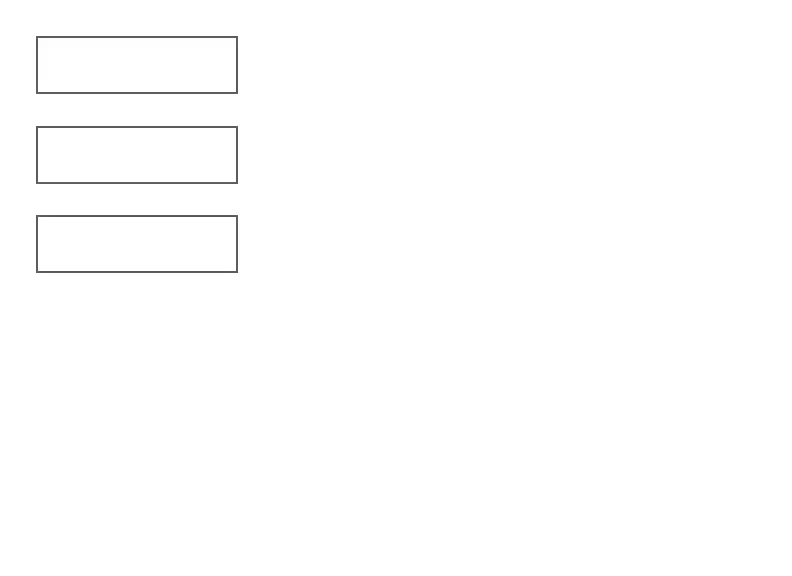
734 PROGRAMMING
VER VVV MM/DD/YY
INITIALIZE ALL?
NO YES
ARE YOU SURE?
YES NO


 To Next Page