Doble TDR900 User Guide
72A-2612-01 Rev. A 09/06
23
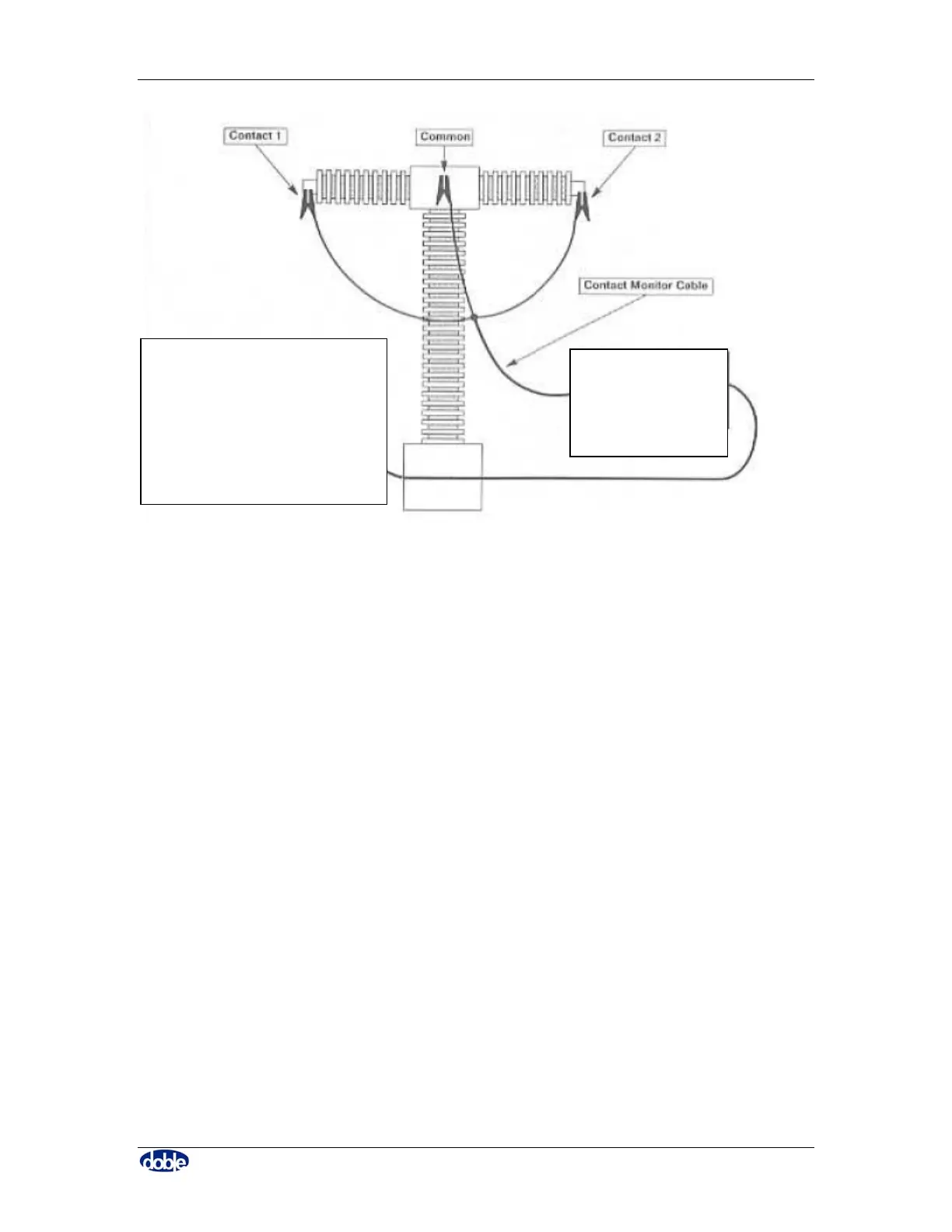
Figure 13. Cable Arrangement for Sectional Test for One Phase
5.6 Install Motion Transducer
Attach the Rotary/Linear Transducer to the breaker. It is normal to attach the transducer
when the breaker is in a closed position.
1) Determine the location of the transducer on the appropriate tank (usually the
center phase), as shown in Figure 14.
2) Remove the circuit breaker top cap.
3) Install the transducer mounting platform – this is not supplied with the TDR900;
the transducer may be secured directly to the tank.
4) Insert the Transducer Connecting Rod into the threaded hole in the circuit breaker
operating (lift) rod. (Various thread sizes are available from Doble.)
5) Mount the transducer; if there are separate motion mechanisms, there may be
three separate motion transducers.
6) Position the transducer on the platform so that the Connecting Rod is centered in
its pathway. Verify that the Connecting Rod is clear of the mounting platform.
7) Rotate the Transducer Clamping Knob until it firmly grabs the Connecting Rod.
8) Secure the Transducer Base Plate to the mounting platform using two or more C-
Clamps (G-clamps).
PC
TDR900



 To Next Page