Doble TDR900 User Guide
72A-2612-01 Rev. A 09/06
62
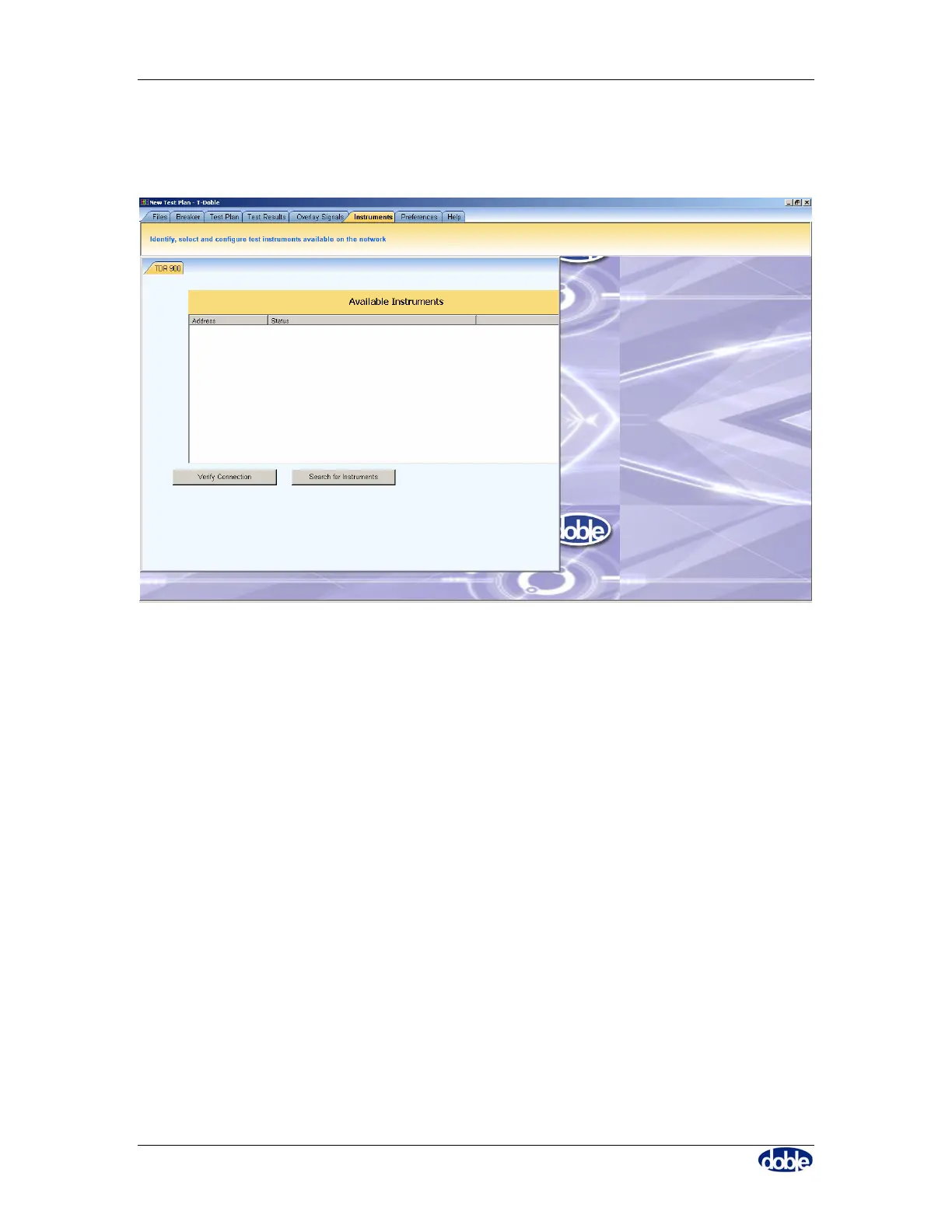
The “instruments” tab of the software allows you to check connections to a TDR900 and
verify that you have a good connection, as shown in Figure 58.
Figure 58. Instruments Tab: Connect to TDR900
The TDR900 should be:
• Initially powered on without connection to a PC.
• Show the indicator LED’s system ready light on, test light off.
• Connected to the PC via USB or Crossover Ethernet cable.



 To Next Page