Doble TDR900 User Guide
72A-2612-01 Rev. A 09/06
31
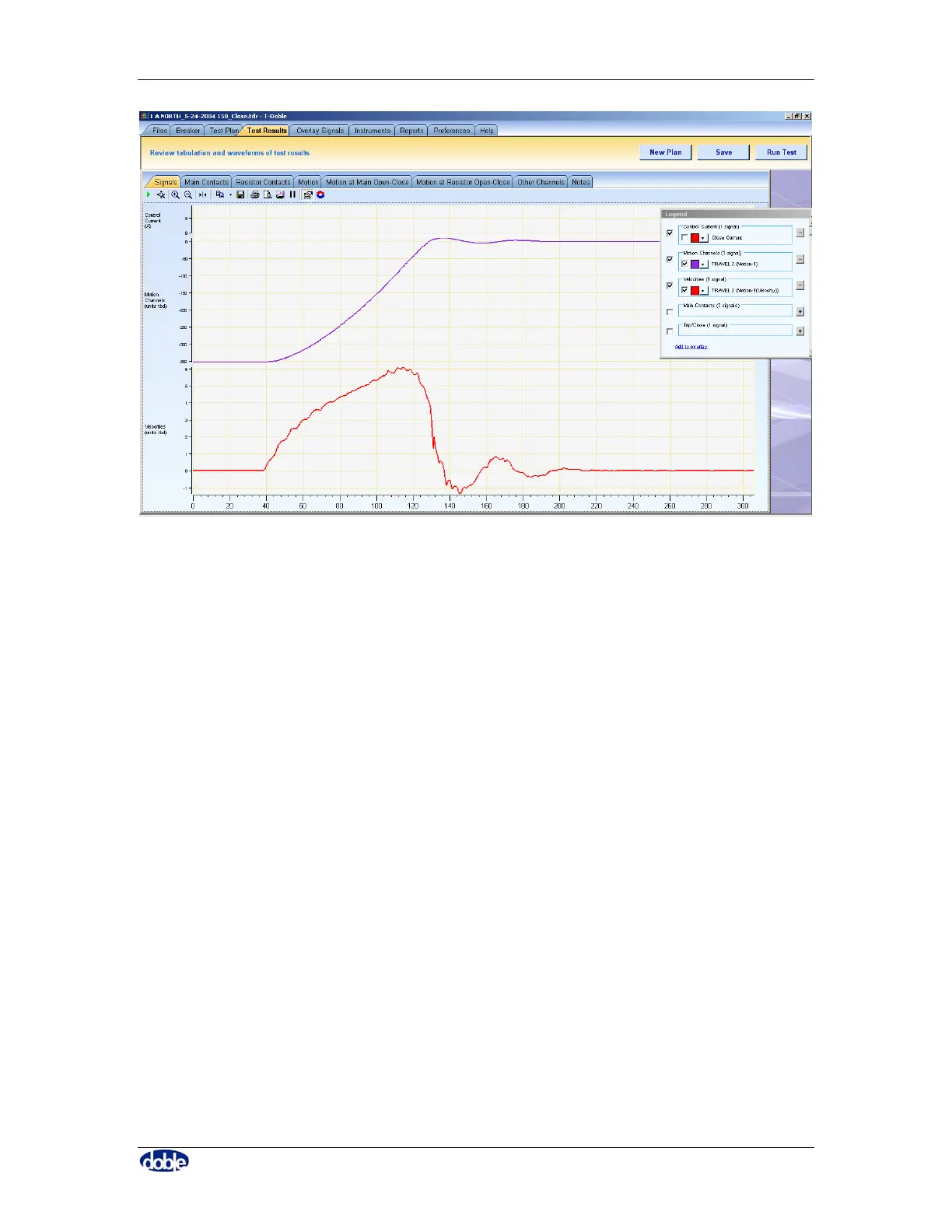
Figure 19. Using the Legend to Manage Traces
6.5.2 Buttons
There are several buttons which appear while using the software – they are in the top
right corner beneath the main tab bar.
6.5.2.1. “New Plan” Button
This button takes the user to a blank breaker nameplate tab. A new Library or Breaker
Test Plan may be entered.
6.5.2.2. “Open” Button
Having highlighted a file list entry by clicking on it once, clicking “Open” or double-
clicking the entry will then open the file. Any data will be displayed on the “Results” tab,
where results from any one single breaker test are shown.
6.5.2.3. “Overlay” Button
Ads the data in a file to the overlay tab. Several files may be displayed simultaneously.



 To Next Page