Doble TDR900 User Guide
72A-2612-01 Rev. A 09/06
25
5.7.2 Running a Test
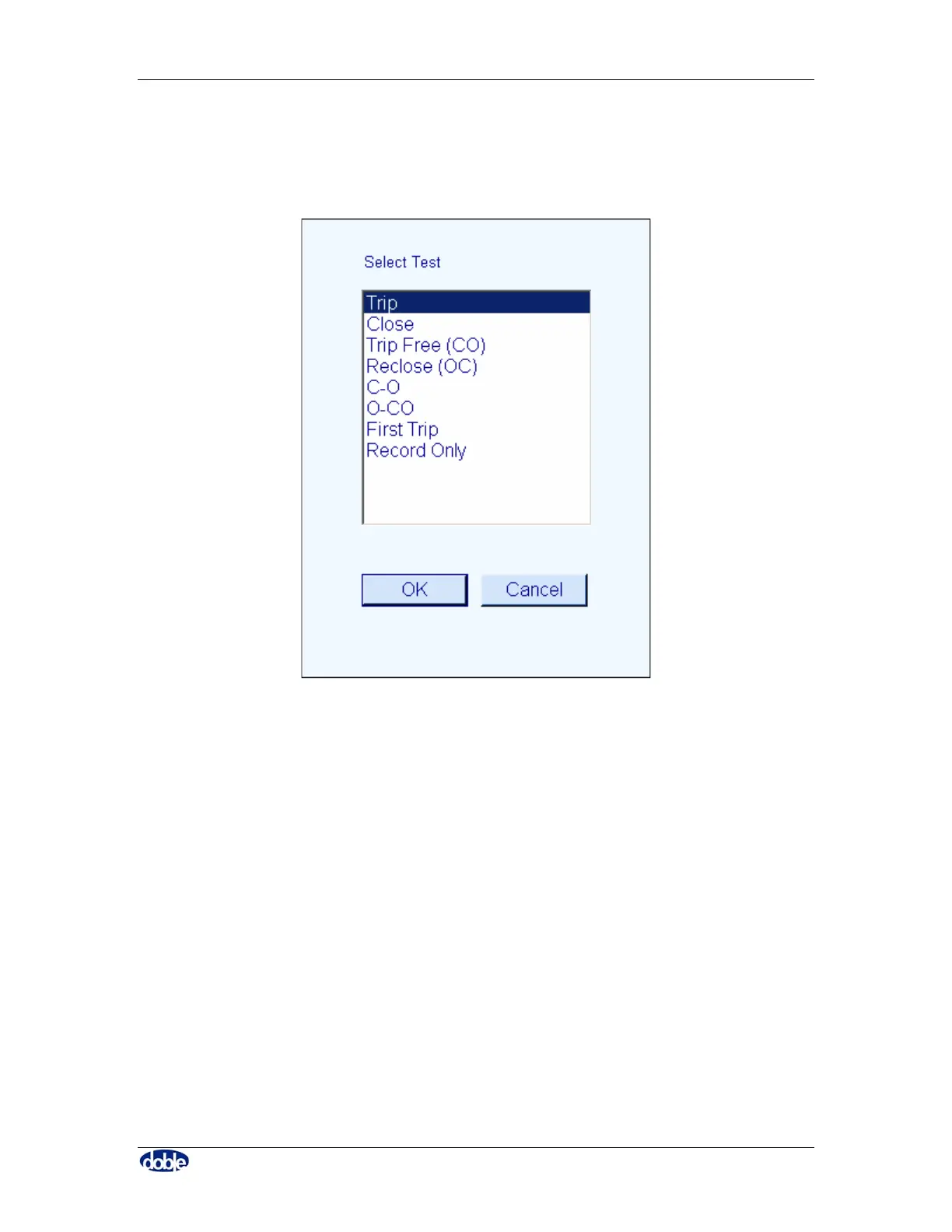
From the “Breaker” tab click on “Run Test” to pick a test to perform from the list which
is displayed, as shown in Figure 15.
Figure 15. “Run Test” Selection from a List
Follow the instructions for the selected test. When the test is complete, data will be
displayed in the test Results tab. It will automatically be saved.
5.8 Powering Down the Doble TDR900 Instrument
Power down the TDR900 using the power switch.
5.9 Closing the T-Doble Software
The software automatically saves data. Close the software using standard Windows ™
procedures, Alt-F4 or click on the “X” at the top right corner of the window.



 To Next Page