Doble TDR900 User Guide
72A-2612-01 Rev. A 09/06
60
6.7 Connect to a TDR900 Instrument
The PC should not be connected to any network and wireless connections should be
turned off; firewalls and virus software should be disabled. These restrictions do not
apply if you wish to use the software in viewer mode only and not communicate with a
TDR900.
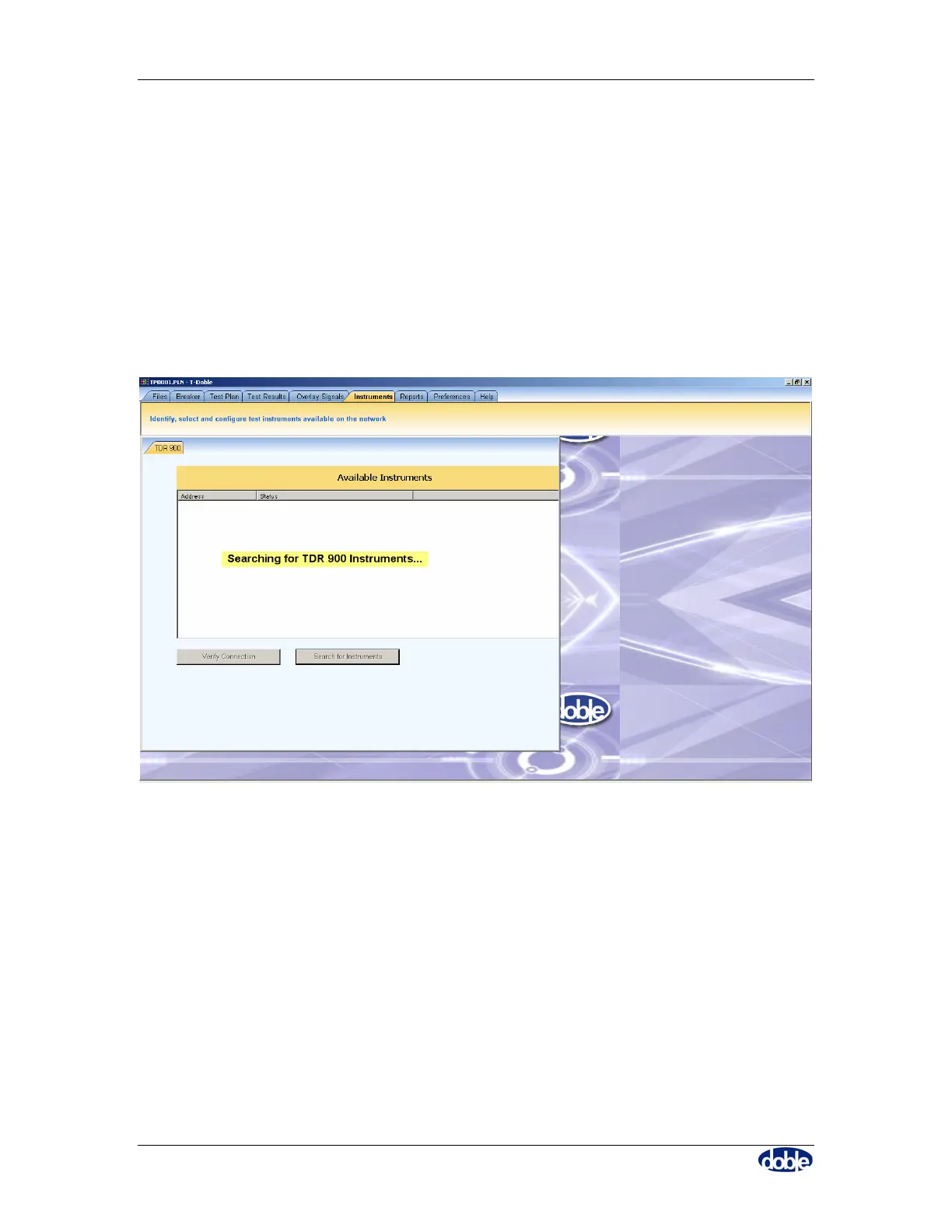
To connect to a TDR instrument, click on the “instruments” tab to bring up the tab in
Figure 56; connect the TDR900 to the PC using either the USB cable or the Ethernet
Cable with Crossover adapter. Click on “Search for Instruments” to attempt a connection,
as shown in Figure 56.
Figure 56. “Instruments” tab to connect PC to TDR900
A confirmation message is shown when connection is made.
If no connection is possible, the search will produce no entries in the instrument list, as
shown in Figure 57.



 To Next Page