Doble TDR900 User Guide
72A-2612-01 Rev. A 09/06
33
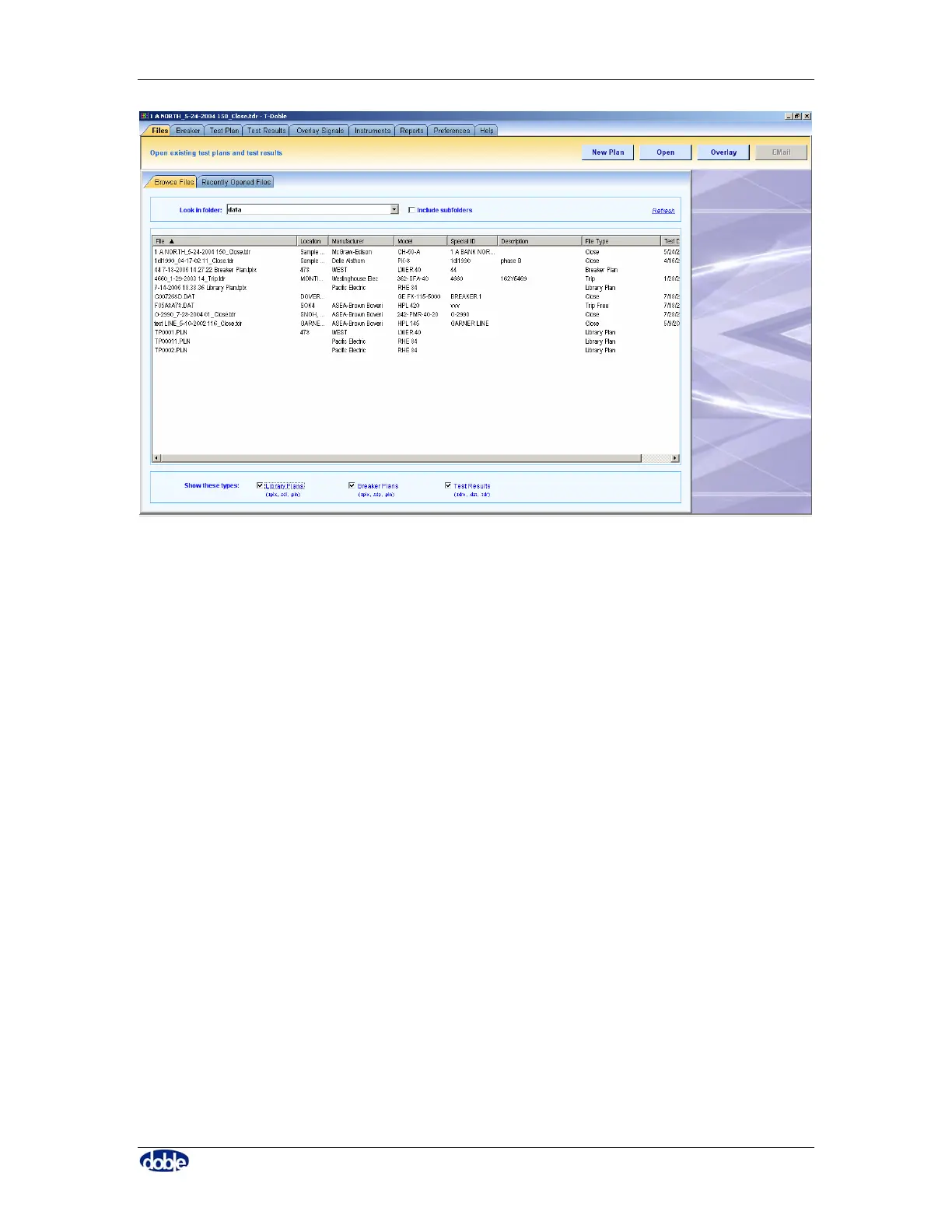
Figure 20. Browse Files
Select a file to view by clicking on its entry in the table and then click one of the “Open”
or “Overlay” buttons or double click on the file entry to open the file.
By double clicking on the column header, data is sorted according to entries in that
column. For example, the data in Figure 20 is opened in default order, sorted by file
name. By double clicking on the manufacturer column header, data is sorted by
alphabetical order of manufacturer, as shown in Figure 21. Repeat the double click to put
the list in reverse alphabetical order.



 To Next Page