Doble TDR900 User Guide
72A-2612-01 Rev. A 09/06
63
6.8 Running a Test
A test may only be performed with a PC connected to the TDR900 test set; it is not
possible to perform a test without an instrument.
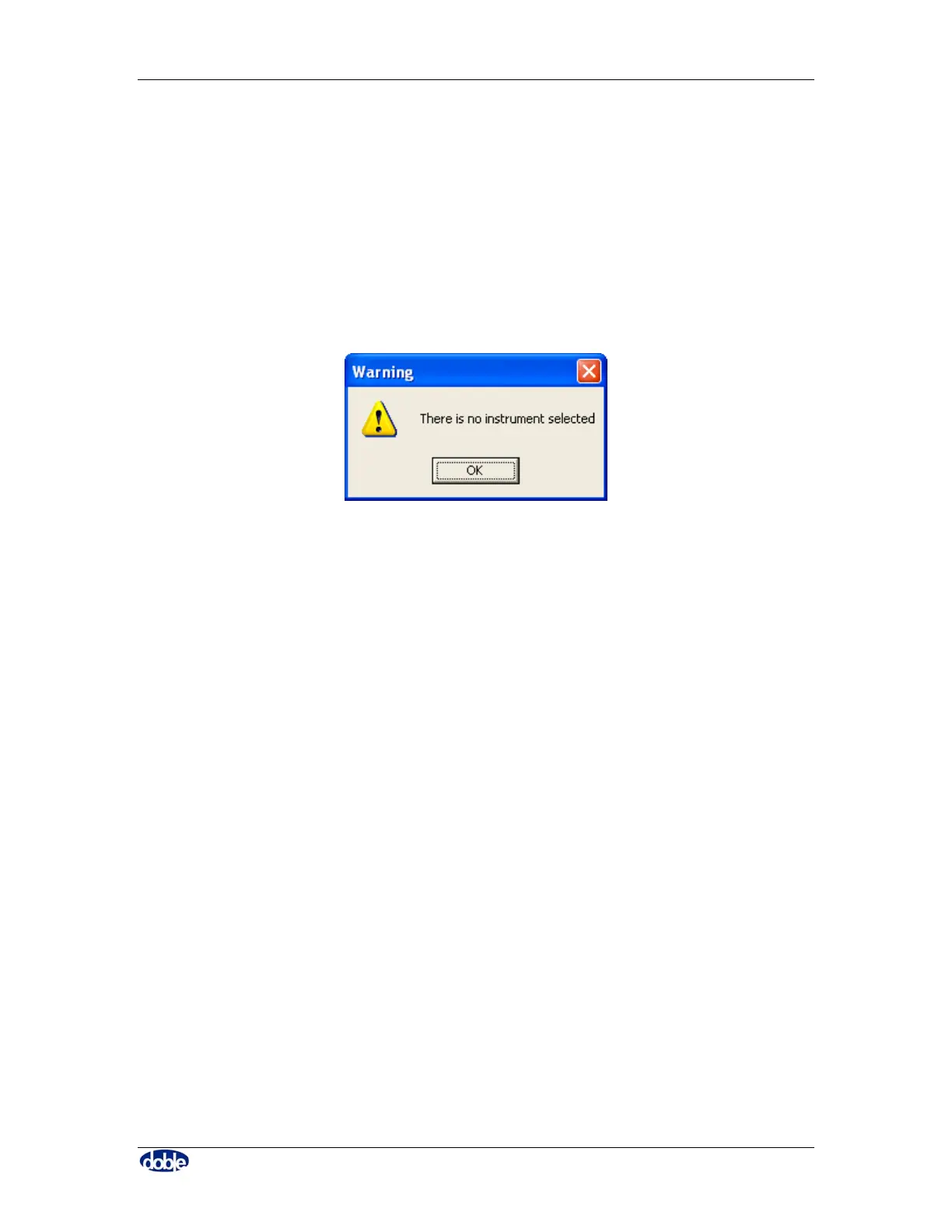
To run a test, click on the “Run Test” button. If no TDR900 is connected, the following
warning is given as shown in Figure 59, and you are taken to the Instruments tab in order
to make a connection.
Figure 59. No instrument selected
6.9 Transferring Data between PC’s
There are two simple methods for transferring data between PC’s – both require that the
files to be transferred are identified using the “Files” tab of the T-Doble software.
Either click on “E-mail” to send the files via e-mail, or use the file name and location to
pick the files in Windows Explorer and copy them to a disk or suitable medium.
To see files sent or copied to you, put them in a folder where the T-Doble software can
view them.
6.10 Closing the Software
When closing down the T-Doble software a window will appear confirming that you
wish to exit the software.



 To Next Page