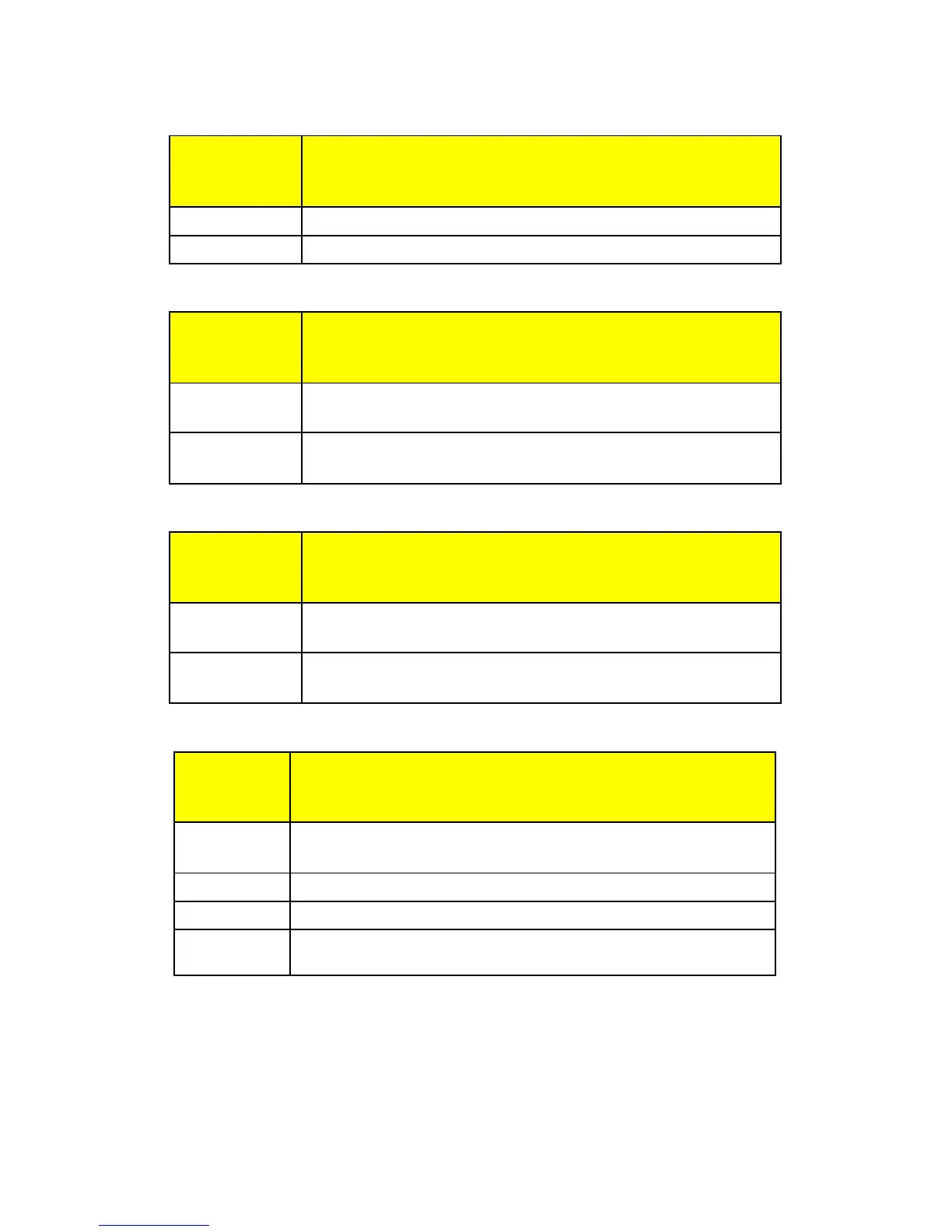
Start Up Zero Setup Menu
SU0 * Start Up Zero
Controls the start up zero status.
on Zeros on the first stable reading on power up.
off Loads the calibration zero for zero reference
Latching Zero Request Setup Menu
Zod Zero on Demand
Enables or disable zero latching.
on If ZERO is pressed, it is saved until the scale
becomes stable.
off If the scale is in motion, the zero request is
discarded.
Latching Print Request Setup Menu
Pod Print on Demand
Enables or disable print latching.
on If PRINT is pressed, the print request is saved until
the scale becomes stable.
off If the scale is in motion, the print request is
discarded.
Printer Data Output Setup Menu
d.o. Data Output Mode
Determines when serial data will be sent.
t.o.d. Transmit on demand. Print when the PRINT
button is pressed.
C.P. Continuous print. Print when display is updated.
A.P.1
Auto Print 1. Print once only when scale goes stable.
A.P.2
Auto Print 2. Print once only when scale goes stable.
Scale must return to zero to before it can print again.
NOTE: The Legal for Trade mode disables certain options and
selections listed above. These items have been indicated
by an asterisk.
19



 To Next Page