Selection of scale type
Since the 7000 and the 7000XL share common electronics and software,
it is necessary to configure the scale to operate as either a Model 7000 or
a Model 7000XL.
1) To setup your scale as a 7000, it is necessary to insert JU20, JU21
and JU22. JU21 and JU22 are three pin headers located on the display
section. Place the jumper shunt block on the left two pins of JU21 and
JU22. Refer to Figures 3 and 4.
2) To setup your scale as a 7000XL, it is necessary to insert JU21 and
JU22 only. JU21 and JU22 are three pin headers located on the display
section. Place the jumper shunt block on the right two pins of JU21 and
JU22. Refer to Figures 3 and 4.
Jumper settings:
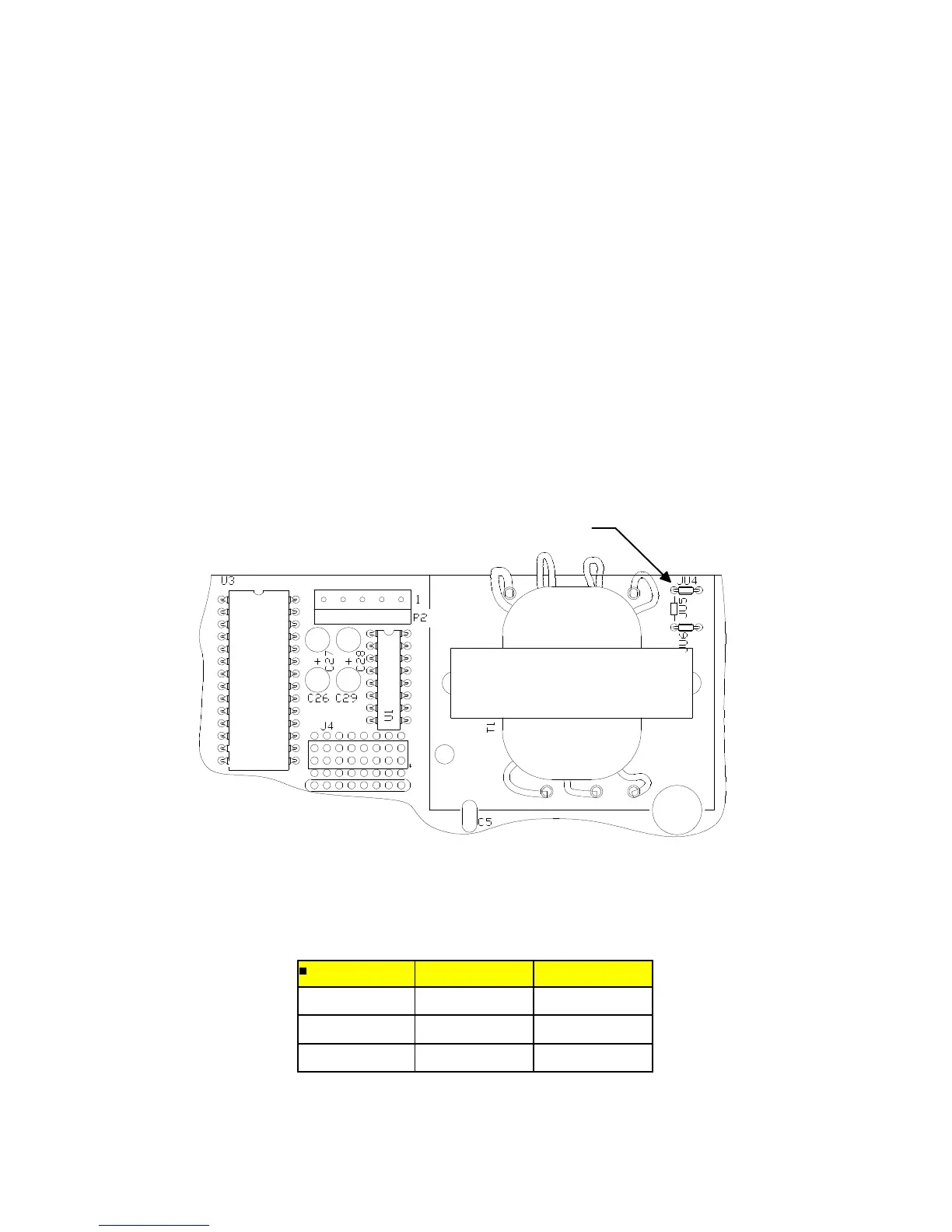
Fig. 1. Power select jumper location.
Table 1 Power select jumper settings.
115V 230V
JU4 IN OUT
JU5 OUT IN
JU6 IN OUT
27
POWER SELECT JUMPERS



 To Next Page