26
ED900 09-2021DL4617-001
dormakaba ED900 Setup and Troubleshooting Instructions Chapter 10
. Perform learning cycle
CAUTION
Learning cycle must be performed while
motor is cold!
CAUTION
Door must not be manually moved or held in
position during the learning cycle!
CAUTION
Verify that the following parameters have
been set (Para. .):
• AS, Installation type, Para. .
• rd, Reveal depth, Para. .
• Tb, Door width, Para. .
• dL, Door type, Para. .
TIPS AND RECOMMENDATIONS
During learning cycle:
• Operator functions are deactivated.
WARNING
No personnel or objects must be in range of
door motion during learn cycle!
Step
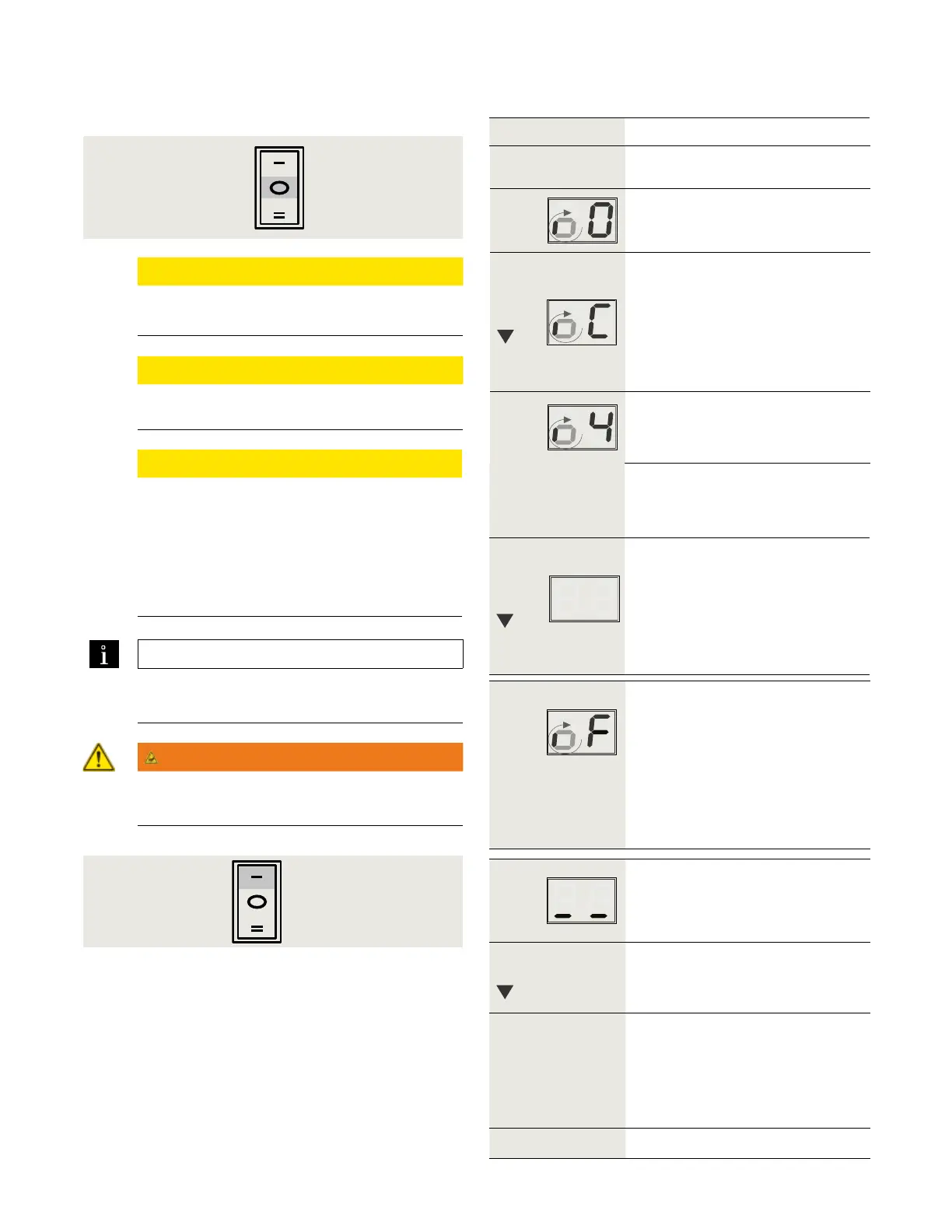
Set Mode switch to CLOSE position
(Fig. ..).
Rotating "o" and a "" indicates
operator learning cycle is required.
Step
Press
Press and hold down button until display
changes.
• Door performs several movements
and display shows a sequence of
symbols.
• Movements of door must not be
interrupted!
Display indicates door is at ° position
and is waiting for door opening angle to
be set.
Step Secure motion range of door.
Step
• Manually move door to desired
opening angle.
Maximum door angle is °.
Step
Press
Momentarily press down button to
continue learning cycle.
• Door performs several movements
and display shows a sequence of
symbols.
• Movements of door must not be
interrupted!
Operator spring tension too low.
• Display with small rotating "o" and
an "F" during learn cycle indicates
spring tension is too low.
• Door will close.
. Increase spring tension
(Para. .).
. Restart learning cycle (Step ).
Door completes learning cycle.
• Display with two horizontal bars
indicate operator is ready for
operation.
Step
Press
Momentarily press down button to cycle
door.
Step
Following automatic learning cycle,
actual forces on door, and door
opening and closing times must be
measured and changed if necessary
to insure compliance with
ANSI/BHMA standards, reference
Chapter .
Step Set Mode switch to Auto (Fig. ..).
Fig. 10.8.2 Mode switch
Fig. 10.8.1 Mode switch
Close
Auto












 To Next Page