Page 5-6 Infinity Gamma Series VF4
Setting Alarm Limits
You can set alarm limits for each parameter individually, or you
can use the AutoSet function to set alarm limits for all parameters
at once based on the current parameter values.
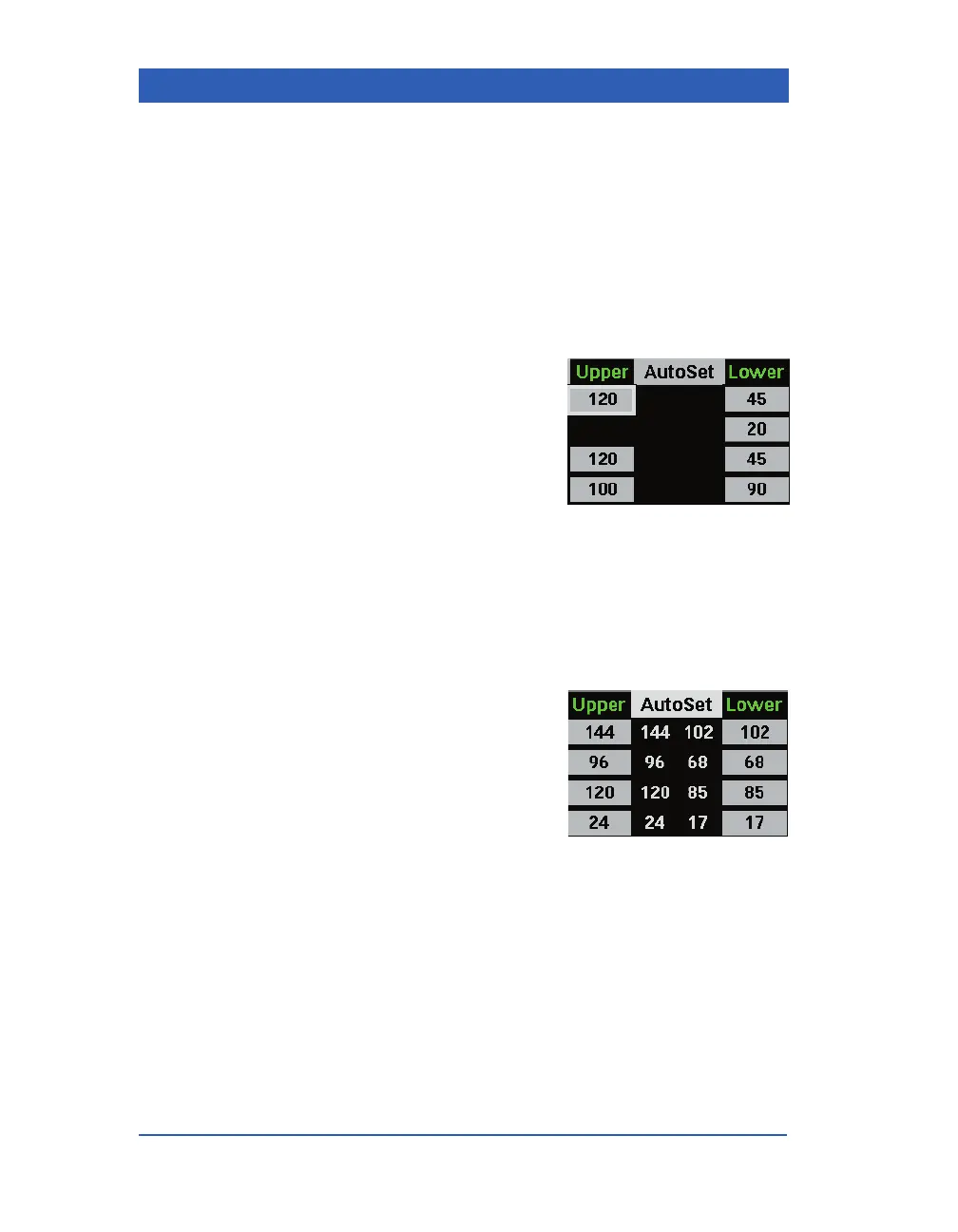
STEPS: Setting alarm limits individually
1. Press the Alarm Limits fixed key.
2. Scroll to the
Upper column for
the desired parameter and click
the knob.
3. Dial in the desired upper limit
and click the knob.
4. Scroll to the
Lower column and
click the knob.
5. Dial in the desired lower limit and click the knob.
STEPS: Using the AutoSet function
1. Press the Alarm Limits fixed key.
2. Scroll to
AutoSet. The column
AutoSet shows the upper and
lower limits that are automati-
cally calculated for each parame-
ter based on current parameter
values.
3. To accept these limits for all
parameters, click on
AutoSet. The automatically calculated
limits are written into the Upper and Lower columns.










 To Next Page