Page 16-4 Infinity Gamma Series VF4
IBP Display
The monitor measures pressure in millimeters of mercury
(mmHg) or kilo pascals (kPa), and can display up to two pressure
waveforms in the lower display channels. The pressure parameter
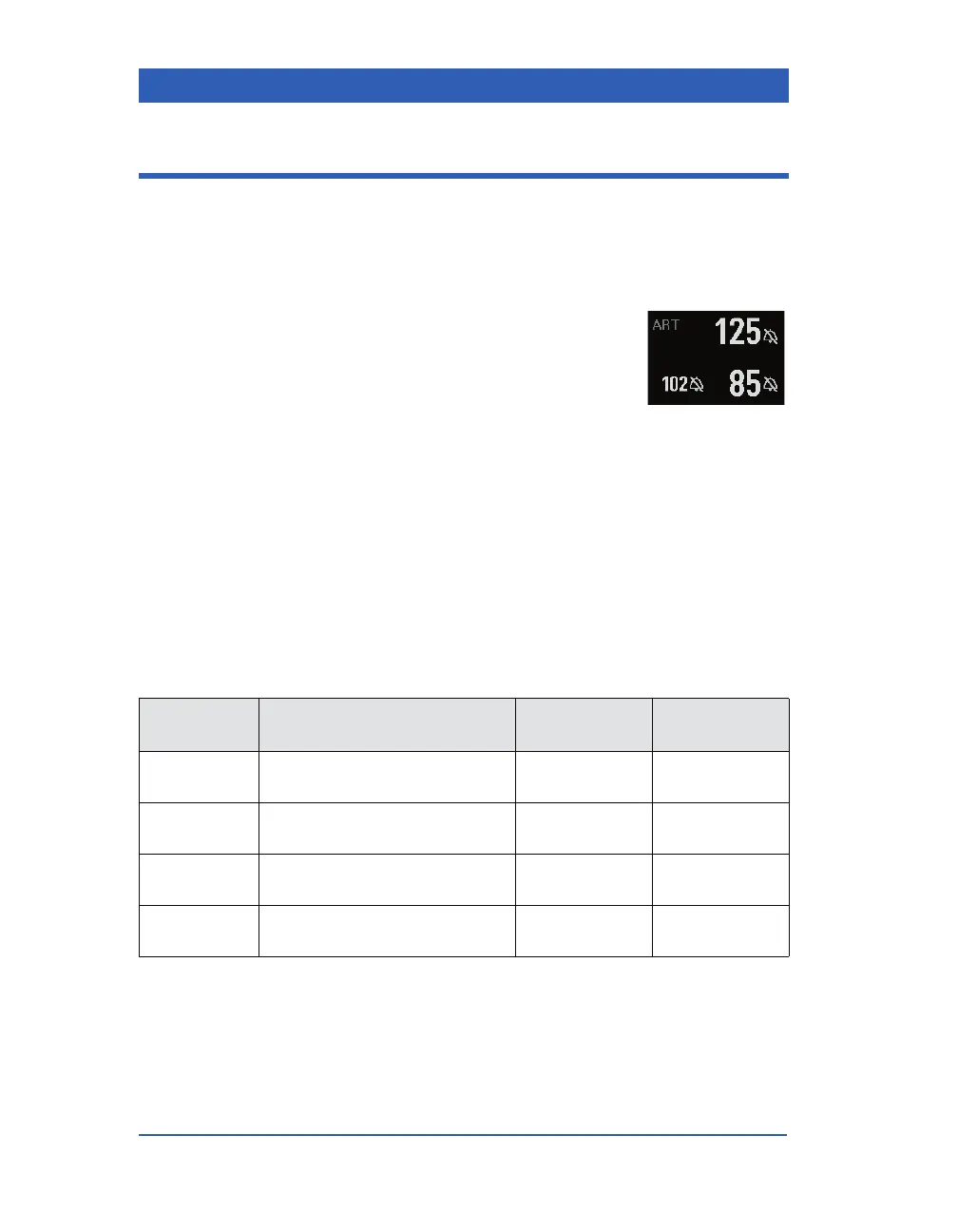
boxes show the following information:
! Parameter label (e.g., ART).
! Systolic pressure value (e.g., 125).
! Diastolic pressure value (e.g., 85).
! Mean pressure value (e.g., 102).
! A crossed bell if invasive pressure alarms are turned off.
If the second invasive pressure option is enabled, the second
invasive blood pressure has its own parameter box.
Display Channel and Waveform Amplitude
The monitor displays pressure waveforms in the lower display
channels. Depending on the pressure label, you can select wave-
form amplitudes within the following ranges:
Pressure
Label
Possible Size Settings
Adult/Pediatric
Default Setting
Neonatal
Default Setting
ART, GP1,
GP2
50, 75, 100,...300 mmHg
(8, 12, 16,...40 kPa)
200 mmHg
(24 kPa)
100 mmHg
(16 kPa)
PA 20, 40, 50, 75, 100, 150 mmHg
(4, 6, 8, 12, 16, 20 kPa)
50 mmHg
(8 kPa)
50 mmHg
(8 kPa)
CVP -5, 10, 20, 30, 40, 50 mmHg
(-1.0, 2, 4, 5, 6, 8 kPa)
20 mmHg
(4 kPa)
20 mmHg
(4 kPa)
ICP 0, 5, 10, 15, 20, 50, 100 mmHg
(1, 2, 3, 4, 8, 16 kPa)
20 mmHg
(4 kPa)
10 mmHg
(2 kPa)










 To Next Page