Horizon Compact Management
117
Horizon Compact Release 1.01.00 Wireless Ethernet Product User Manual – Volume 2
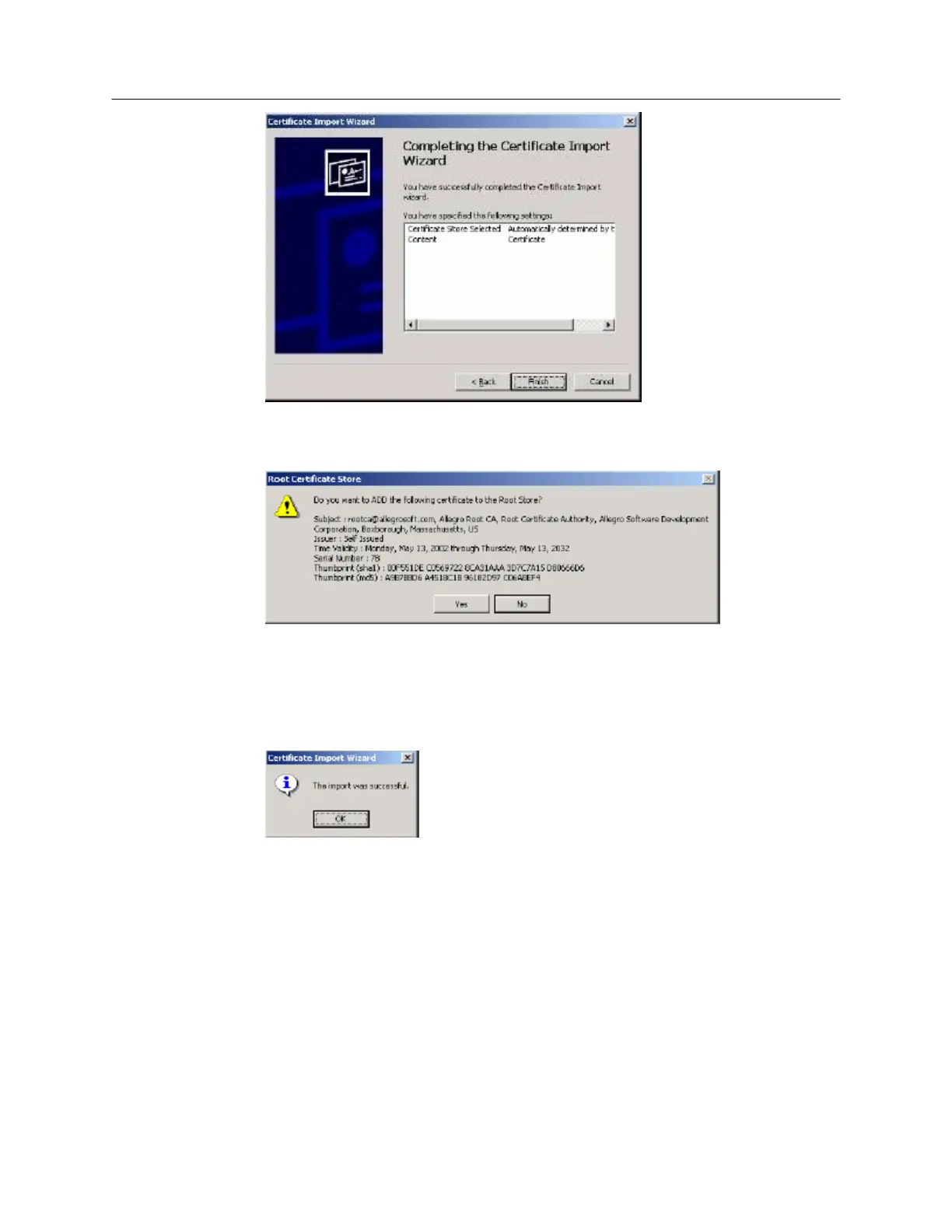
9. Click Finish. The wizard displays certificate details again.
10. Verify again that the thumbprint is correct, then click Yes. You should see the sha-1 thumbprint
confirmation shown below:
00F551DE C0569722 8CA31AAA 3D7C7A15 D80666D6
11. Verify that the certificate is in the correct certificate store. Choose Tools, Internet Options,
Content, Certificates. Then click the Trusted Root Certification Authorities tab, and verify that the
certificate is listed.



 To Next Page