Horizon Compact Release 1.01.00 Wireless Ethernet Product User Manual – Volume 2
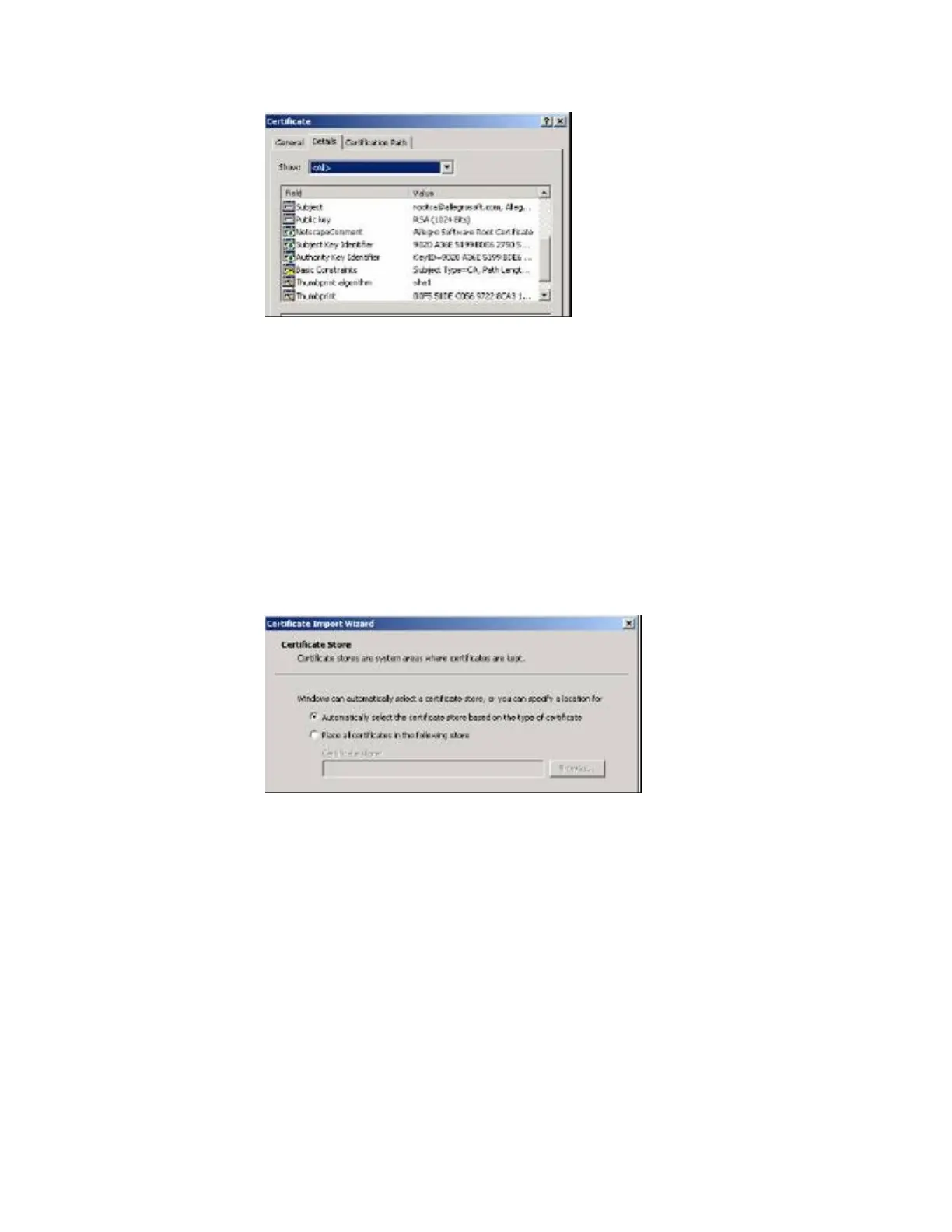
5. Click on the Thumbprint line and verify that the thumbprint exactly matches the following line:
00F5 51DE C056 9722 8CA3 1AAA 3D7C 7A15 D806 66D6
Note: The thumbprint must match EXACTLY. If the thumbprint is anything else,
the certificate is not valid.
6. Click on the General tab then click Install Certificate to install the certificate. The Certificate Import
Manager Wizard should appear.
7. Click Next to display the dialog box to select a certificate store. This should default to
Automatically select the certificate store based on the type of certificate, as in the following figure.
8. Click Next to accept the wizard’s automatic selection of the certificate store. The following window
should appear.



 To Next Page