Vigor2862 Series User’s Guide
213
IGMP Fast Leave Check this box to make the router stop forwarding
multicast traffic to a LAN port as soon as it receives a leave
message from that port. Each LAN port should have one
IGMP host connected.
After finishing all the settings here, please click OK to save the configuration.
I
I
I
I
-
-
5
5
-
-
8
8
-
-
2
2
W
W
o
o
r
r
k
k
i
i
n
n
g
g
G
G
r
r
o
o
u
u
p
p
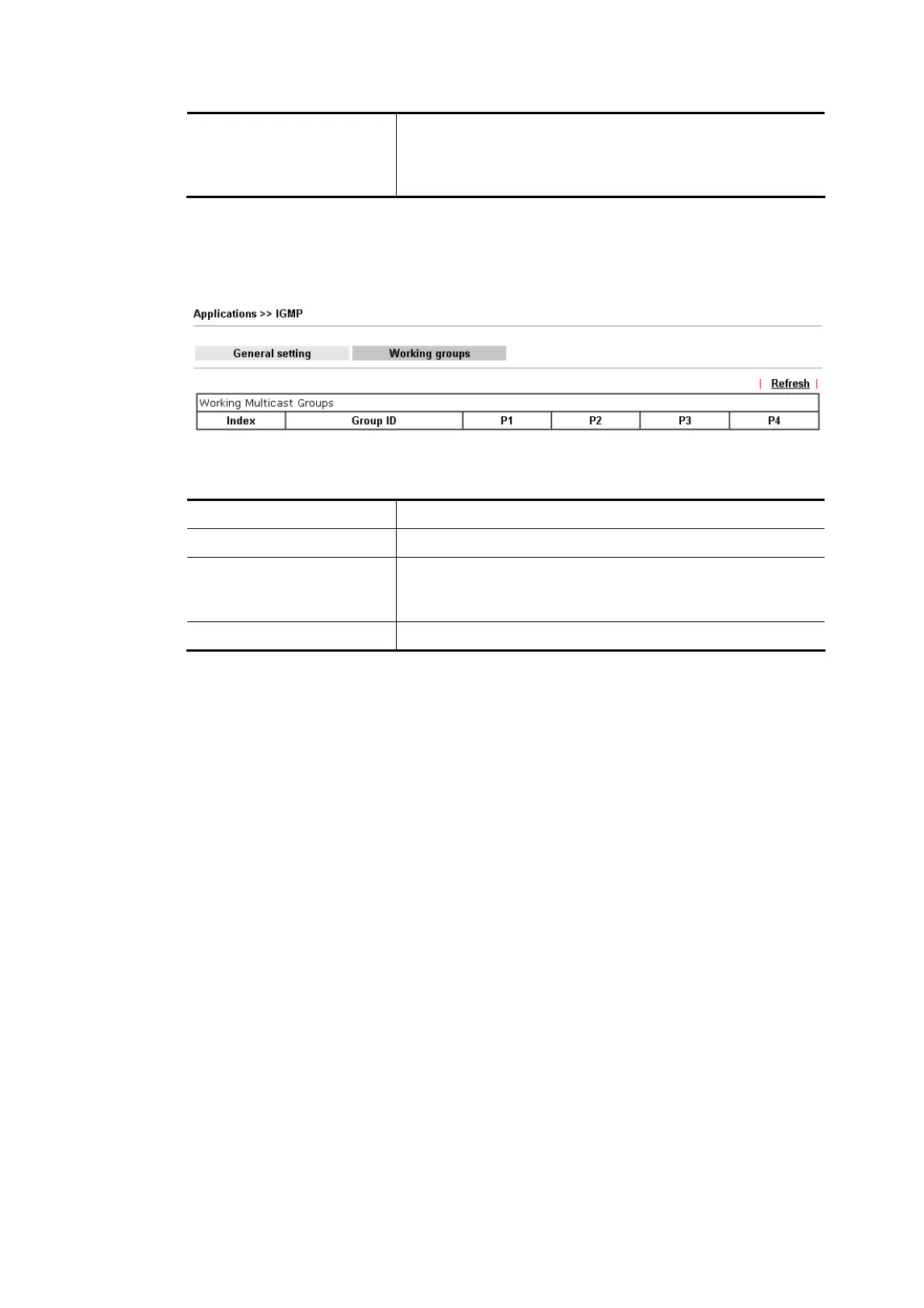
Available settings are explained as follows:
Item Description
Refresh Click this link to renew the working multicast group status.
Group ID This field displays the ID port for the multicast group. The
available range for IGMP starts from 224.0.0.0 to
239.255.255.254.
P1 to P4 It indicates the LAN port used for the multicast group.














 To Next Page