Vigor2862 Series User’s Guide
21
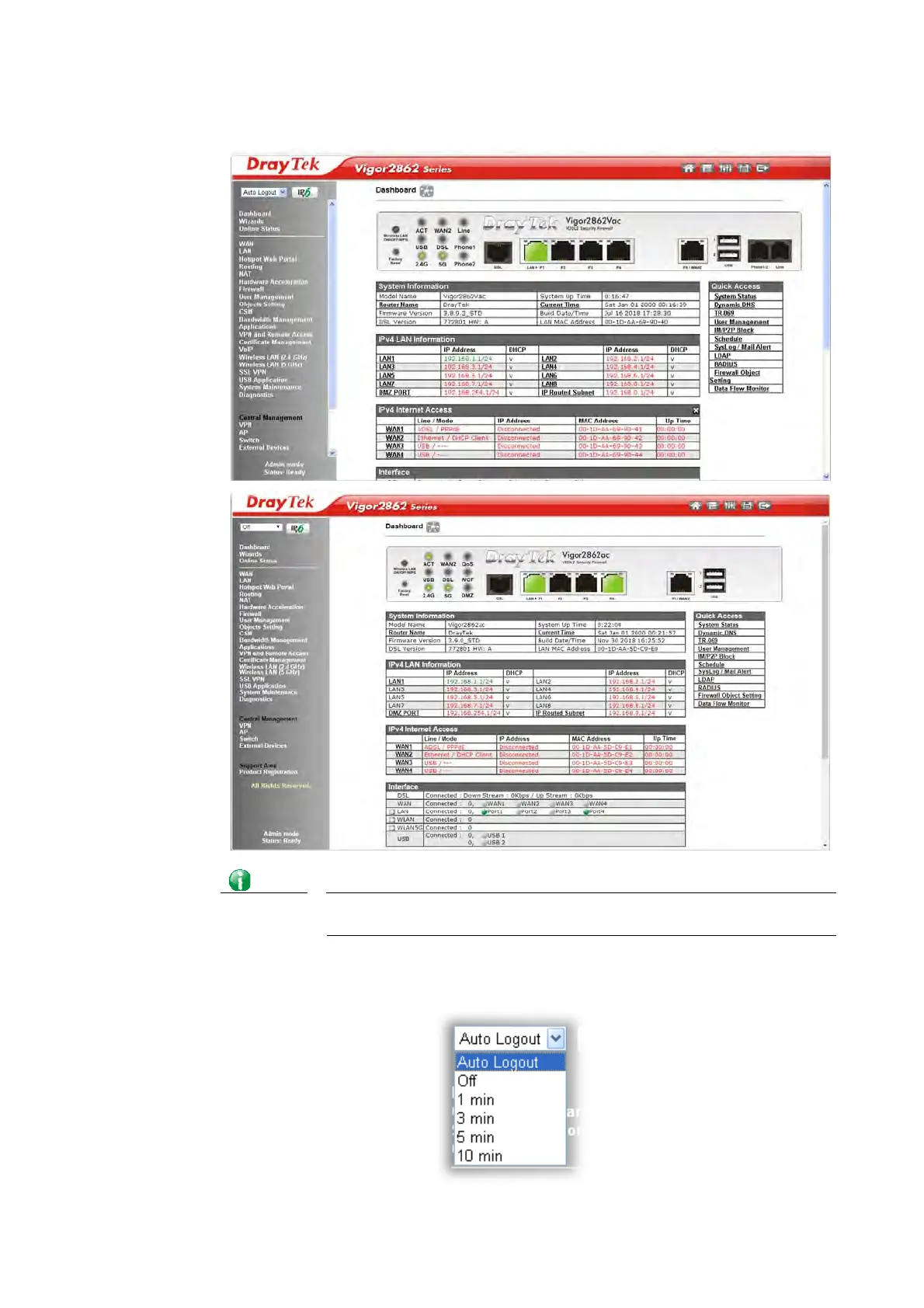
4. Now, the Main Screen will appear. Take Vigor2862ac/Vigor2862Vac as an example.
Info
The home page will be different slightly in accordance with the type of the
router you have.
5. The web page can be logged out according to the chosen condition. The default setting
is Auto Logout, which means the web configuration system will logout after 5 minutes
without any operation. Change the setting for your necessity.














 To Next Page