Vigor2862 Series User’s Guide
32
P
P
h
h
y
y
s
s
i
i
c
c
a
a
l
l
C
C
o
o
n
n
n
n
e
e
c
c
t
t
i
i
o
o
n
n
f
f
o
o
r
r
I
I
P
P
v
v
6
6
P
P
r
r
o
o
t
t
o
o
c
c
o
o
l
l
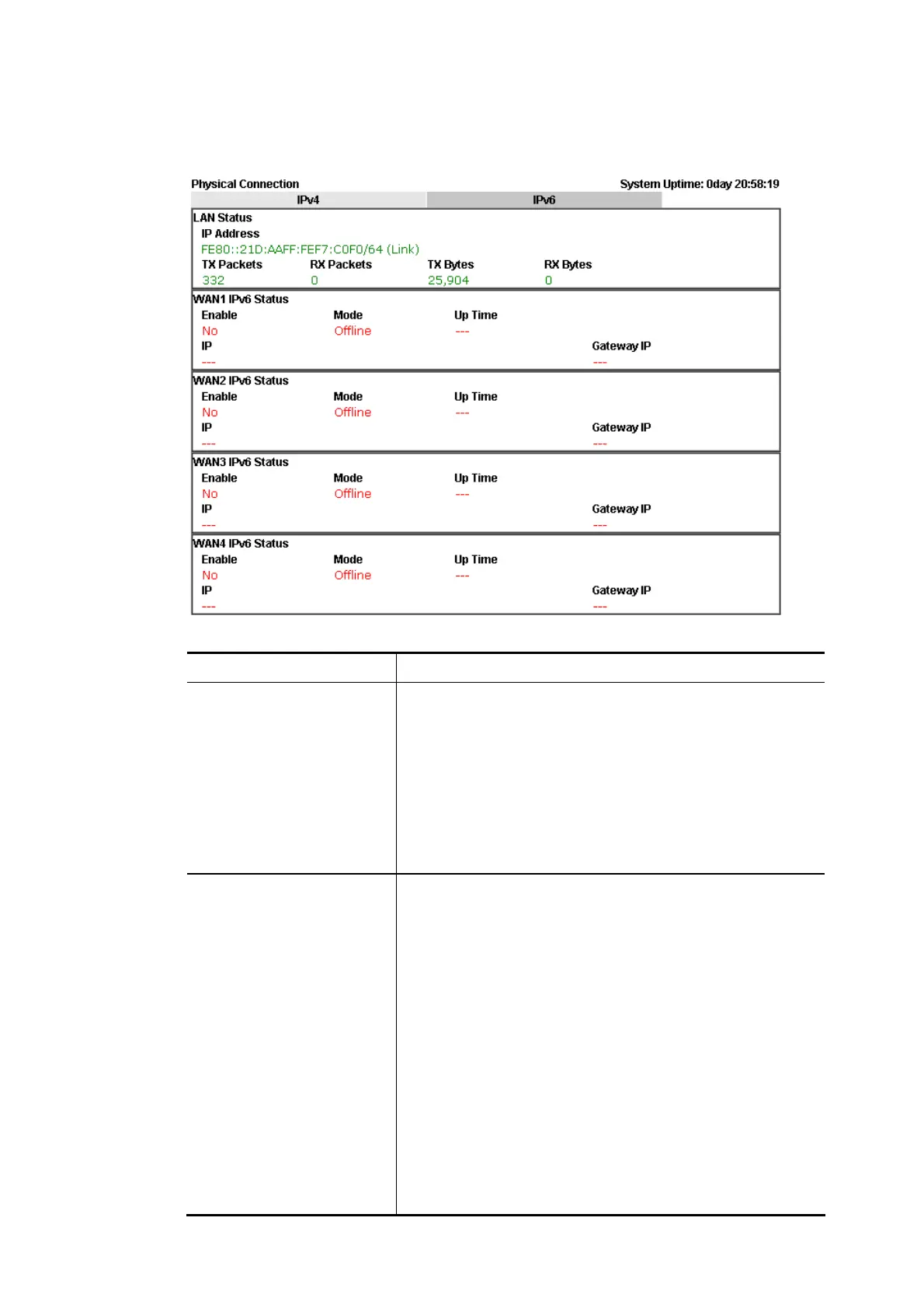
Detailed explanation (for IPv4) is shown below:
Item Description
LAN Status Primary DNS-Displays the primary DNS server address for
WAN interface.
Secondary DNS -Displays the secondary DNS server address
for WAN interface.
IP Address-Displays the IP address of the LAN interface.
TX Packets-Displays the total transmitted packets at the
LAN interface.
RX Packets-Displays the total received packets at the LAN
interface.
WAN1/WAN2/WAN3
/WAN4 Status
Enable – Yes in red means such interface is available but
not enabled. Yes in green means such interface is enabled.
Line – Displays the physical connection (VDSL, ADSL,
Ethernet, or USB) of this interface.
Name – Display the name of the router.
Mode - Displays the type of WAN connection (e.g., PPPoE).
Up Time - Displays the total uptime of the interface.
IP - Displays the IP address of the WAN interface.
GW IP - Displays the IP address of the default gateway.
TX Packets - Displays the total transmitted packets at the
WAN interface.
TX Rate - Displays the speed of transmitted octets at the
WAN interface.
RX Packets - Displays the total number of received packets
at the WAN interface.
RX Rate - Displays the speed of received octets at the WAN














 To Next Page