Vigor2862 Series User’s Guide
43
Item Description
Confirm Password Retype the password.
Back Click it to return to previous setting page.
Next Click it to get into the next setting page.
Cancel Click it to give up the quick start wizard.
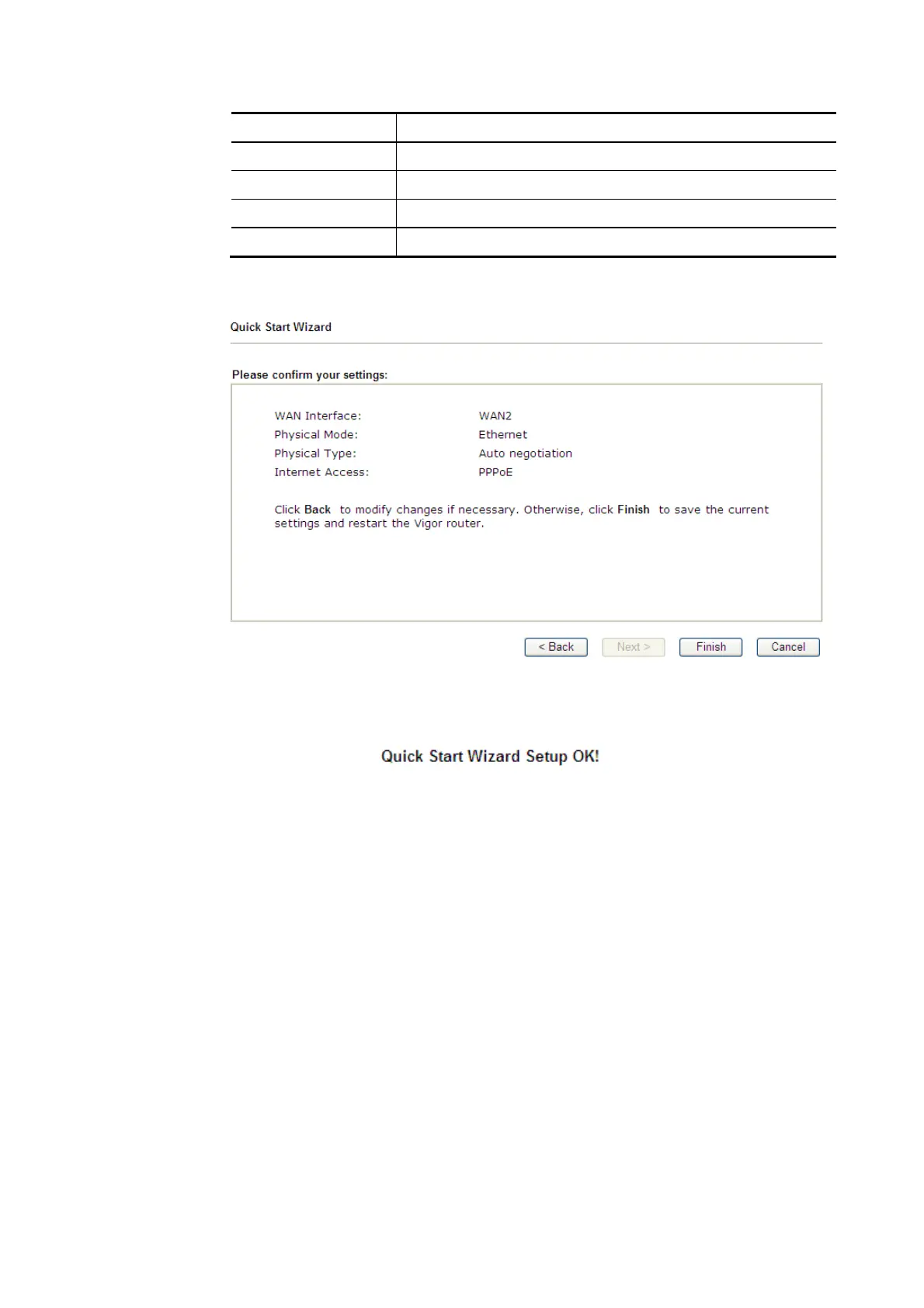
3. Please manually enter the Username/Password provided by your ISP. Click Next for
viewing summary of such connection.
4. Click Finish. A page of Quick Start Wizard Setup OK!!! will appear. Then, the system
status of this protocol will be shown.
5. Now, you can enjoy surfing on the Internet.














 To Next Page