VigorAP 800 User’s Guide
64
3
3
.
.
7
7
.
.
6
6
W
W
D
D
S
S
A
A
P
P
S
S
t
t
a
a
t
t
u
u
s
s
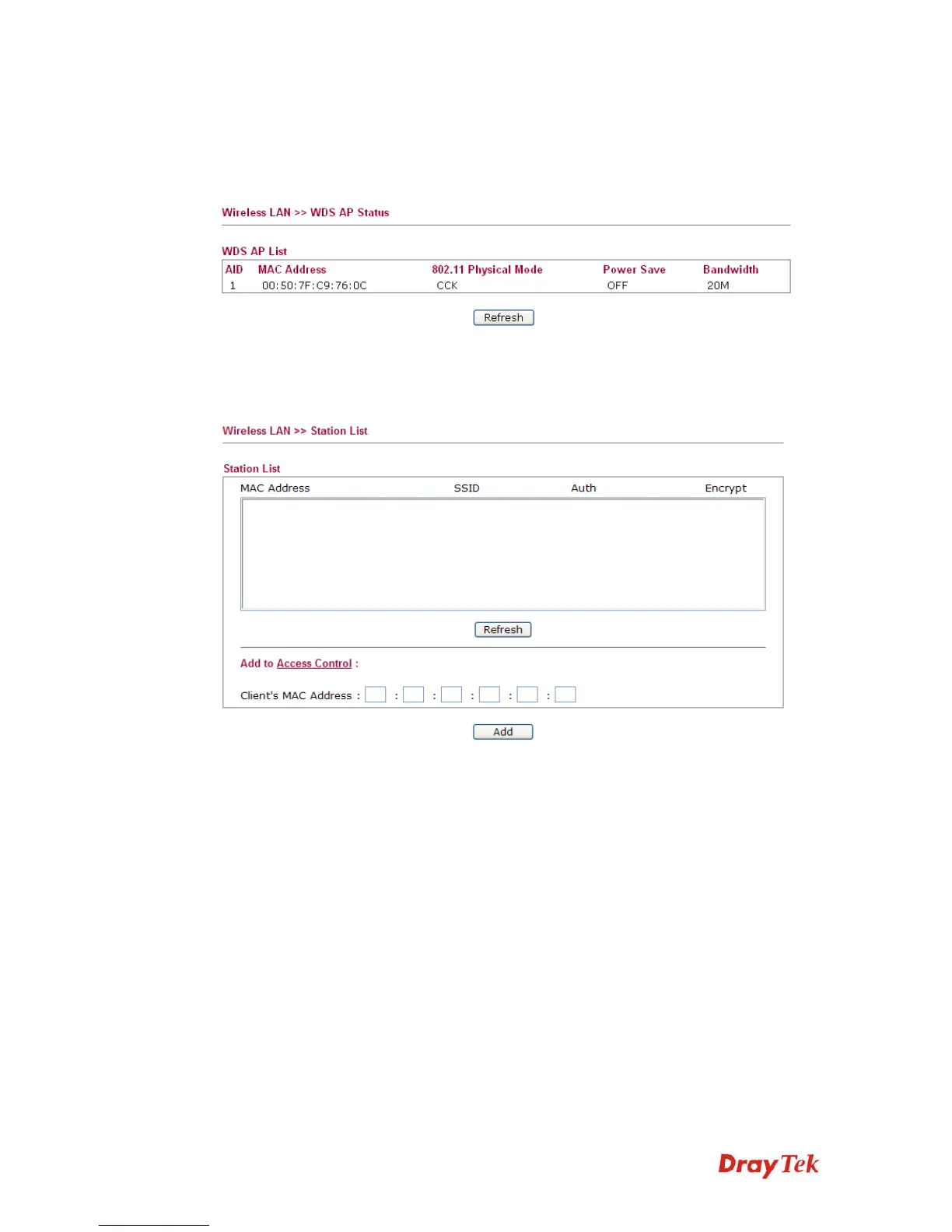
VigorAP 800 can display the status such as MAC address, physical mode, power save and
bandwidth for the working AP connected with WDS. Click Refresh to get the newest
information.
3
3
.
.
7
7
.
.
7
7
S
S
t
t
a
a
t
t
i
i
o
o
n
n
L
L
i
i
s
s
t
t
Station List provides the knowledge of connecting wireless clients now along with its status
code.
MAC Address
Display the MAC Address for the connecting client.
SSID
Display the SSID that the wireless client connects to.
Auth
Display the authentication that the wireless client uses for
connection with such AP.
Encrypt
Display the encryption mode used by the wireless client.
Refresh
Click this button to refresh the status of station list.
Add to Access Control
Client’s MAC Address - For additional security of wireless
access, the Access Control facility allows you to restrict the
network access right by controlling the wireless LAN MAC
address of client. Only the valid MAC address that has been
configured can access the wireless LAN interface.
Add
Click this button to add current typed MAC address into Access
Control.












 To Next Page