VigorAP 902 User’s Guide
163
Enable Limit Client
per SSID
Define the maximum number of wireless stations per SSID
which try to connect to Internet through Vigor device. The
number you can set is from 3 to 64.
Mode
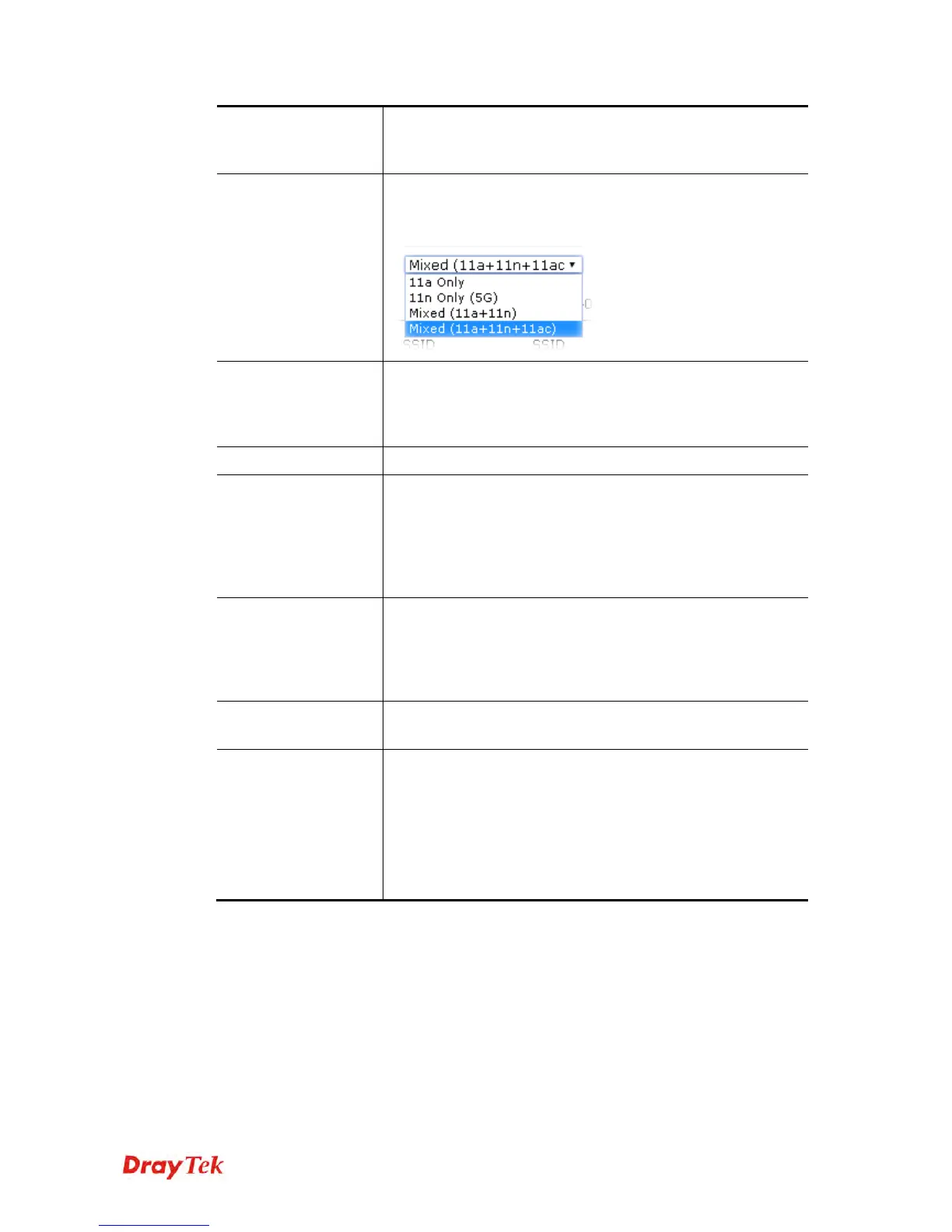
At present, VigorAP 902 can connect to 11a only, 11n only
(5G), Mixed (11a+11n) and Mixed (11a+11n+11ac) stations
simultaneously. Simply choose Mixed (11a+11n+11a) mode.
Channel
Means the channel of frequency of the wireless LAN. You may
switch channel if the selected channel is under serious
interference. If you have no idea of choosing the frequency,
please select AutoSelect to let system determine for you.
Enable
Check the box to enable the SSID configuration.
Hide SSID
Check it to prevent from wireless sniffing and make it harder
for unauthorized clients or STAs to join your wireless LAN.
Depending on the wireless utility, the user may only see the
information except SSID or just cannot see any thing about
VigorAP 902 while site surveying. The system allows you to
set four sets of SSID for different usage.
SSID
Set a name for VigorAP 902 to be identified. Default settings
are DrayTek5G-LAN-A and DrayTek5G-LAN-B. When
Enable 2 Subnet is enabled, you can specify subnet interface
(LAN-A or LAN-B) for each SSID by using the drop down
menu.
Isolate Member
Check this box to make the wireless clients (stations) with the
same SSID not accessing for each other.
VLAN ID
Type the value for such SSID. Packets transferred from such
SSID to LAN will be tagged with the number.
If your network uses VLANs, you can assign the SSID to a
VLAN on your network. Client devices that associate using the
SSID are grouped into this VLAN. The VLAN ID range is
from 3 to 4095. The VLAN ID is 0 by default, it means
disabling the VLAN function for the SSID.
After finishing this web page configuration, please click OK to save the settings.











 To Next Page