I
I
I
I
I
I
-
-
5
5
-
-
3
3
M
M
A
A
C
C
-
-
B
B
a
a
s
s
e
e
d
d
L
L
o
o
c
c
a
a
l
l
A
A
c
c
c
c
o
o
u
u
n
n
t
t
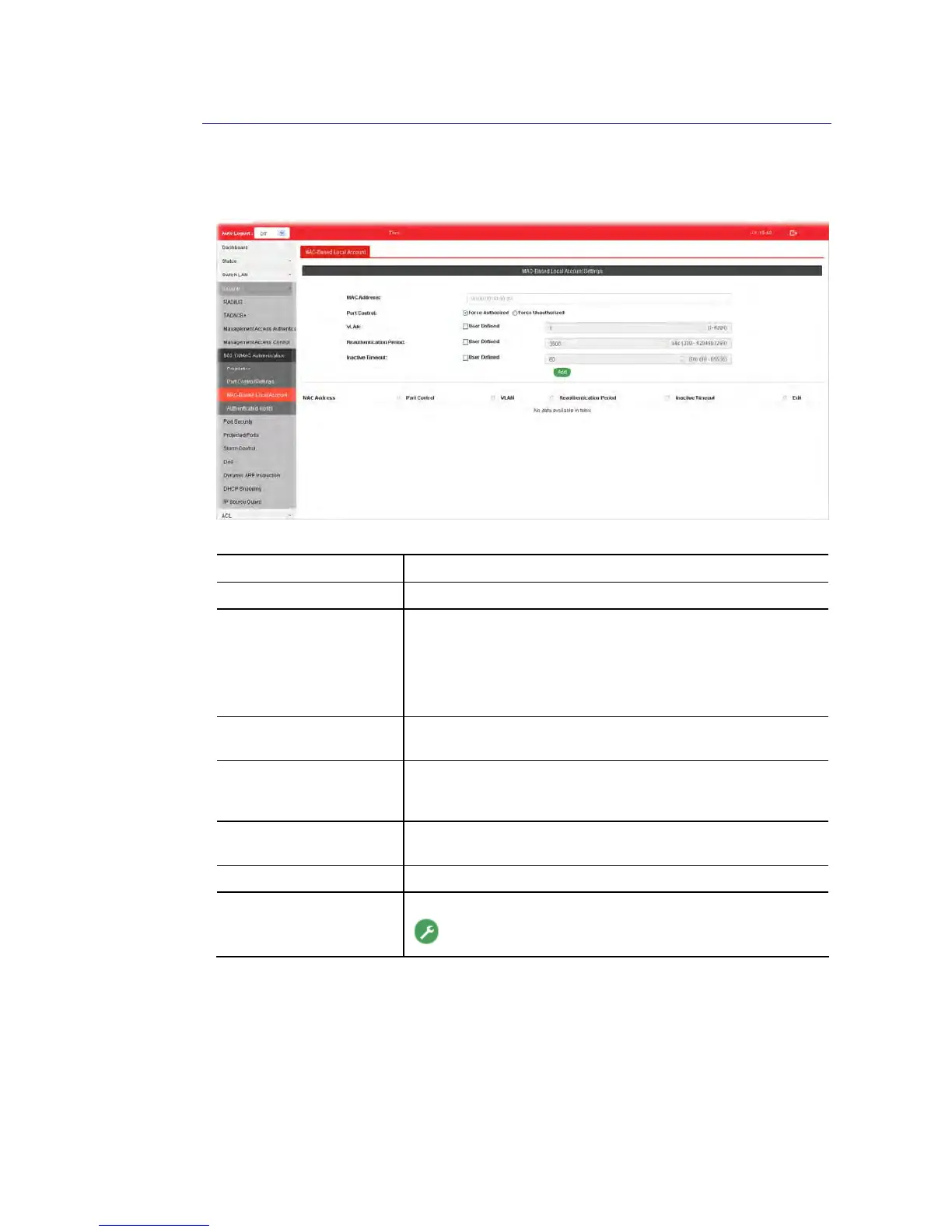
This page allows the network administrator to create profiles by entering MAC address of the
hosts to be authenticated.
Available settings are explained as follows:
Item Description
MAC Address Enter the MAC address of the host.
Port Control Specify a control type for the host.
Force Authorized – Click it to forcefully authenticate the
host specified above.
Force Unauthorized - The host specified above will not be
authenticated by VigorSwitch.
VLAN User Defined – Check it to specify which VLAN will be assigned
by the host of this account.
Reauthentication Period User Defined – Check it to specify the time this account
required to be authenticated again after authentication taken
place.
Inactive Timeout User Defined – Check it to specify the time of inactive this
account becoming log-off.
Add Click it to create a new account.
Edit It is available when there is one profile existed.
- Click it to modify the settings for the selected entry.















 To Next Page