associated with this MSTI.
Priority – The switch priority for this MST instance. A lower
number gives the switch higher chance to be chosen as the
root bridge.
Bridge Identifiter – Display the priority of MSTI instance
number + MAC address of the switch.
Designated Root Bridge – Display the Bridge Identifier of the
root bridge.
Root Port – Display the port toward the root.
Root Path Cost – Display the path cost toward the root.
Remaining Hop – Display the remaining hop count in BPDU.
OK – Save the modifications.
I
I
I
I
-
-
9
9
-
-
7
7
M
M
S
S
T
T
P
P
o
o
r
r
t
t
S
S
e
e
t
t
t
t
i
i
n
n
g
g
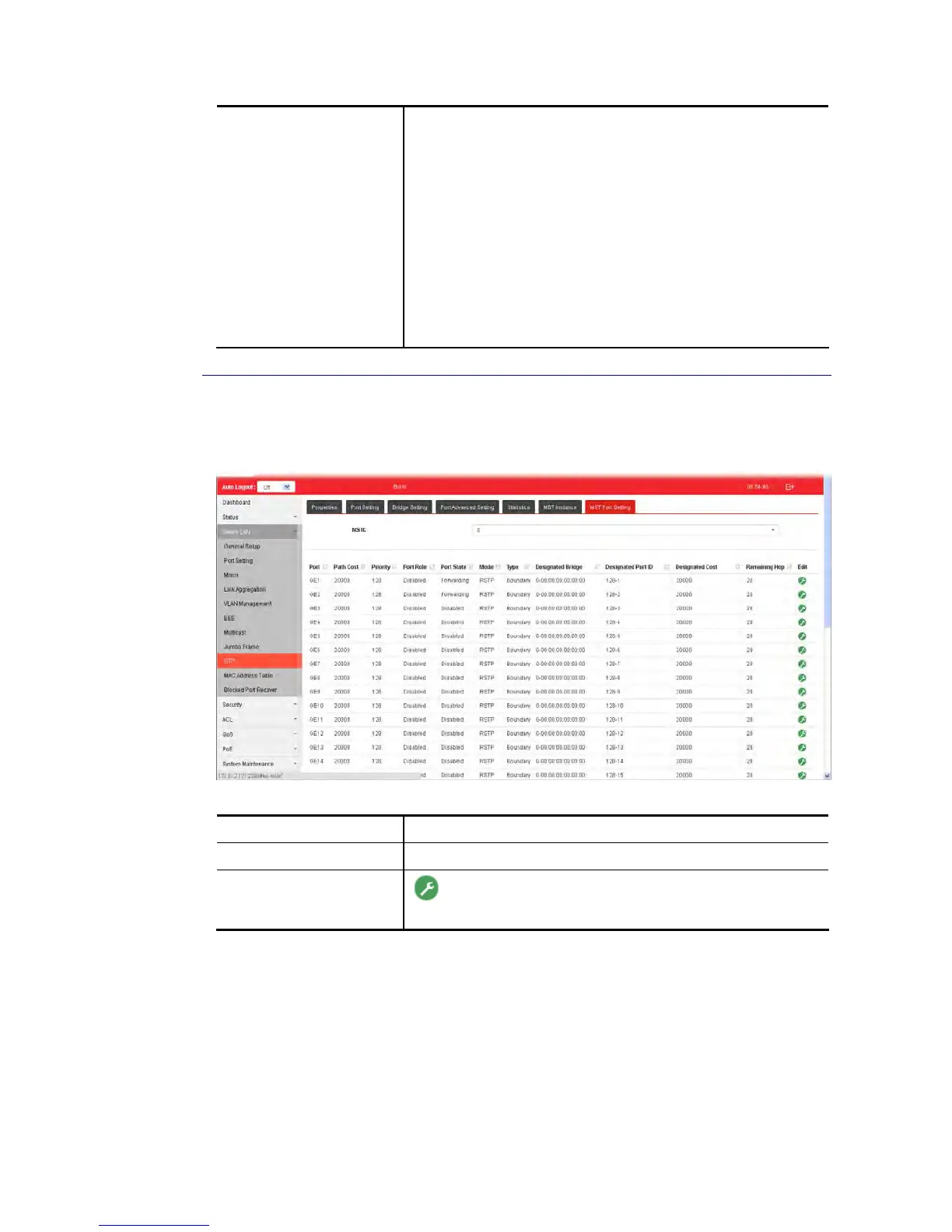
MST Port Settings is used to configure the GE port / LAG group settings for each MST instance.
The table displays the MST parameters for each port.
Available settings are explained as follows:
Item Description
MSTI Select one of the MST instances.
Edit
- Click it to modify the path cost and priority setting for
the port.















 To Next Page