I
I
V
V
-
-
3
3
A
A
C
C
L
L
B
B
i
i
n
n
d
d
i
i
n
n
g
g
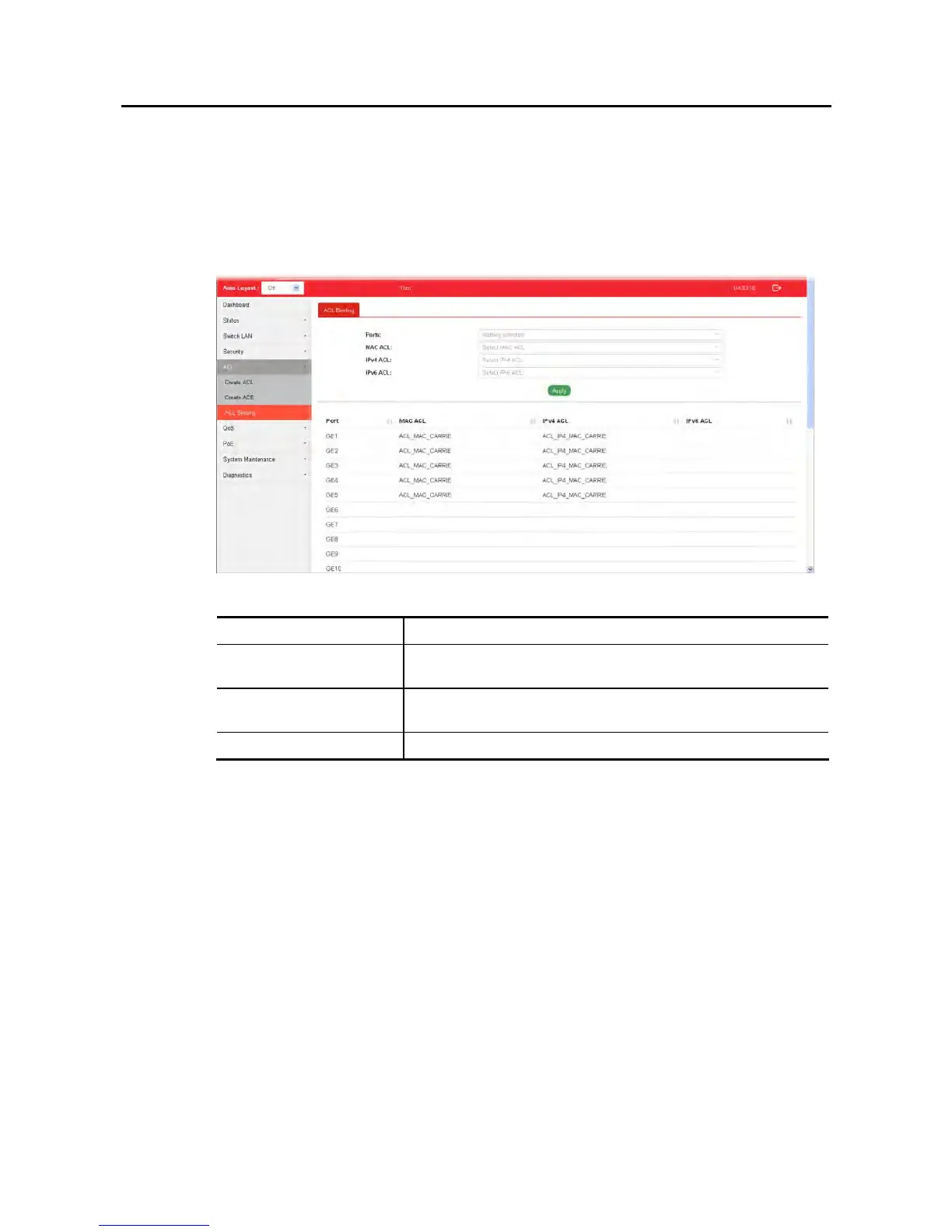
This section allows you to bind Access Control Lists created in previous section to an interface
(physical port or aggregation).
A physical port can only be bound with one of the IPv4 and IPv6 ACL, not both.
Available settings are explained as follows:
Item Description
Ports Use the drop down list to select the port profiles (GE1 to GE28)
for binding ACL.
MAC ACL / IPv4 ACL /
IPv6 ACL
Select ACLs (MAC, IPv4, and/or IPv6) to be bound on this
interface (port), so Switch may filter packets by using it.
Apply Apply the settings to the switch.















 To Next Page