Apply Apply the settings to the switch.
Edit
- Click it to modify port setting (role and immediate
leave).
I
I
I
I
-
-
7
7
-
-
3
3
-
-
3
3
G
G
r
r
o
o
u
u
p
p
A
A
d
d
d
d
r
r
e
e
s
s
s
s
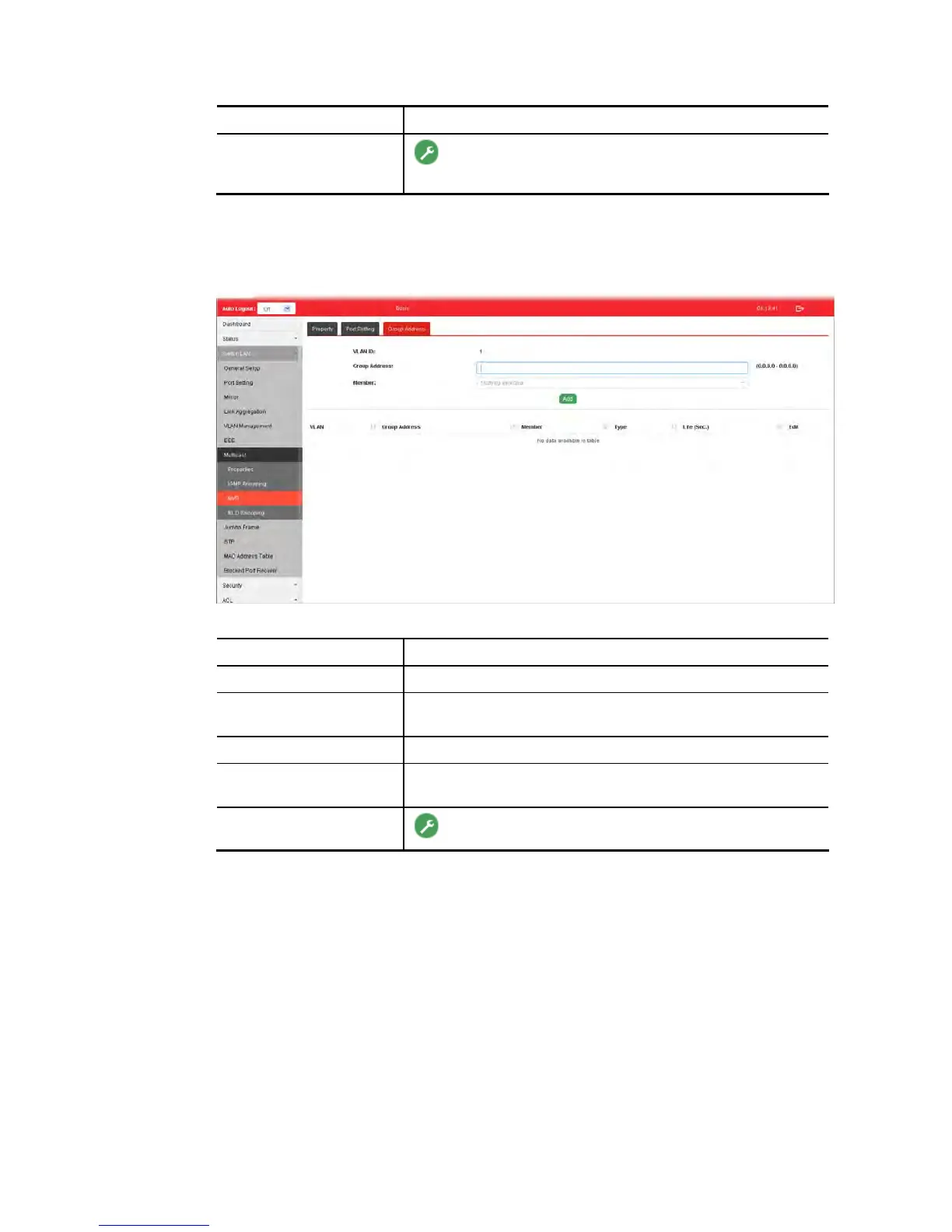
This page allows the network administrator to configure IP address and specify port member
for VLAN selected in MVR>>Property page.
Available settings are explained as follows:
Item Description
VLAN ID Display the ID number of the VLAN.
Group Address Define a range of IP address(es) with the format of
“xxx.xxx.xxx.xxx – xxx.xxx.xxx.xxx”.
Member Choose GE/LAG port to be grouped under the selected VLAN.
Add Click it to display the result based on the settings configured
above.
Edit
- Click it to modify the settings.















 To Next Page