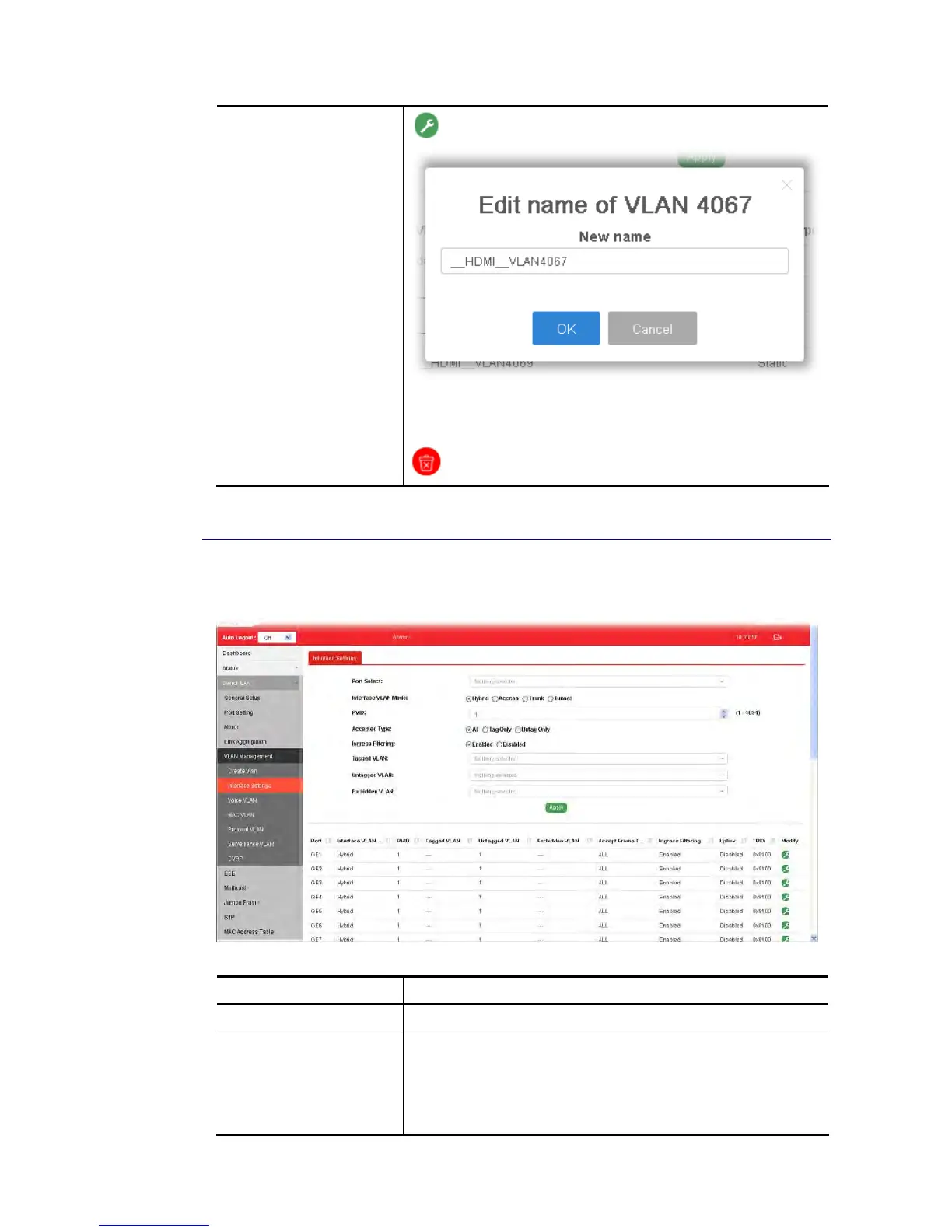
New Name - Type a name for such VLAN profile.
OK - Apply the settings to the switch.
Cancel - Close the page and return to previous page.
- Delete the selected VALN ID.
I
I
I
I
-
-
5
5
-
-
2
2
I
I
n
n
t
t
e
e
r
r
f
f
a
a
c
c
e
e
S
S
e
e
t
t
t
t
i
i
n
n
g
g
s
s
This page allows a user to configure interface setting related to VLAN.
Available settings are explained as follows:
Item Description
Port Select Select LAN ports to configure VLAN Settings.
Interface VLAN Mode Select the VLAN mode of the interface.
Hybrid – Support all functions as defined in IEEE 802.1Q
specification.
Access – Accept only untagged frames and join an untagged
VLAN.















 To Next Page