I
I
I
I
-
-
7
7
-
-
2
2
-
-
9
9
F
F
i
i
l
l
t
t
e
e
r
r
i
i
n
n
g
g
B
B
i
i
n
n
d
d
i
i
n
n
g
g
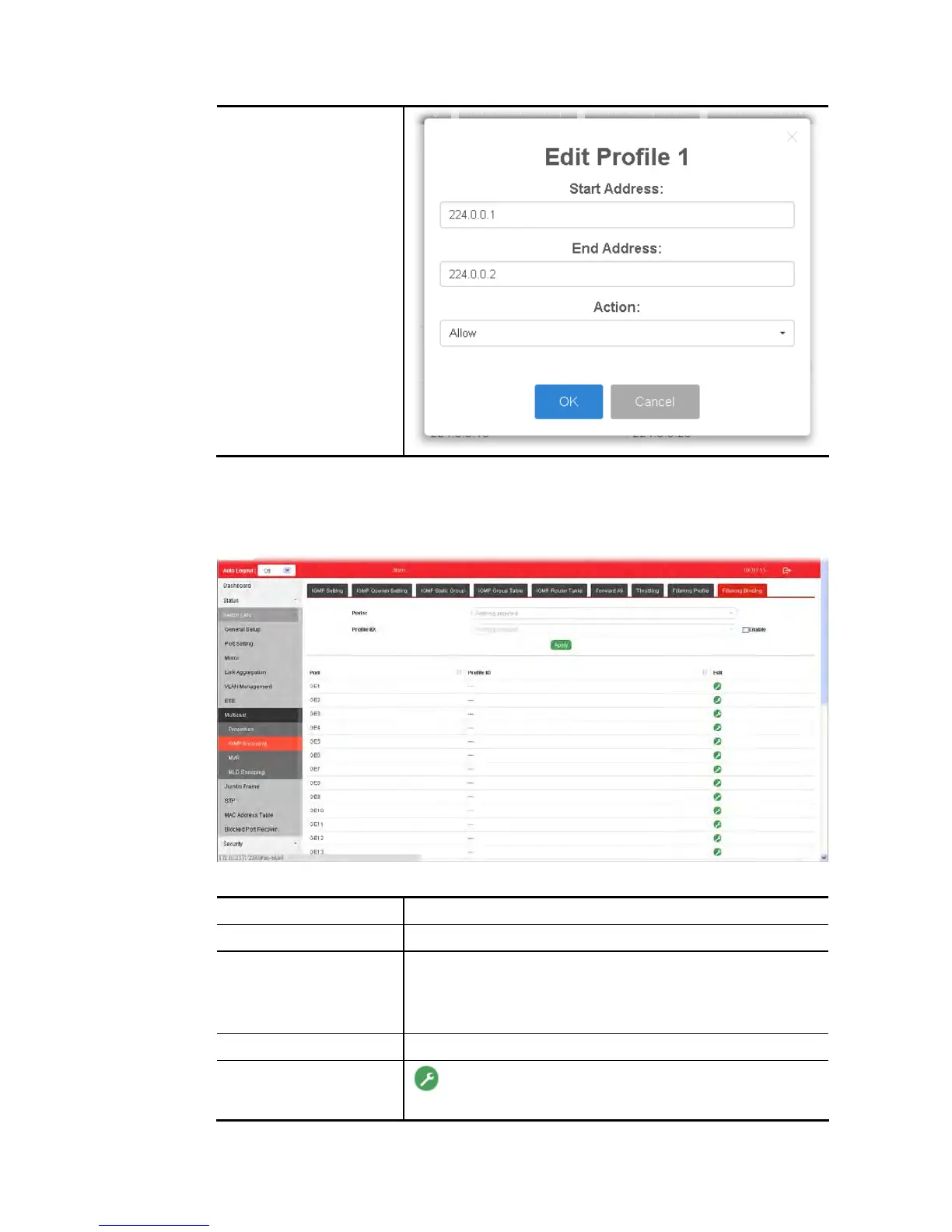
This page allows the network administrator to select a filtering profile for LAN/GE port to
process multicast traffic.
Available settings are explained as follows:
Item Description
Ports Use the drop down list to specify LAN Port (GE/LAG).
Profile ID Use the drop down list to choose the filtering profile for the
select port/interface.
Enable – Check this box first to make profile ID selection be
available for choosing.
Apply Apply the settings to the switch.
Edit
- Click it to modify port setting (enabling / disabling filter
function and choosing a profile for such interface).















 To Next Page