I
I
-
-
3
3
A
A
c
c
c
c
e
e
s
s
s
s
i
i
n
n
g
g
W
W
e
e
b
b
P
P
a
a
g
g
e
e
o
o
f
f
V
V
i
i
g
g
o
o
r
r
S
S
w
w
i
i
t
t
c
c
h
h
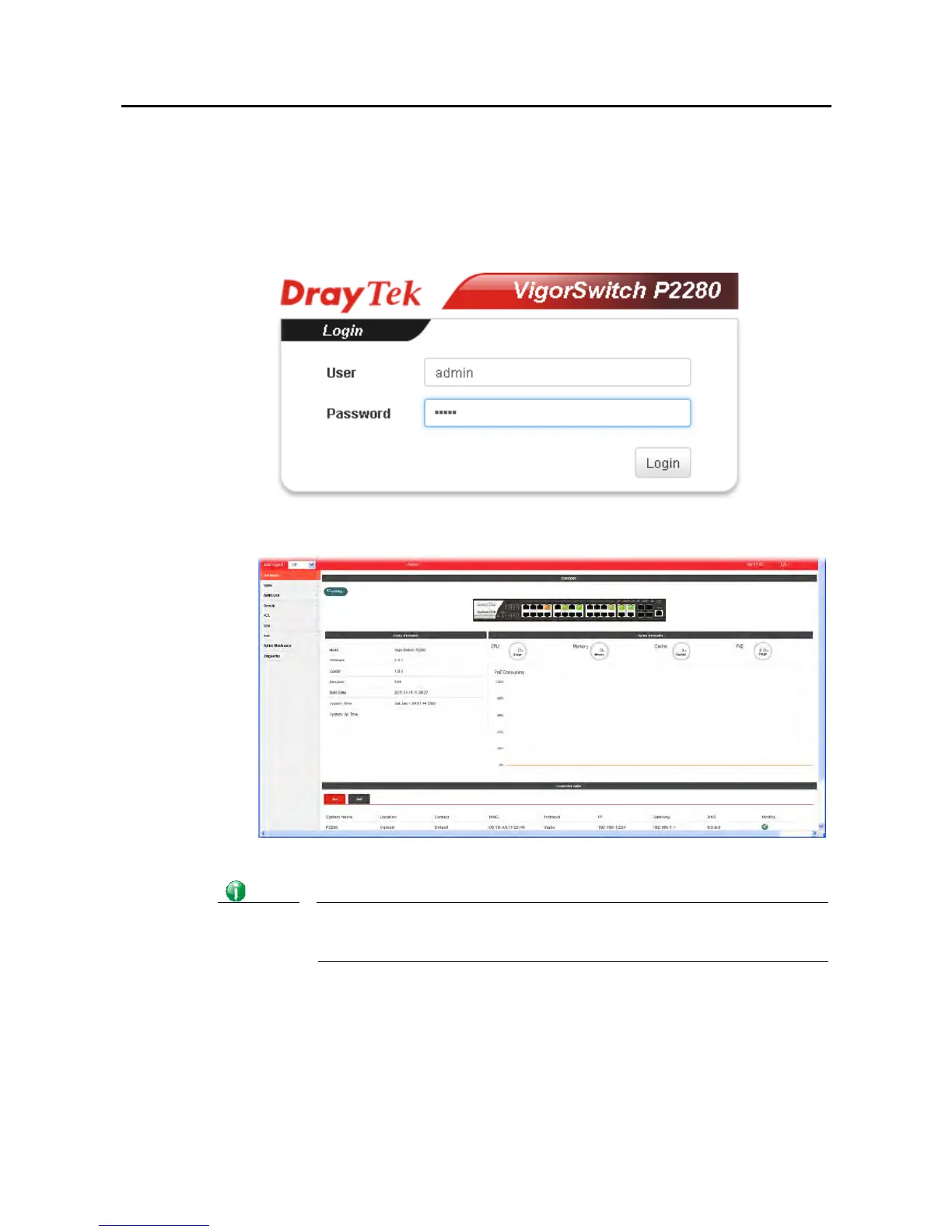
1. Open any browser (e.g., Firefox) and type “192.168.1.224” as URL.
2. Please type “admin/admin” as the Username/Password and click Login.
3. Now, the Main Screen will appear.
Info
The DHCP Setting is enabled in default. Therefore, if a DHCP server presented on
network connected to VigorSwitch, checking before accessing VigorSwitch is
essential.















 To Next Page