I
I
I
I
-
-
6
6
E
E
E
E
E
E
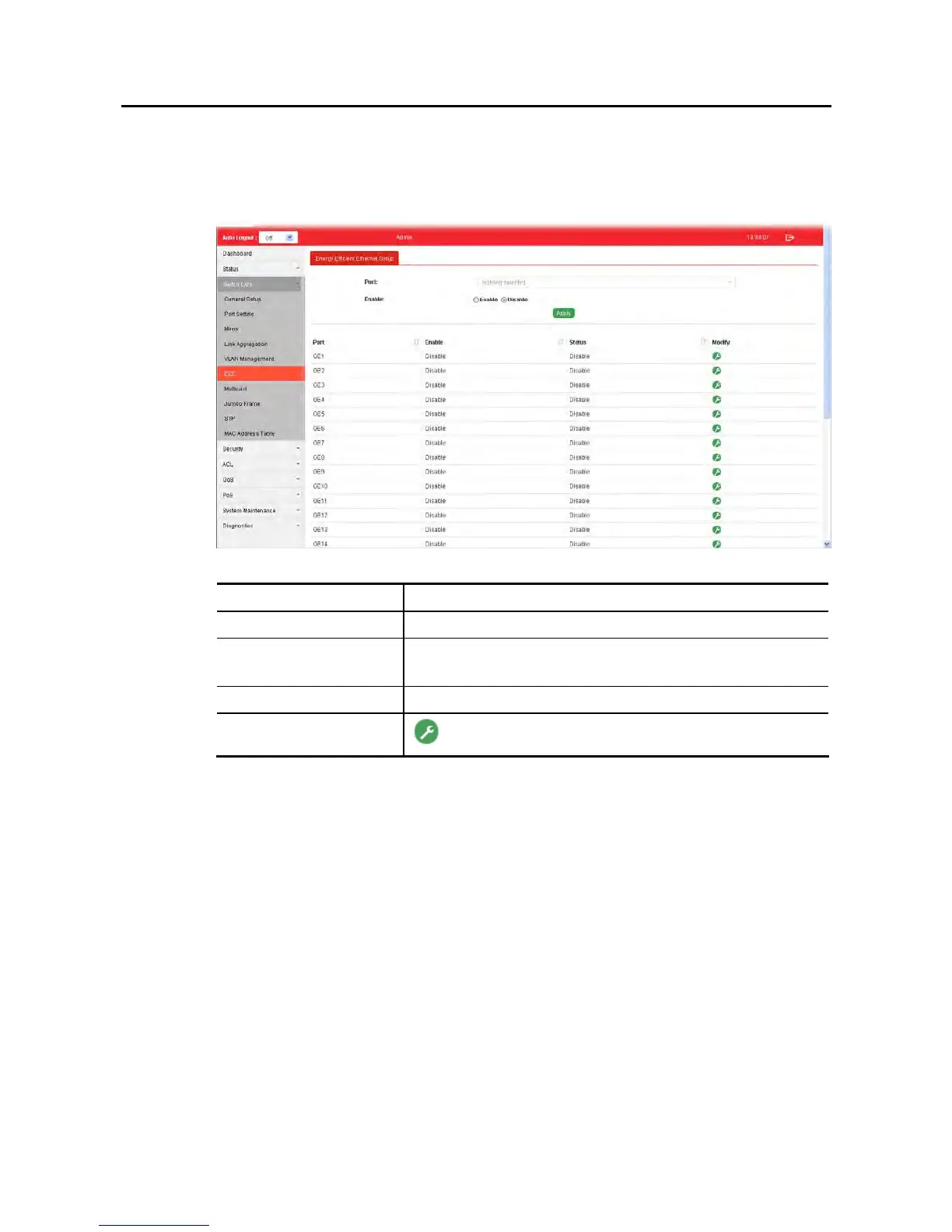
This page allows a user to enable or disable port EEE (Energy Efficient Ethernet) function.
Available settings are explained as follows:
Item Description
Port Select one or multiple ports to configure (GE1 to GE28).
Enable Enable –Click it to enable the EEE function.
Disable - Click it to disable the EEE function.
Apply Apply the settings to the switch.
Modify
- Click it to modify port setting status.















 To Next Page