I
I
I
I
-
-
4
4
-
-
2
2
L
L
A
A
G
G
M
M
a
a
n
n
a
a
g
g
e
e
m
m
e
e
n
n
t
t
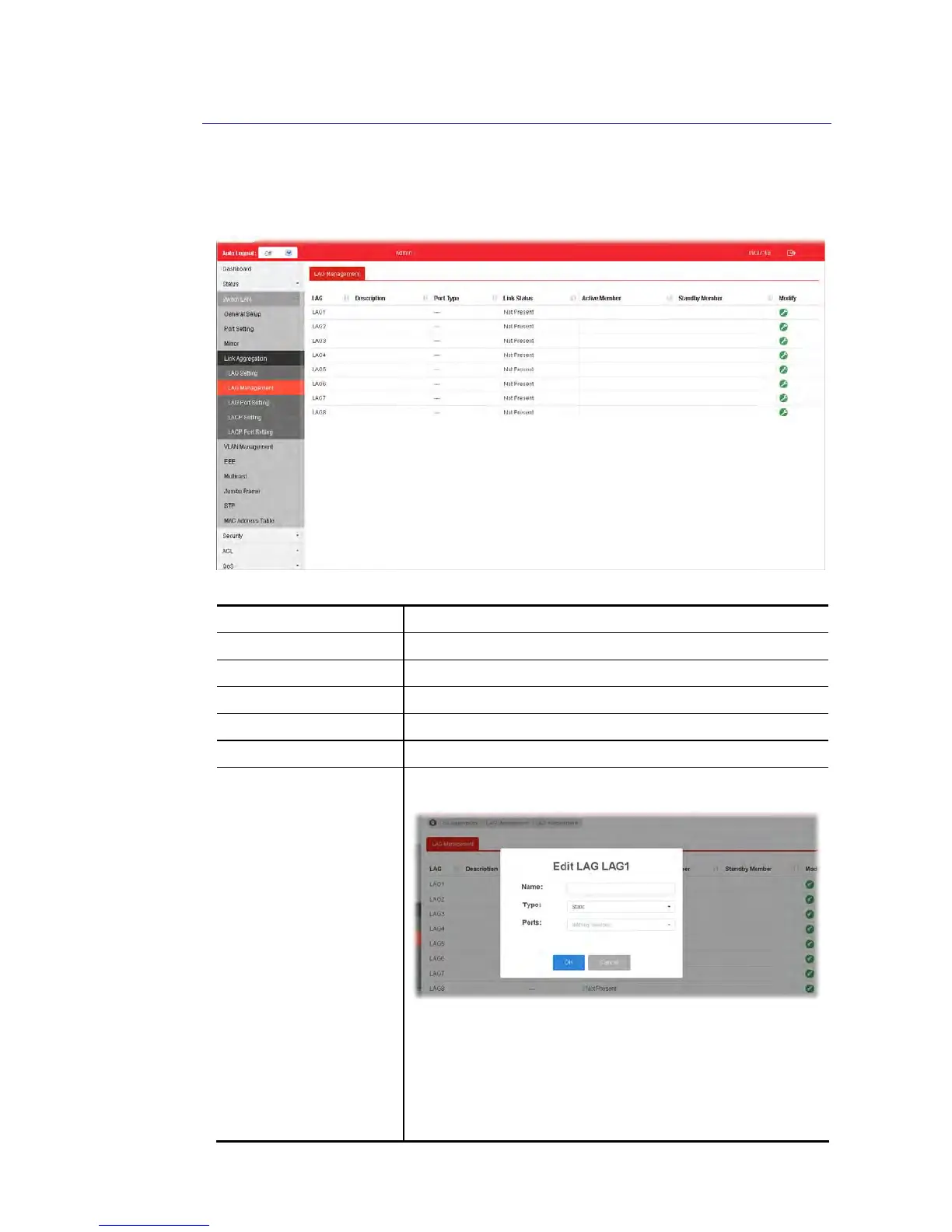
There are eight LAG profiles allowed to group different physical ports (GE1 to GE28). The
system will assign certain port(s) as Active Member and Standby Member according to the GE
selections.
Available settings are explained as follows:
Item Description
Description Display the port description.
Port Type Display the type of the LAG.
Link Status Display LAG port link status.
Active Member Display active member ports of the LAG.
Standby Member Display inactive or candidate member ports of the LAG.
Modify It is used to edit the name, type and port number for each link
aggregation profile.
Name- Enter a string as LAG name.
Type – Use the drop down menu to specify the type for LAG.
Static- The static aggregated port sends packets over
active member without detecting or negotiating with
remote aggregated port.
LACP- The LACP aggregated ports place member into
active only after negotiated with remote aggregated port















 To Next Page