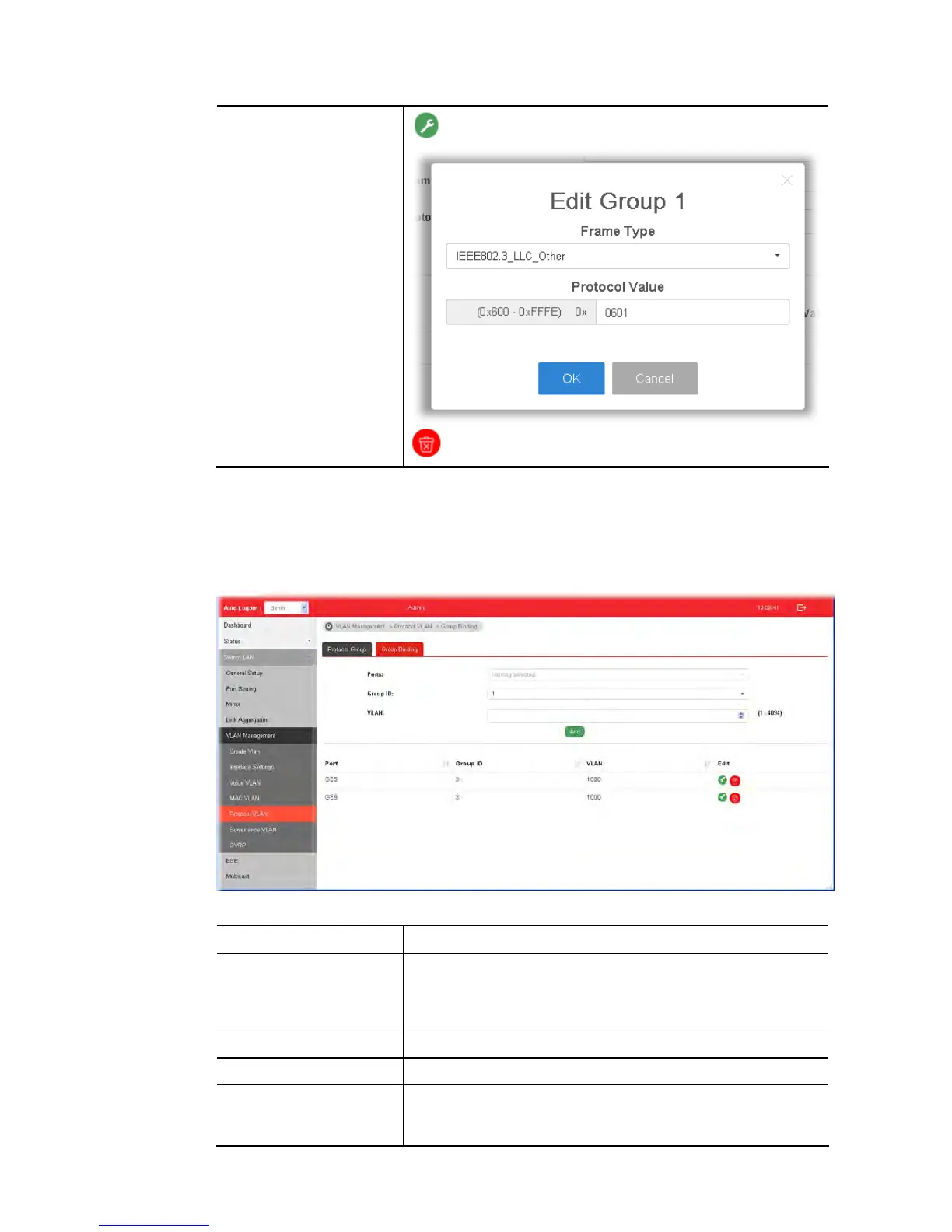
- Click it to remove the group.
I
I
I
I
-
-
5
5
-
-
5
5
-
-
2
2
G
G
r
r
o
o
u
u
p
p
B
B
i
i
n
n
d
d
i
i
n
n
g
g
This page is for setting up the ports and protocol group that we would like to filter, and the
VLAN ID we would like to assign.
Available settings are explained as follows:
Item Description
Ports Use the drop-down list to select one or more ports for applying
protocol-based VLAN. Note that protocol-based VLAN can only
be applied to the ports of which Interface VLAN Mode (at VLAN
Management >> Interface Settings) is set to “Hybrid”.
Group ID Select the protocol group defined in Protocol Group setup.
VLAN Use drop down list to choose a value as VLAN number.
Add Add the above settings to the switch.
Before using Add, open Switch LAN>>VLAN
Management>>Interface Settings to specify Hybrid as















 To Next Page