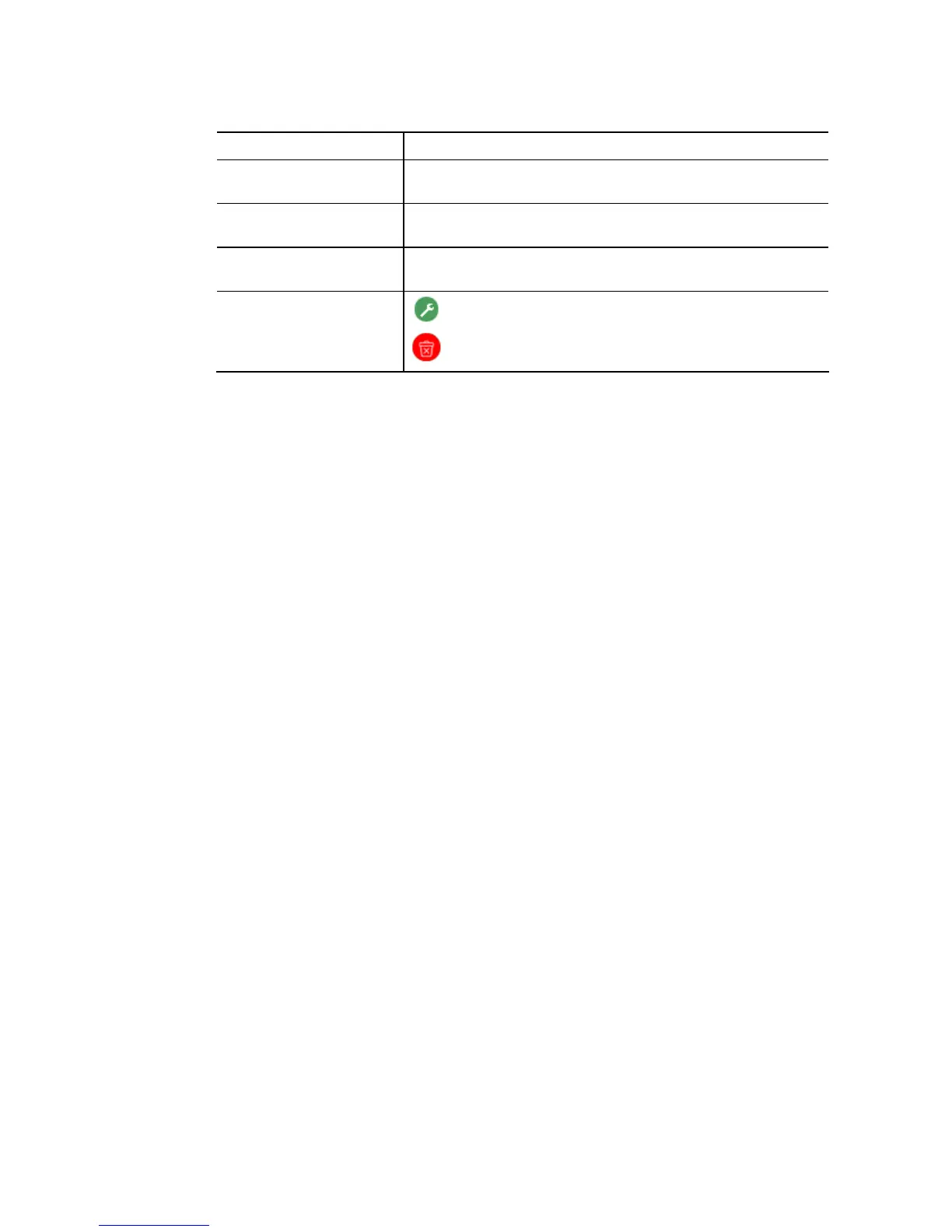
Available settings are explained as follows:
Item Description
OUI Address Enter OUI MAC address of monitored IP camera. It can’t be
edited in edit dialog.
Description Enter a description of the specified MAC address to the
surveillance VLAN OUI table.
Add Click it to create a new voice OUI based on the settings
configured above.
Edit
- Modify OUI setting for surveillance VLAN.
- Click it to remove the selected OUI entry.















 To Next Page