MANUAL PC-200
Ver. 2.12.xx/10/22/2010-UK
Page 10 (61)
N u m b e r o f p u m p s
◄ 3
0
F u n c t i o n
◄◄◄ ░ N o t i n u s e
0
5 System settings
The unit is delivered with a factory setting, for a fast start up of a pumping station with the most used
functions activated. To adjust the controller to the application you need to configure and activate I/O s
and functions according to the specific use.
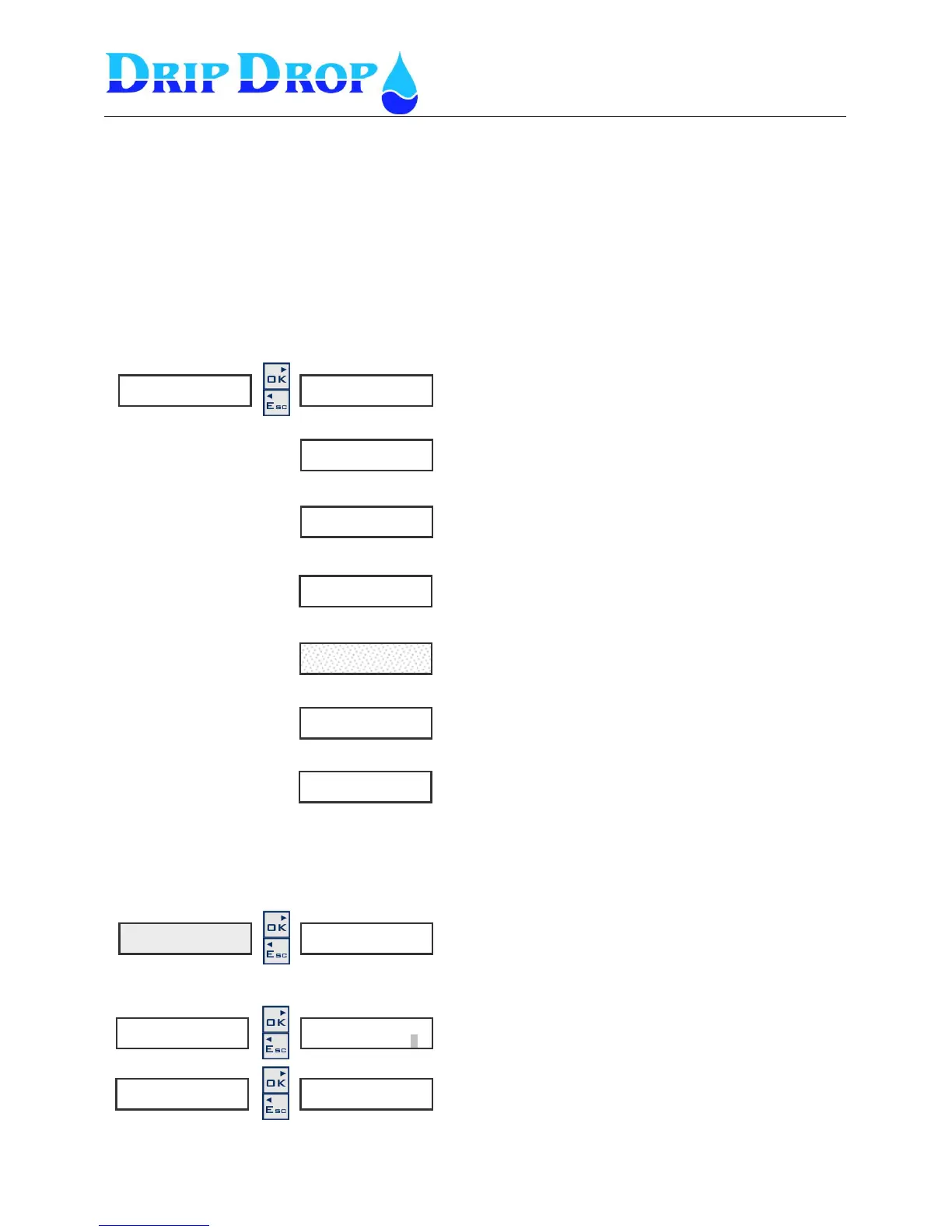
The system setting menu is built up in logic split sub menus. When you enter system settings, 7 sub
menus will be available.
In this part the description of how to enter the different submenus and how change values is made.
During configuration of the unit it is convenient to follow the logical structure of the submenus
How to change values in the setting menus
Application type – here you set the number of pumps in
the station and how many pumps are allowed to run.
I/O setting – here is set how in and outputs are to be used.
Pump settings – here all setting for each pump is done for
start and stop levels, alternation etc..
Station setting – here all settings for alarm levels, mixer
functions are made.
Voltage relay – here the settings of how you measure the
phases of the power supply are done.
Miscelaneous – Settings for default settings,
communication settings , clock settings , alarms etc.
Login/Logout – Here log in with access codes are done.
S y s t e m s e t t i n g s ►
S t a t i o n s e t t i n g ►
V o l t a g e r e l a y ►
M i s c e l a n e o u s ►
L o g i n / L o g o u t ►
How you move in the menues?
To move in the menues you use the ▼▲keys.
To enter a menu you use the OK key.
To leave a menu you use the Esc key.
S y s t e m s e t t i n g s ►
How to change values?
Move in to the menu window where you want to change a
value and press the OK key.
You will see the actual value with blinking grey square.
To change a value go up and down with the ▼▲keys
changing the numeric value or toggling between options,
then press OK to accept the choice.
To leave a menu you use the Esc key.
1.P 1 N o t i n a u t o ►
◄◄


 To Next Page