MANUAL PC-200
Ver. 2.12.xx/10/22/2010-UK
Page 19 (61)
5.2.2 Digital outputs
The pump controller PC-200 has 5 digital relay outputs which handle a max load off 6A at 250
VAC/30 VDC, and 2 open collector outputs 50 mA at 30 VDC. The configuration alternatives for the
digital outputs are to set the signal type i.e. NO or NC signal on each output.
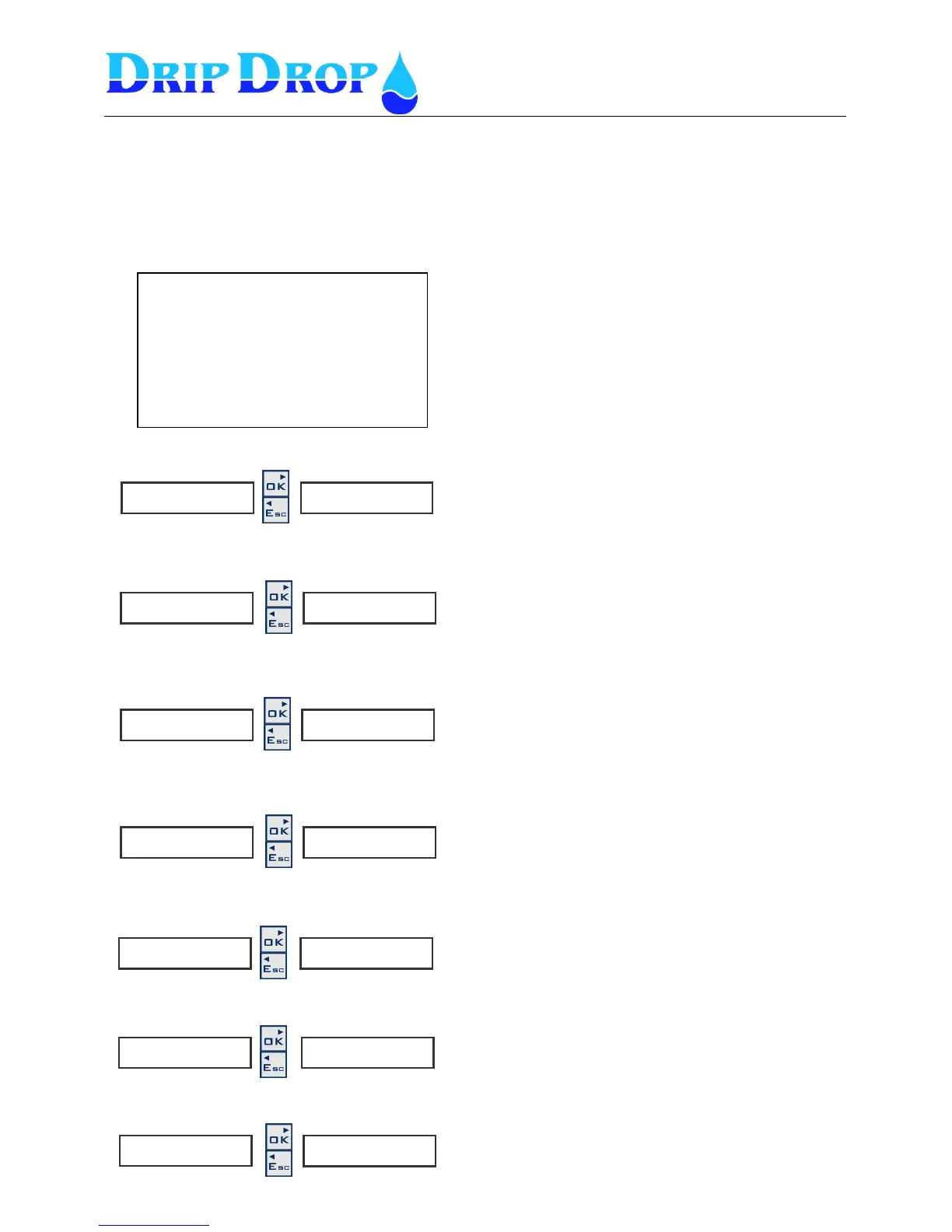
Below you see an overview of the outputs and their predefined functions.
DO 1. P1 Start/Stop
DO 2. P2 Start/Stop
DO 3. P3 Start/Stop
DO 4. Mixer.
DO 5. Not ack. alarm
DO 6. Attendance
DO 7. Modem control
DO1 Pump 1 Start/Stop
DO2 Pump 2 Start/Stop
DO3 Pump 3 Start/Stop
DO4 Mixer.
DO5 Not ackn. Alarm
DO6 Attendance (open collector)
DO7 Modem control (open collector)
1.P 1 S t a r t / S t o p ►
◄◄
S i g n a l t y p e
◄◄◄ NO
2 . P 2 S t a r t / S t o p ►
◄◄
S i g n a l t y p e
◄◄◄ NO
3 . P 3 S t a r t / S t o p ►
◄◄
S i g n a l t y p e
◄◄◄ NO
4 . P 2 S t a r t / S t o p p ►
◄◄
S i g n a l t y p e
◄◄◄ NO
5 . N o t a c k . a l a r m ►
◄◄
S i g n a l t y p e
◄◄◄ NO
6 A t t e n d a n c e ►
◄◄
S i g n a l t y p e
◄◄◄ NO
7 . M o d e m c o n t r . ►
◄◄
S i g n a l t y p e
◄◄◄ NO
The signal type is changed by pressing the OK key and
change between NO and NC with the ▲ key. Confirm with
the OK key
The signal type is changed by pressing the OK key and
change between NO and NC with the ▲ key. Confirm with
the OK key
The signal type is changed by pressing the OK key and
change between NO and NC with the ▲ key. Confirm with
the OK key
The signal type is changed by pressing the OK key and
change between NO and NC with the ▲ key. Confirm with
the OK key
The signal type is changed by pressing the OK key and
change between NO and NC with the ▲ key. Confirm with
the OK key
The signal type is changed by pressing the OK key and
change between NO and NC with the ▲ key. Confirm with
the OK key
The signal type is changed by pressing the OK key and
use the ▲ key to change between NO and NC, confirm with
the OK key.
For automatic switching off /on of the power to the modem


 To Next Page