8 Alarm status
The pumpcontroller has the capacity to generate a large number of different alarms for the pumps, the
station and internal alarms. Each of these alarms generates an information window when activated,
with information about which alarm it is. At the same time a LED with blinking light is activated until
the alarm is acknowledged.
Red blinking light means a new alarm which is not acknowledged.
Fixed red light means an alarm which has been acknowkedged but still is active.
8.1 Alarm handling
When you want to look at the alarms or acknowledge them you need to enter the alarm status menu,
depending on the status of the alarms, Not Acknowledged alarms (new alarms), Active alarms or No
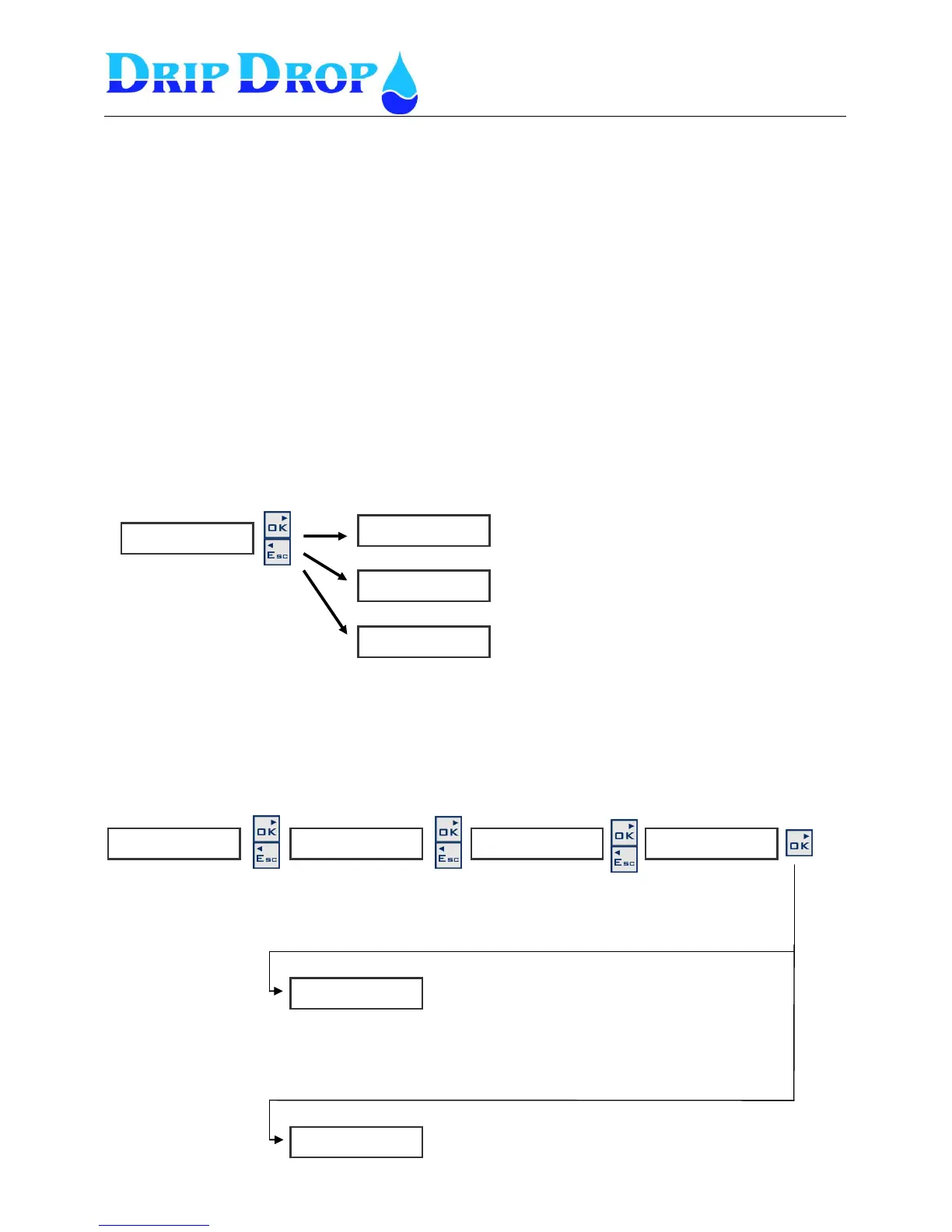
new alarms you will enter one of the three submenues as below. To enter and see all alarms (alarm
history) you press the ▼ key, and the OK key.
8.2 New alarms
When there is a new alarm activated, you will by default enter the Not Ack alarms section of the alarm
handling. Here you can easily acknowledge all new alarms by using the OK key. If you choose not to
acknowledge but only to look at all new alarms you will go up and down in the not ack alarm list with
the ▲▼ keys.
Once all alarms have been acknowledged you will automatically get into the Active alarms
display.
If the alarms are no longer active, when you have acknowledged them you will
enter the No new alarms menu when all alarms have been acknowledged.
When there are new alarms, you will enter the Not
ACK alarms menu by default, where you can
acknowledge all alarms.


 To Next Page