EasyManua.ls Logo

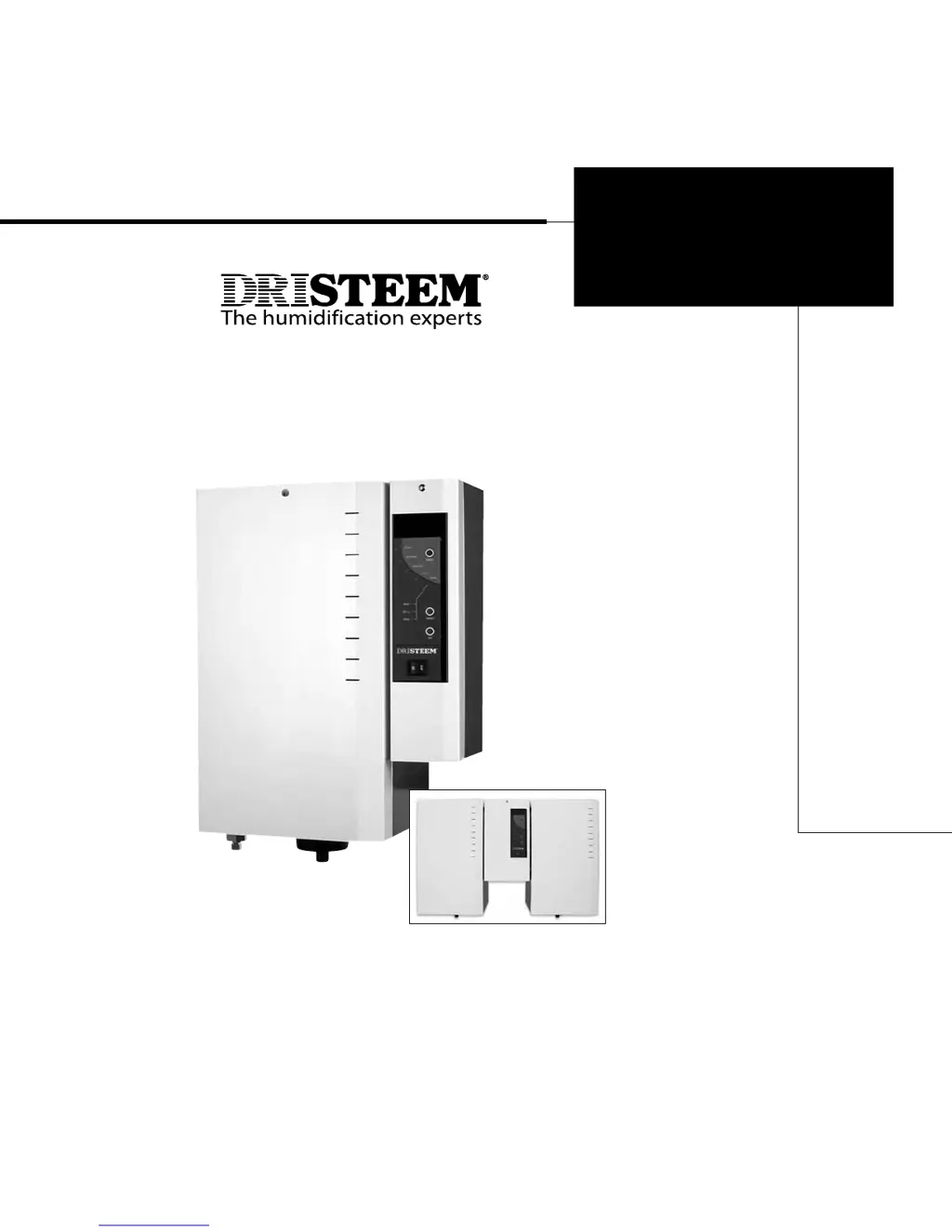
DriSteem XT-10 - User Manual

DriSteem XT-10
72 pages
Print Icon
To Next Page IconTo Next Page
Loading...
XT Series
Electrode Steam Humidifier
Installation, Operation,
and Maintenance Manual
XT_IOM_Jan_2008.pdf 1 11/19/2009 10:13:30 AM

Questions and Answers

  • L
    Lisa TownsendSep 15, 2025
    How to troubleshoot no remote fault indication on DriSteem Humidifier?
    • D
      David AdkinsSep 15, 2025
      If you're experiencing no remote fault indication with your DriSteem Humidifier, first ensure that field wiring is installed to a remote fault indicator from the supply board. Check if the field-supplied remote fault indicator lamp is burned out and replace it if needed. Finally, check the relay continuity for contact closure to ensure the remote fault relay is switching.
  • B
    brandykingNov 20, 2025
    How to fix low humidity output in my DriSteem Humidifier?
    • R
      rhodeschristyNov 20, 2025
      If your DriSteem Humidifier isn't meeting the required humidity output, several factors could be responsible. Make sure the humidistat is calling for humidity. Check for control voltage if limit controls (like an airflow proving switch) are preventing operation. Inspect the power fuse and replace it if it's open. Verify the contactor and transformer electrical connections. Check water conductivity; it should be at least 125 ?S/cm, and you can add sodium bicarbonate to increase it. If water is siphoning from the steam cylinder to the overflow drain, check for excessive internal steam pressure due to high duct static pressure, undersized orifices in the dispersion tube, or a crushed vapor hose, and repair as needed. Ensure the drain valve closes fully, and repair or replace it if necessary. ...
  • E
    Eddie TaylorNov 27, 2025
    Why is my DriSteem XT-10 Humidifier not energizing?
    • M
      Michael MoralesNov 27, 2025
      If your DriSteem Humidifier isn't energizing and the steam cylinder isn't heating up, there are several things to check. First, confirm there is supply voltage to the humidifier by checking the main line fuse and safety switch. Verify the electrical connections at the terminal block and contactor. Next, ensure there is control voltage by checking for proper supply voltage per the wiring diagram and verifying the wiring of the multi-tap transformer. Check for 24 VAC control circuit voltage and reset the transformer circuit breaker if needed. Also, reset by pressing the On/Off switch on the display panel. Check the door interlock switch continuity. Finally, ensure the H-H terminals are not open by checking if auxiliary limit controls are preventing operation; reset, replace, or calibrate the...

DriSteem XT-10 Specifications

General IconGeneral
ModelXT-10
Water Connection1/2" NPT
Drain Connection1/2" NPT
TypeElectric Steam Humidifier
Humidification CapacityUp to 20 lbs/hr (9.1 kg/hr)
Steam OutputUp to 20 lbs/hr (9.1 kg/hr)

Related product manuals